
Yesterday I described how you can take digital photographs and stitch them together using software to make a panoramic picture. I started with pictures from an old point & shoot camera, first combining two portrait layout photos into one panorama, then combining five portrait layout photos into one big, wider panorama.
Let’s jump forward about five years to see how you can get some really great results. (It shouldn’t take you five years — you’re reading this!) I now have a much better camera (Canon Digital Rebel XT) and some experience. We were visiting the Garden of the Gods in Colorado. Specifically in this case, the visitor’s center there, which has a second story balcony which gives a good, wide overview of the area. Perfect for panoramic assembly. Remember, you don’t want to move, you just want to spin as you take your pictures.
Big, wide view! Tall skies! Towering mountains! Magnificent rock formations! We’ll start with landscape layout photos covering an arc of about 200 to 220 degrees. With the 18mm-55mm telephoto lens zoomed back to its widest view at 18mm, leaving the overlap between frames that we need, this takes seven frames.


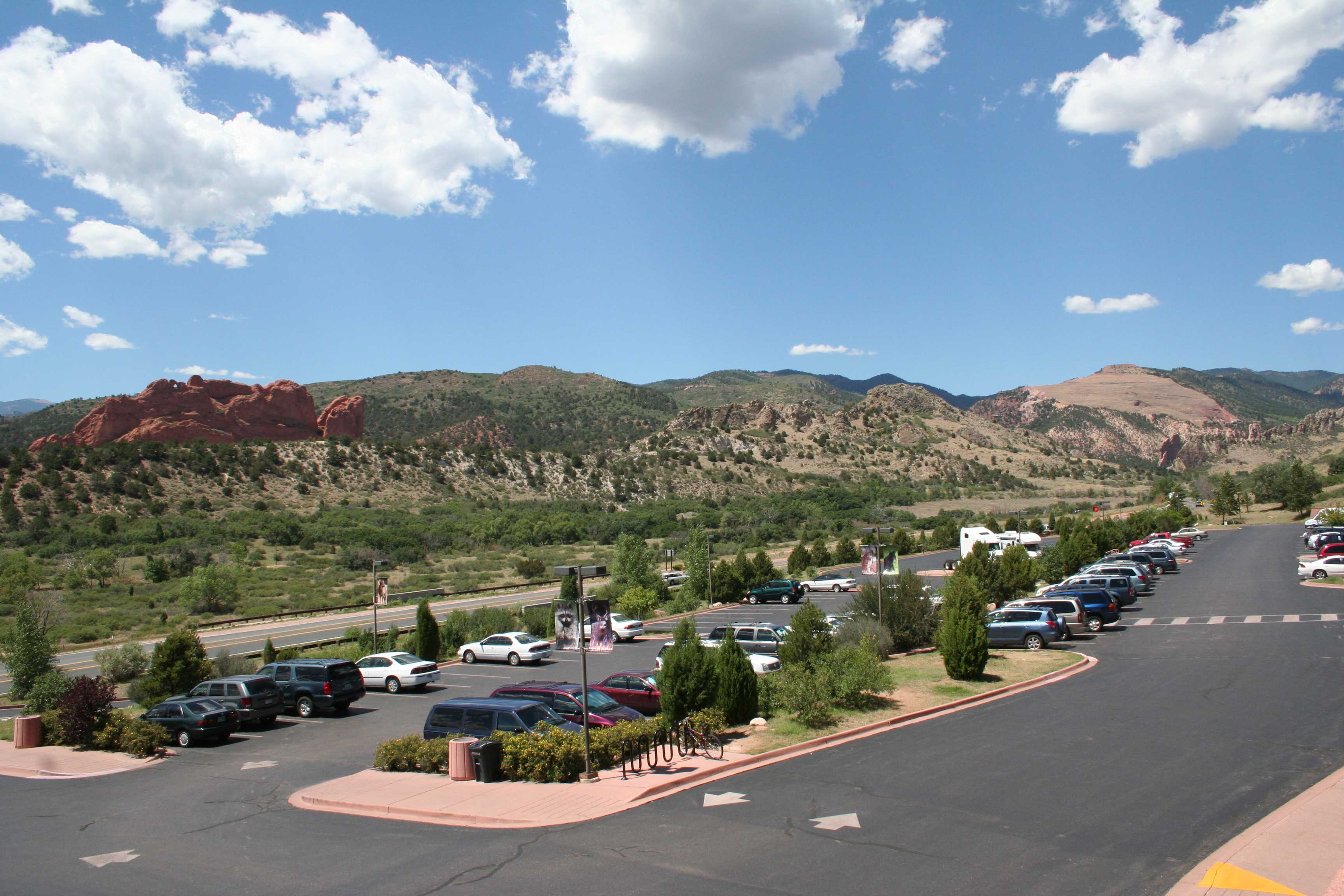

The seven frames combine into (click to enlarge):

This is nice. These seven photos of 3456 x 2304 pixels (7.9 megapixels) each combine into a panoramic image of 9922 x 1886 pixels (18.7 megapixels). The reason the panorama isn’t seven times the size of an individual frame is because of the overlap.
That’s great — we can do even better. Without zooming in, we can take a series of pictures in portrait layout that cover the same 200 to 220 degrees. Since the pictures are narrower in the horizontal direction, it’s going to take twenty-five of them.
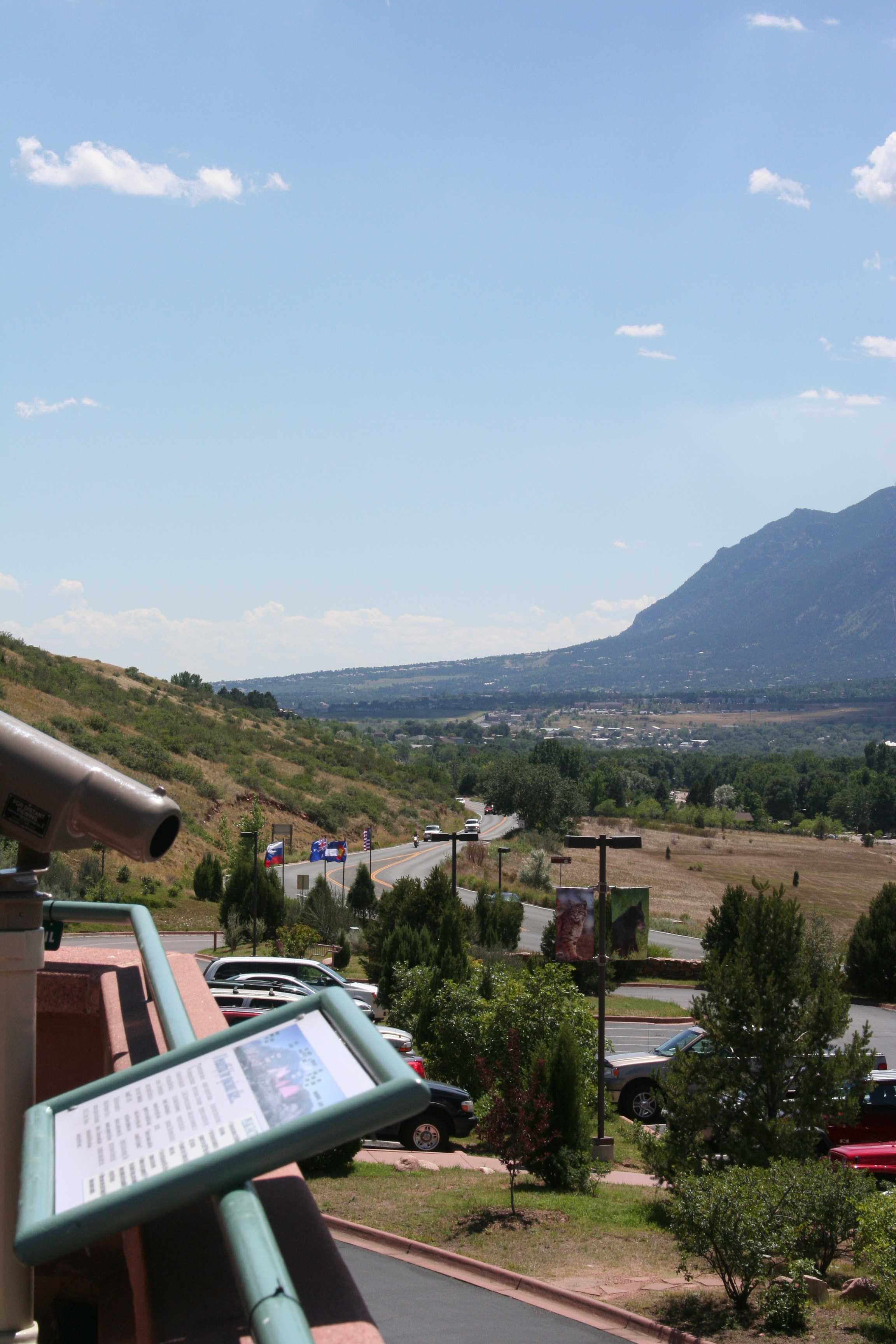

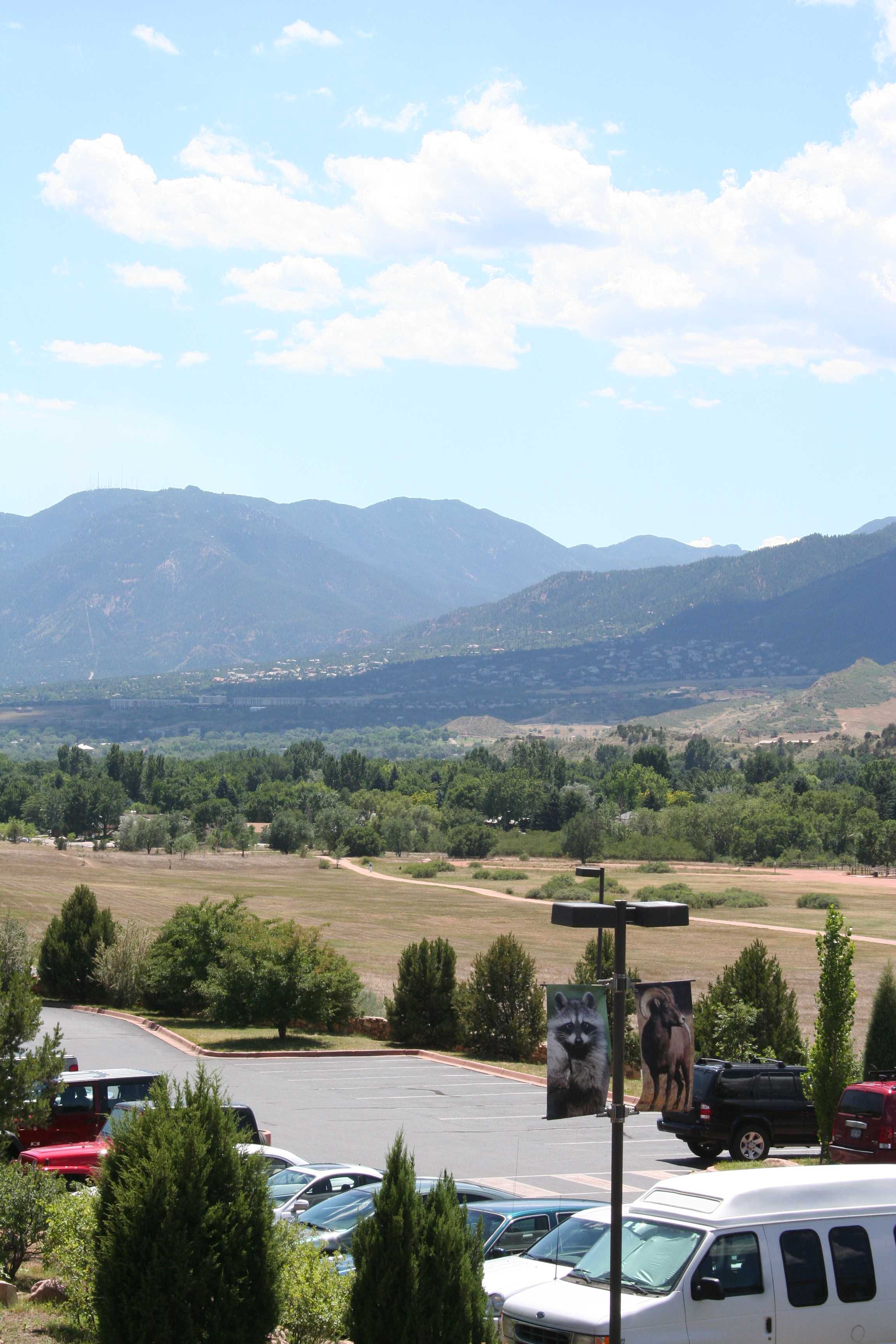
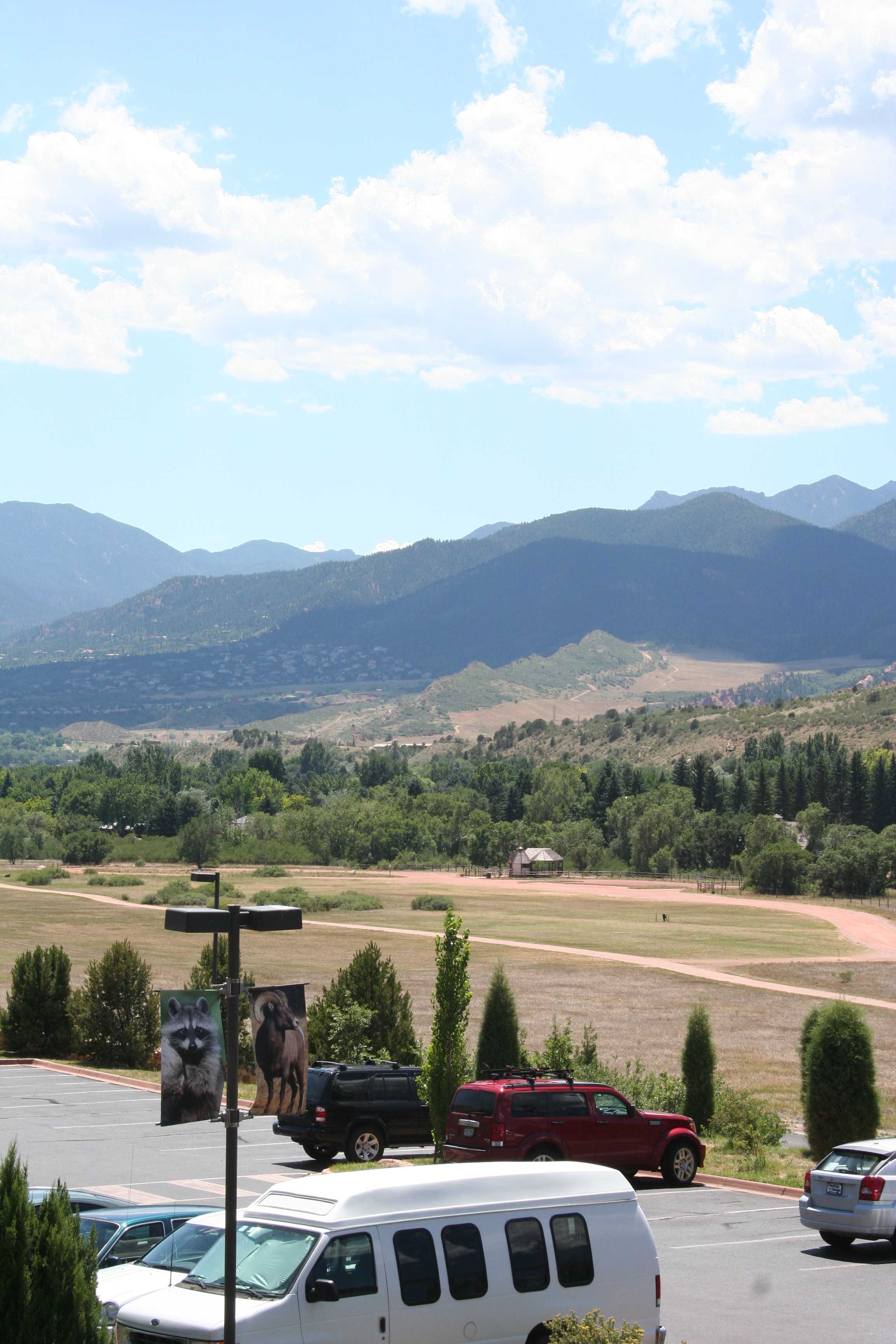

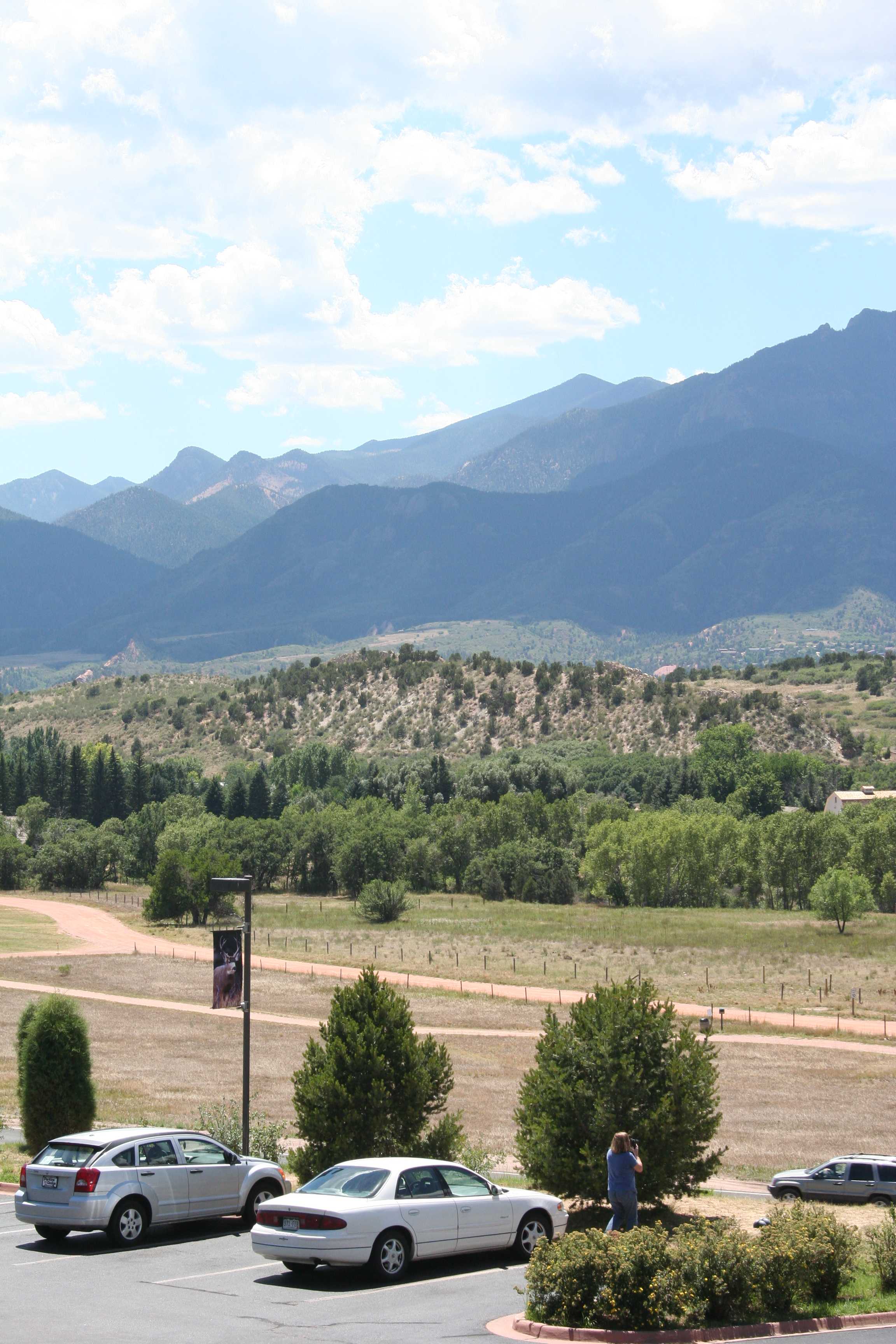
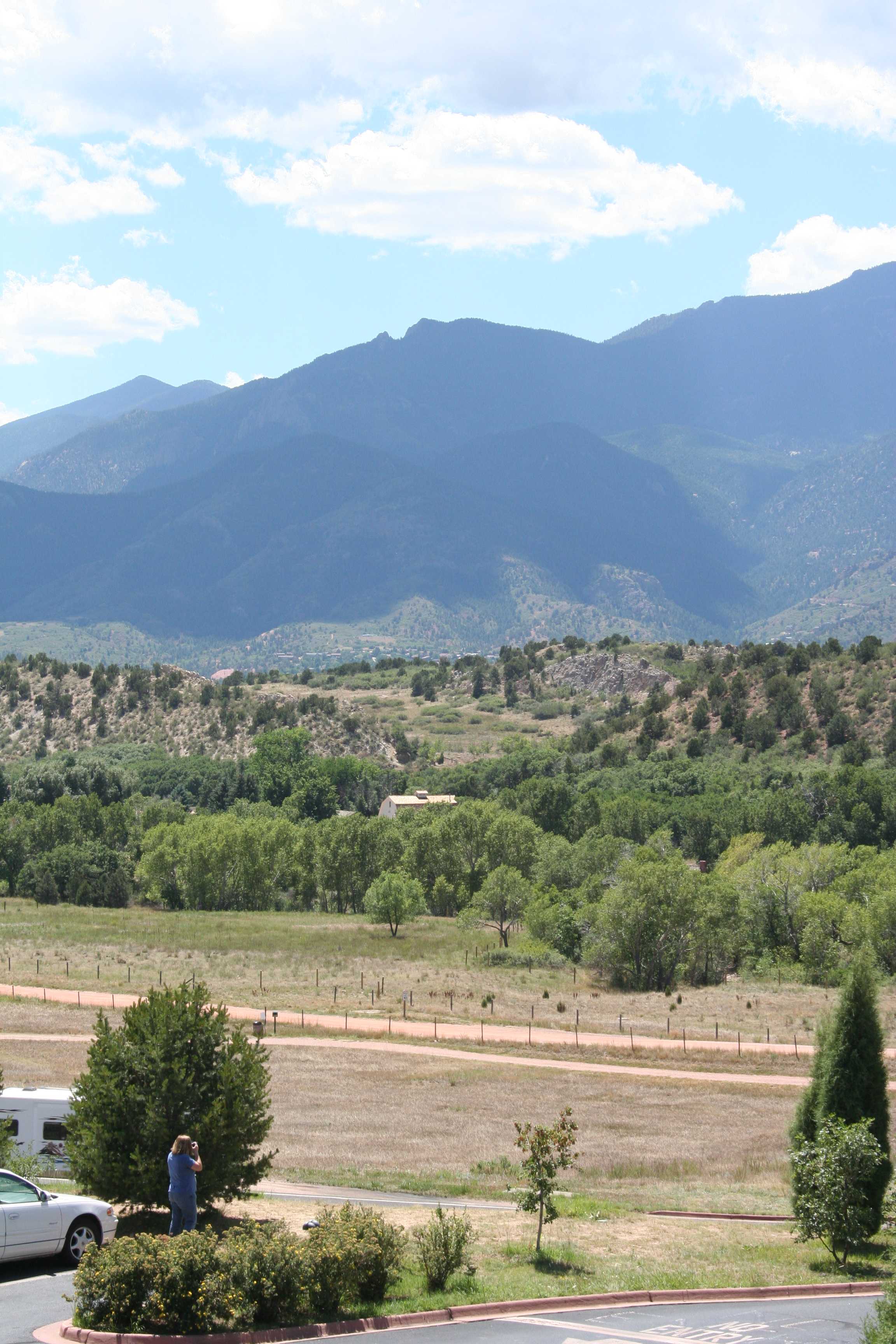

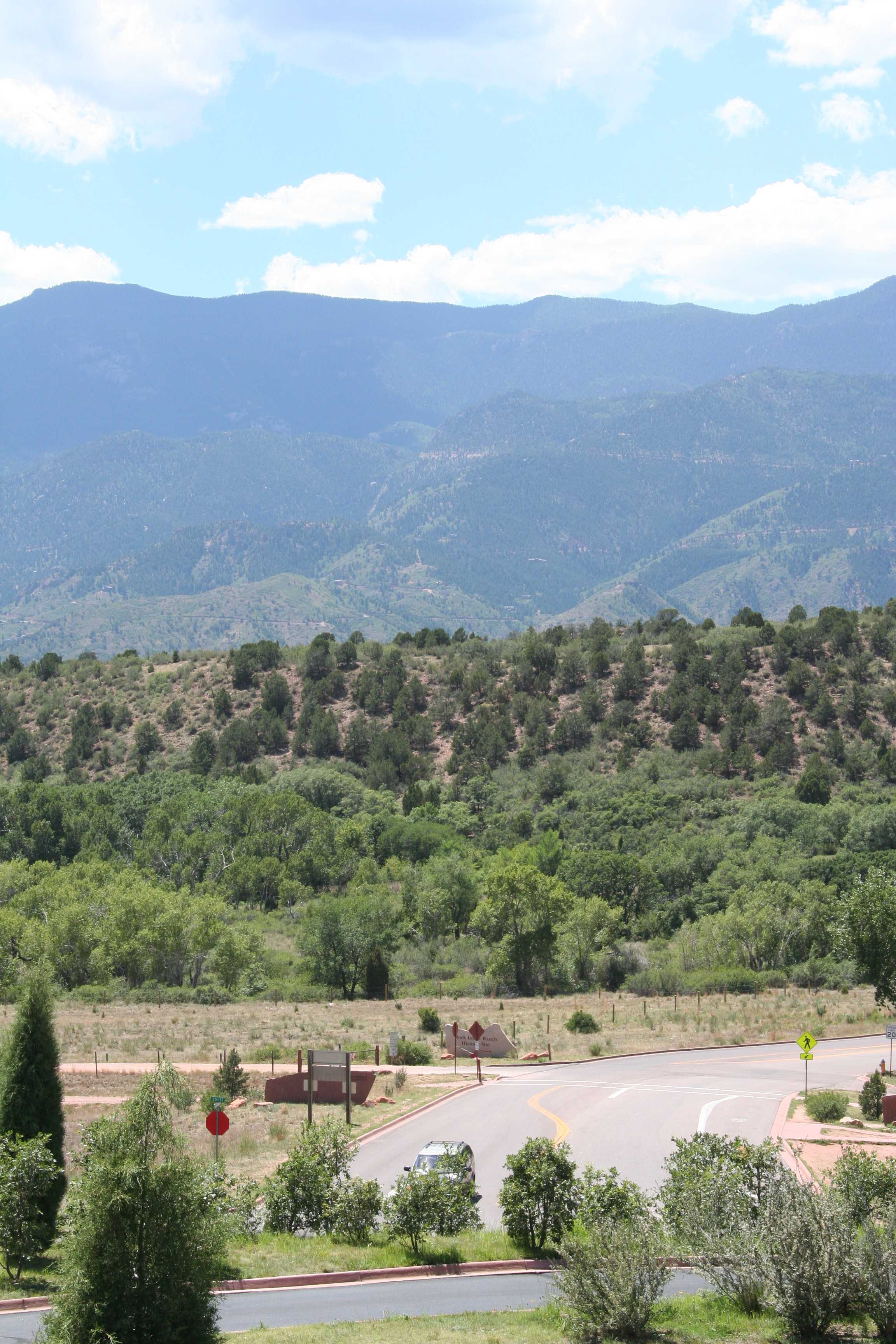


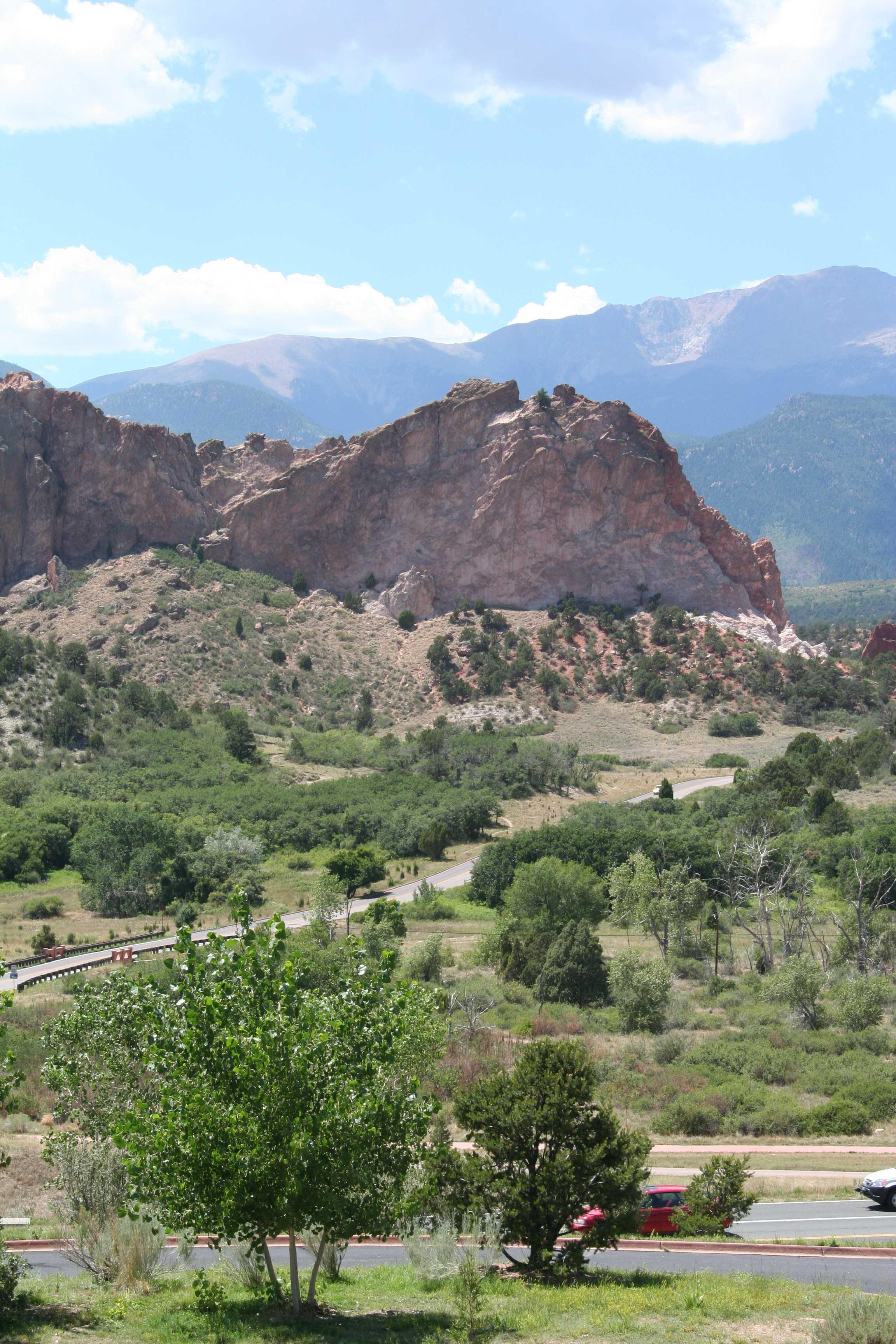

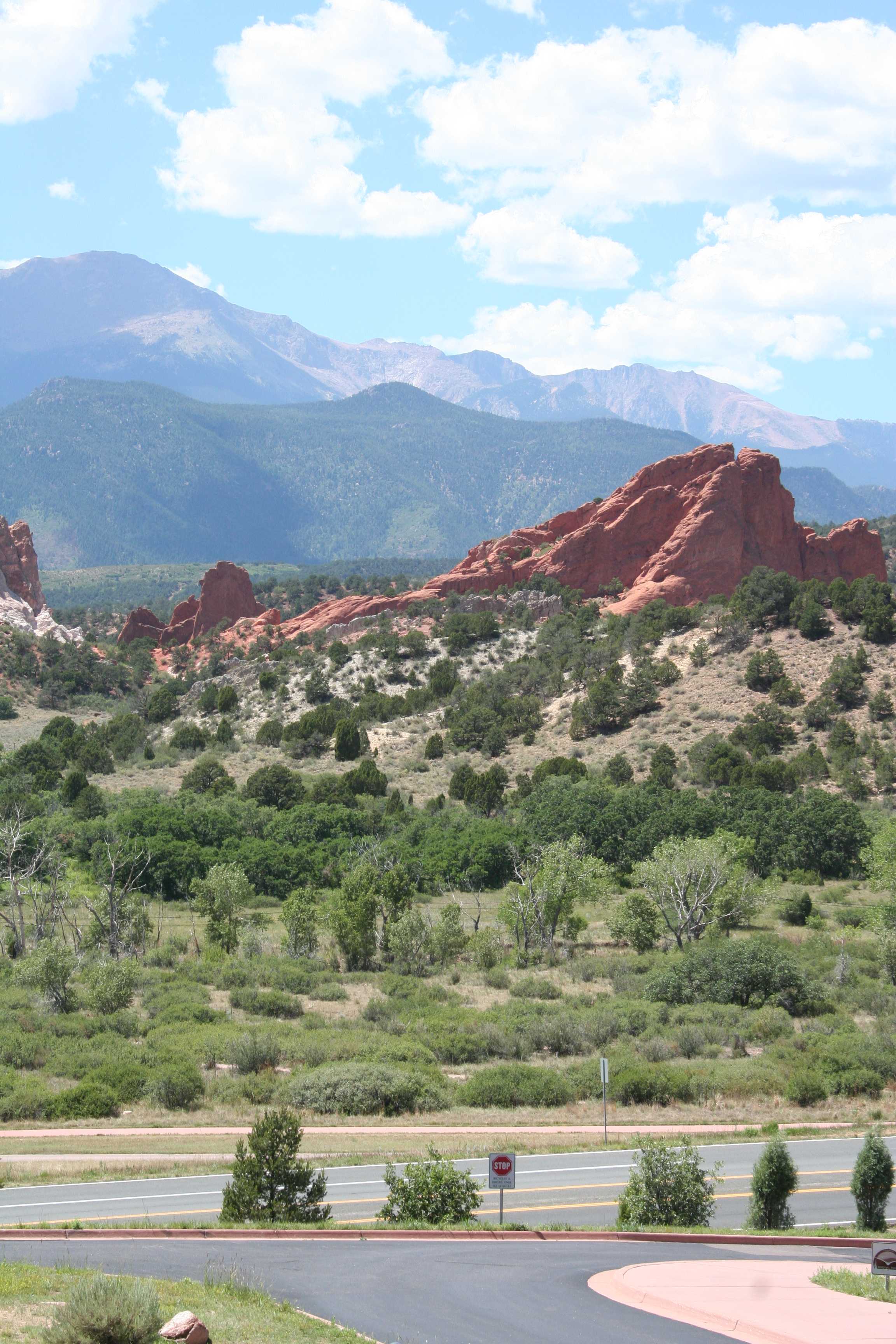


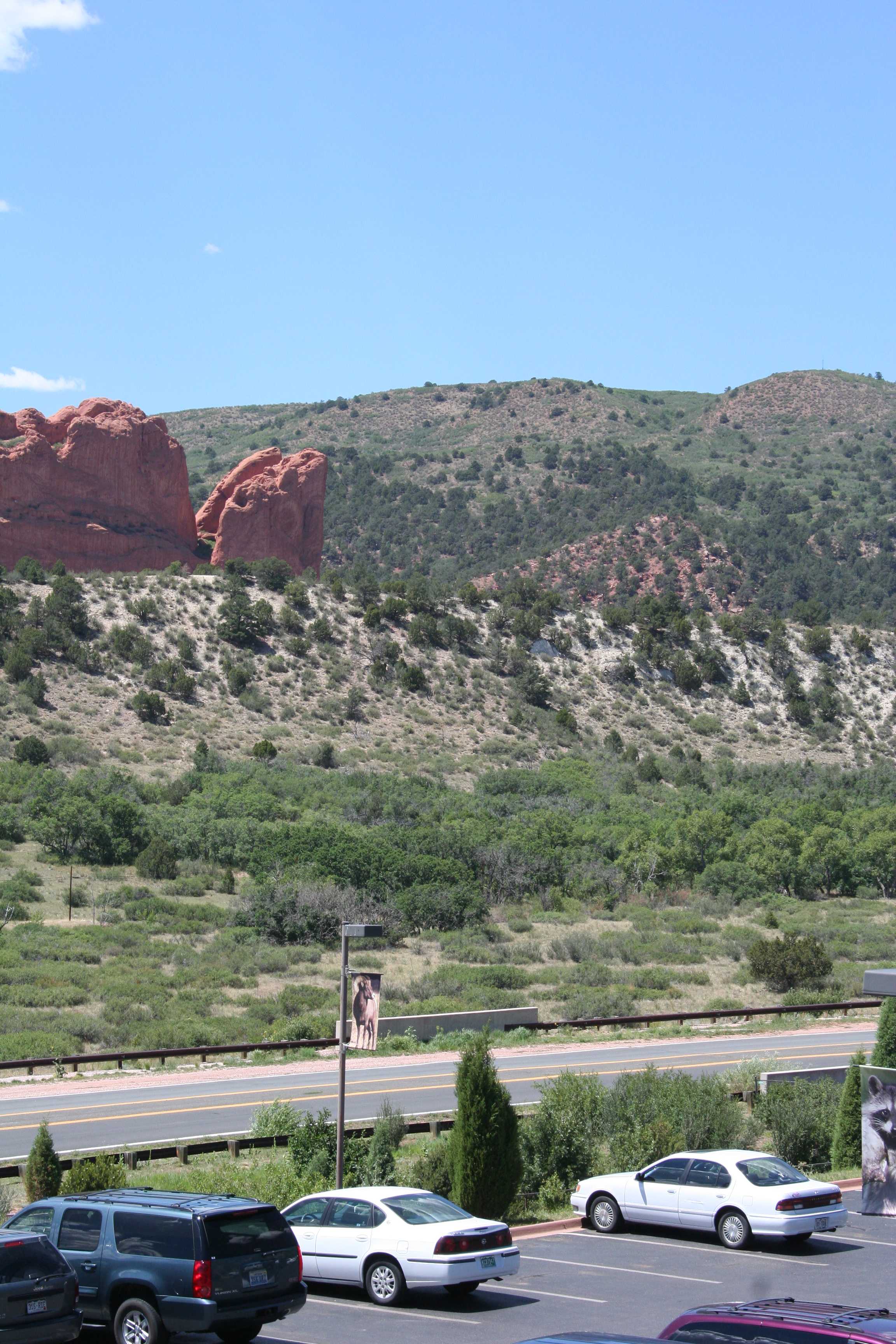

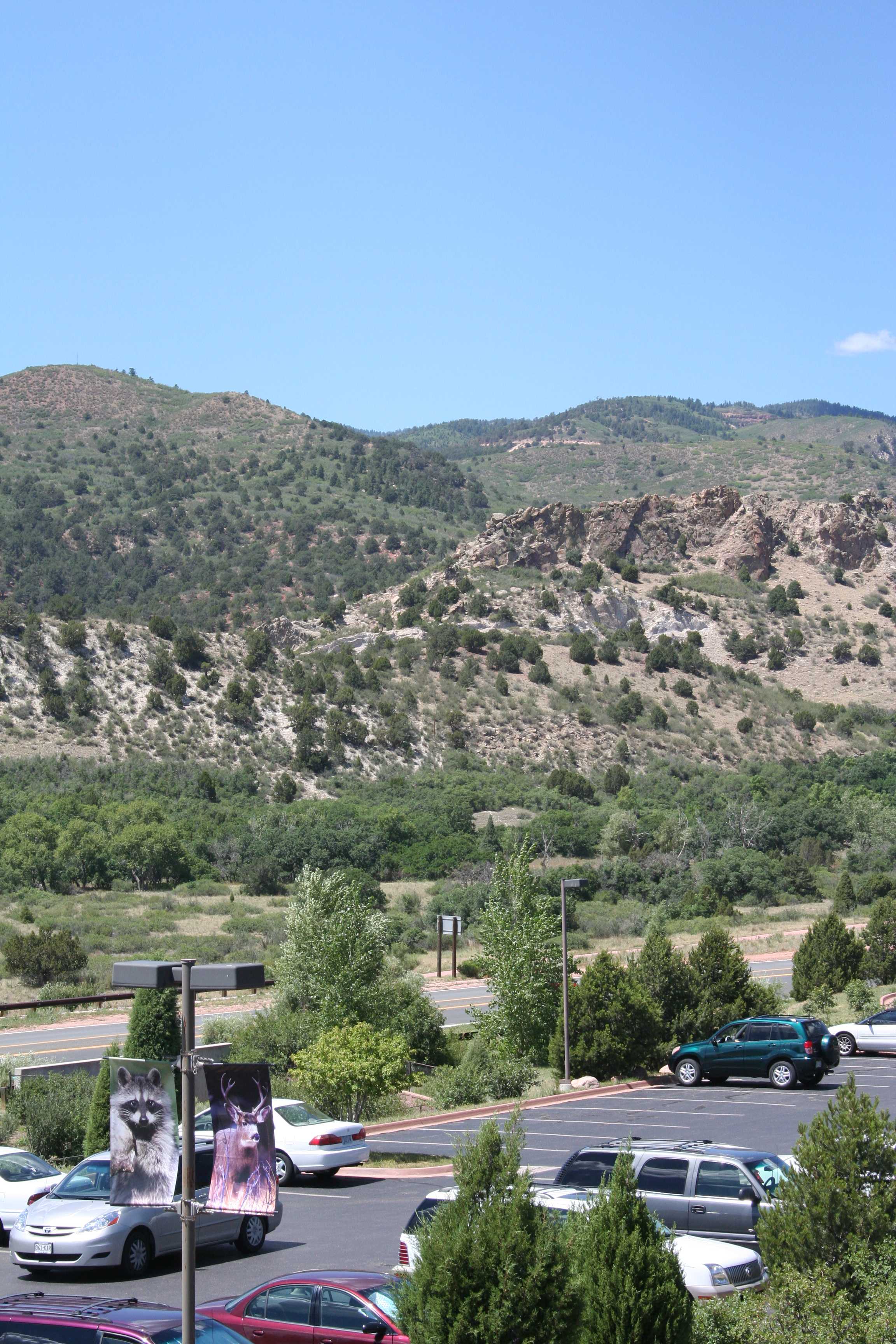

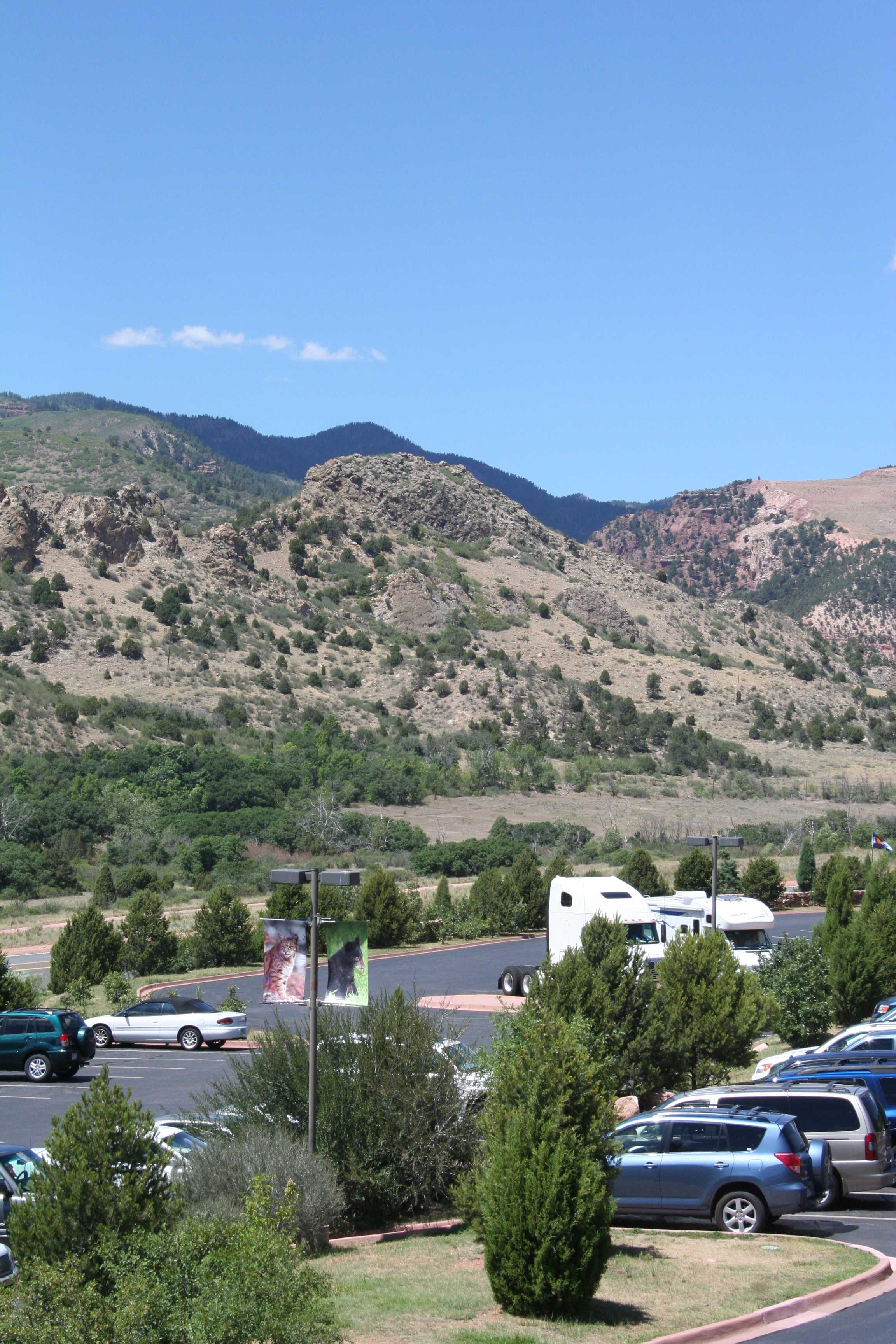
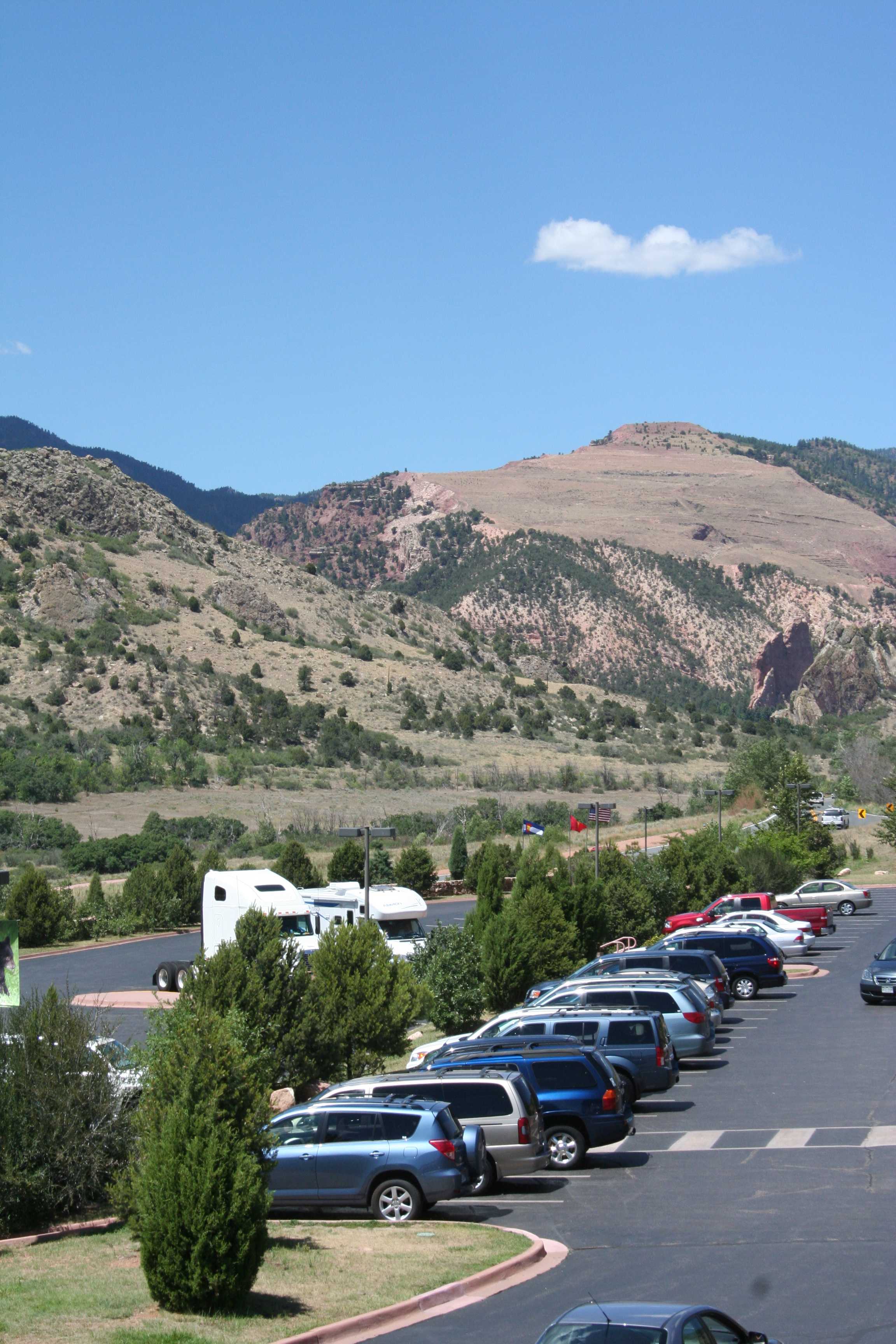

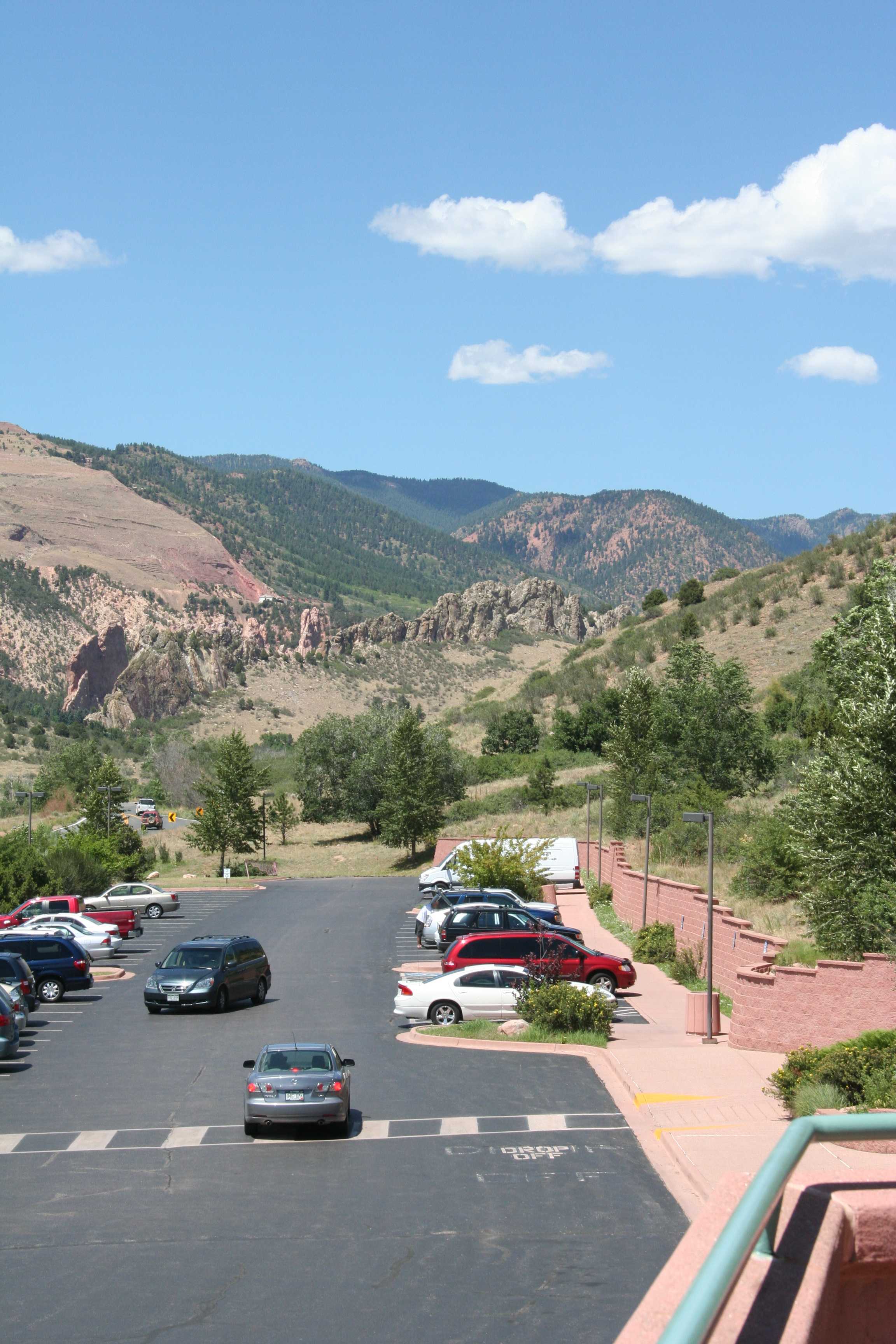
Um, yeah, right. (But wait, there’s more! Just not today, at least on that train of thought.)
 (Click me!)
So you combine your twenty five images of 3456 x 2304 pixels (7.9 megapixels) each to get a panoramic image of 25,796 x 2905 pixels (74.9 megapixels).
Needless to say, file sizes for these finished images are huge. The original, uncompressed version of this one is 53.4 Mb. Fortunately, disk storage is dirt cheap, so in these heady days of 4 Tb hard drives for under $200, the file size pretty much means nothing.
What is a bit more limiting is the number of calculations that the software is doing to merge those twenty-five frames into that 75 megapixel image. You’ll need to make sure you have a modern, fast computer, with as much RAM as you can cram in. Even with that, the stitching process can take ten, fifteen, twenty minutes or more. It’s kind of a “set-up-and-go-get-ice-cream-while-it-crunches-numbers” deal.
This method might not be quite as simple or quick as simply having a 75 megapixel camera, and the fine details of the picture quality might not be as perfect as they would be if you have a 75 megapixel camera, but I’ll guarantee that it’s a lot cheaper than trying to build and/or buy a 75 megapixel camera. Currently the best DSLR on the market is the Nikon D800 which has a 36.3 megapixel sensor — and a $3,000 price tag for just the camera body, all lenses and accessories extra.
Congratulations, you’ve created a monster! It’s a very pretty picture, to be sure, but what can you do with it? How can you even look at it?
I’ll let you play around with those questions for a bit. (Homework!) Tomorrow (or later this week) I’ll tell you how I do it.


 We Love The Stars Too Fondly