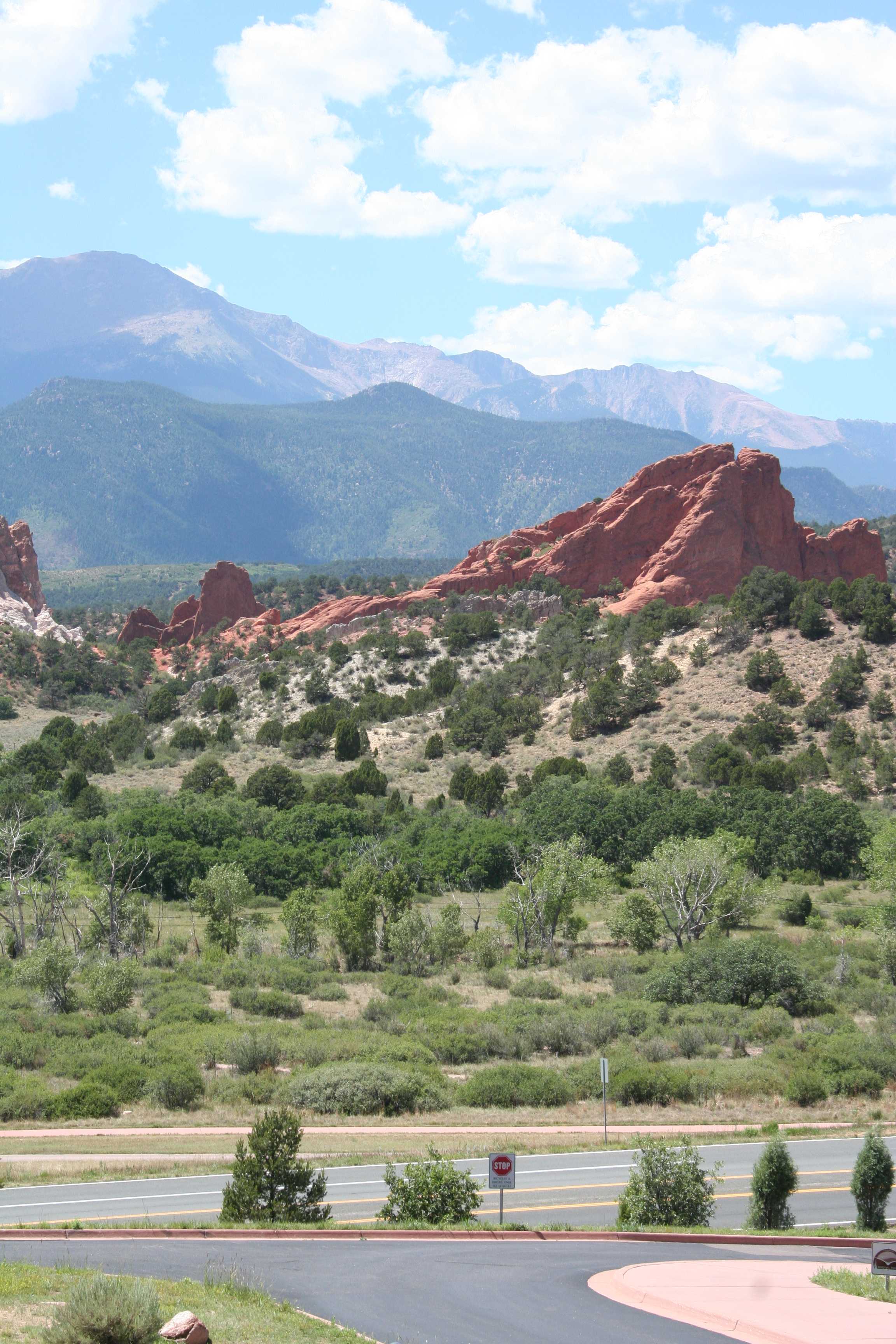
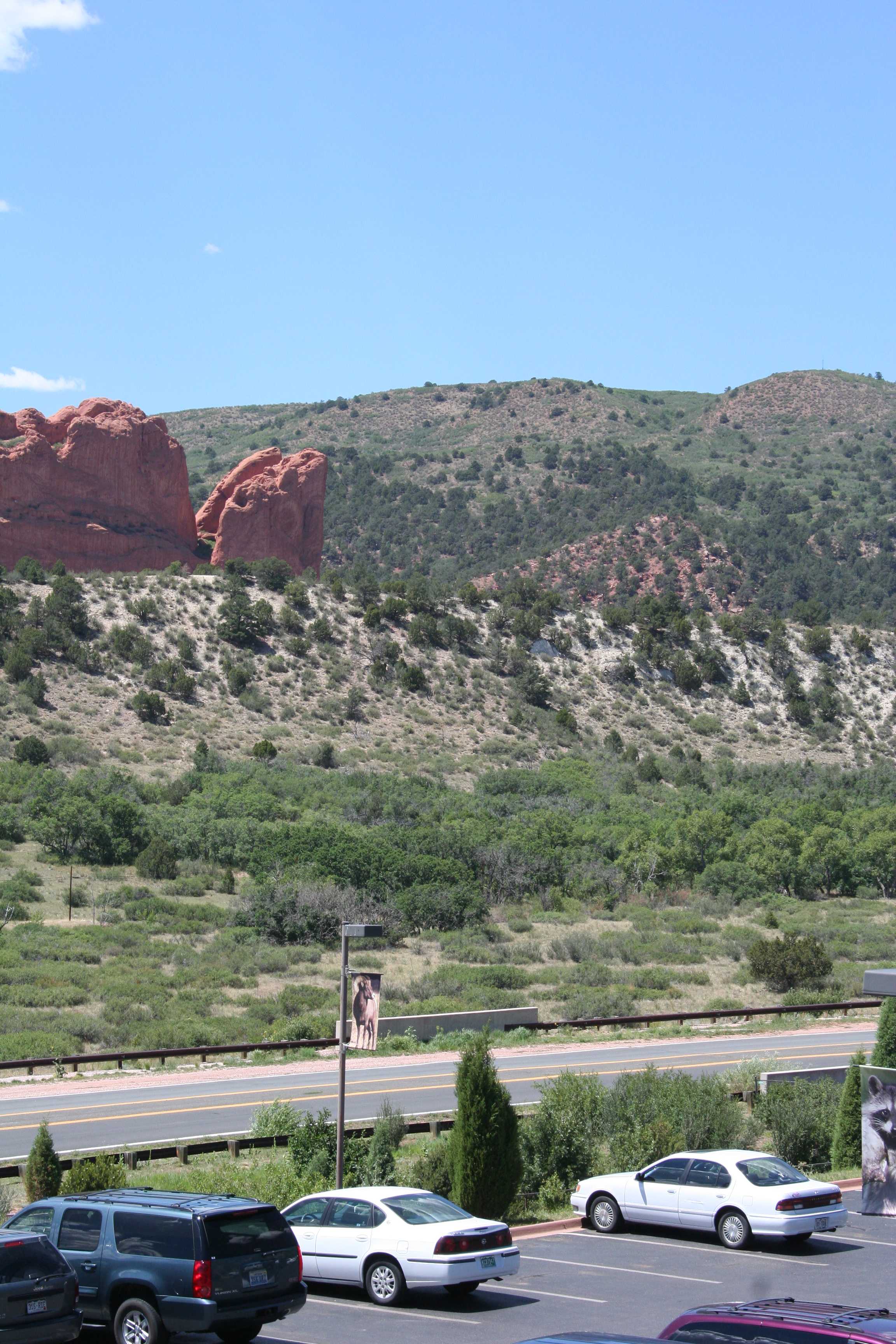
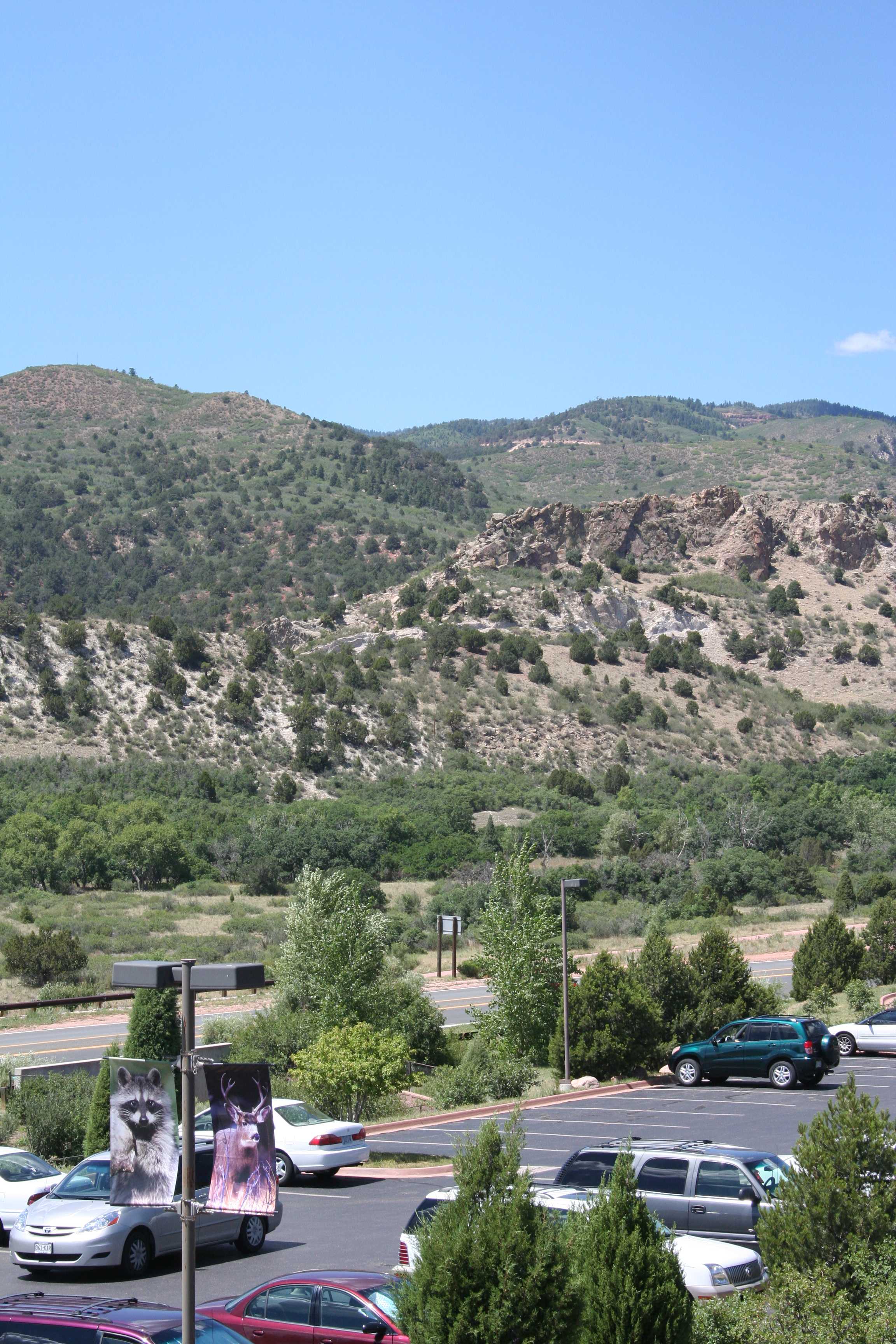
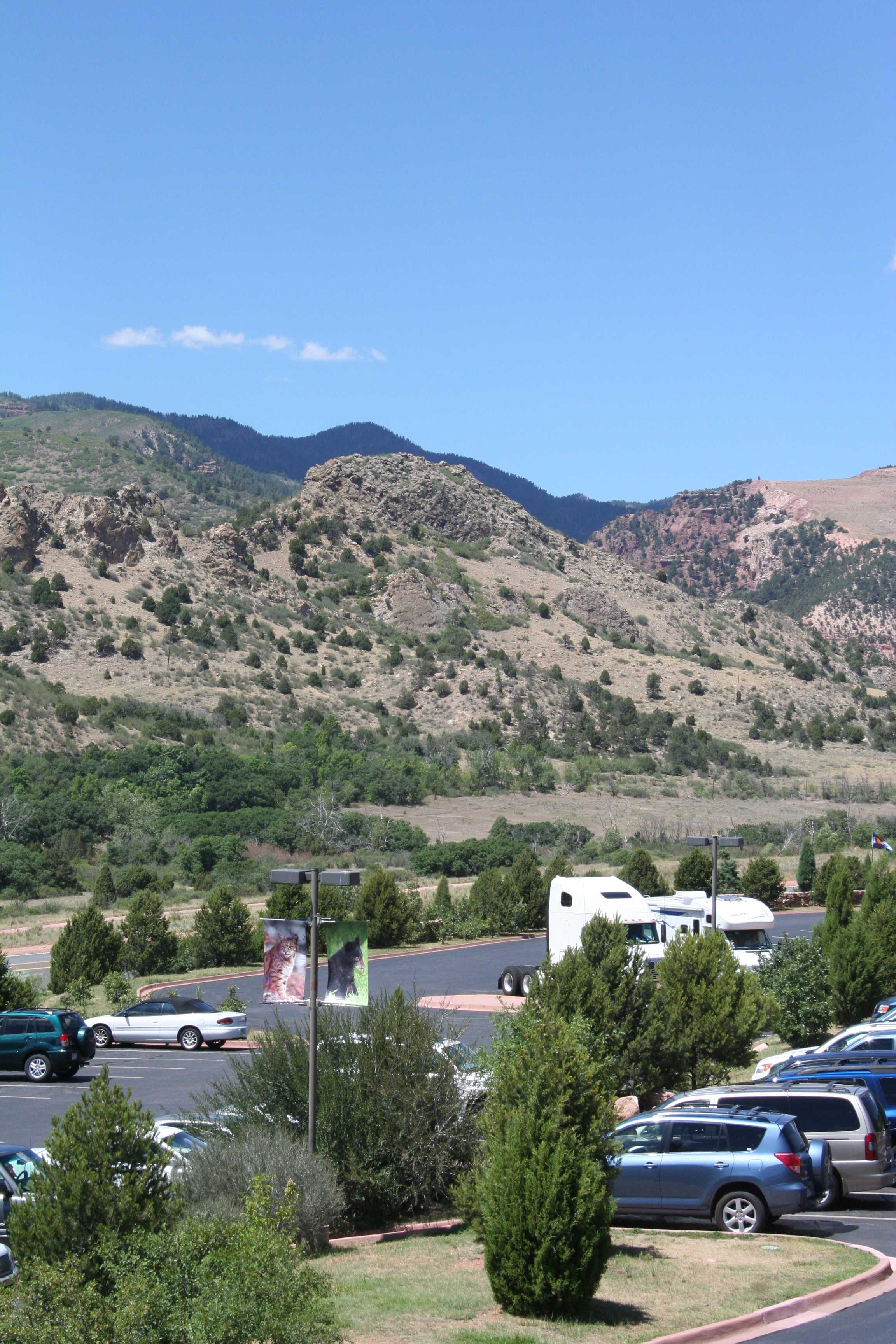
Category Archives: Travel

Emergency Hack

In baseball there’s a term, “emergency hack,” for the swing a batter takes when he’s got two strikes on him and is badly fooled on the next pitch. He’s got to somehow foul it off to stay alive, so a good emergency hack will sometimes be awkward and off balance but it will send the ball out of play so that he can live to see another pitch. (A truly excellent emergency hack will turn into a little flare over the shortstop’s head and you’ll get a single, but that’s the exception.)

There was a thing all day and now there’s a thing tonight and I’ve only got about an hour in between, so here’s my emergency hack to get something posted for today.

This is an easy one (I think). Name this airport (one of my favorites):

004 small


Leave a comment

Filed under Photography, Travel

Kyoto (Part Five)

To Recap: In May, 2012 I went to Asia on the “Three-Countries-Three-Weeks-Three-Kids” tour. The first stop on this once-in-a-lifetime trip was Shanghai, followed by several days in Seoul. Now I was footloose and fancy-free (i.e., lost a lot) in Kyoto, Japan. I found one of the most beautiful and interesting places I’ve ever seen and I’m going to continue to bombard you with share dozens of pictures from there with you for the next few weeks.

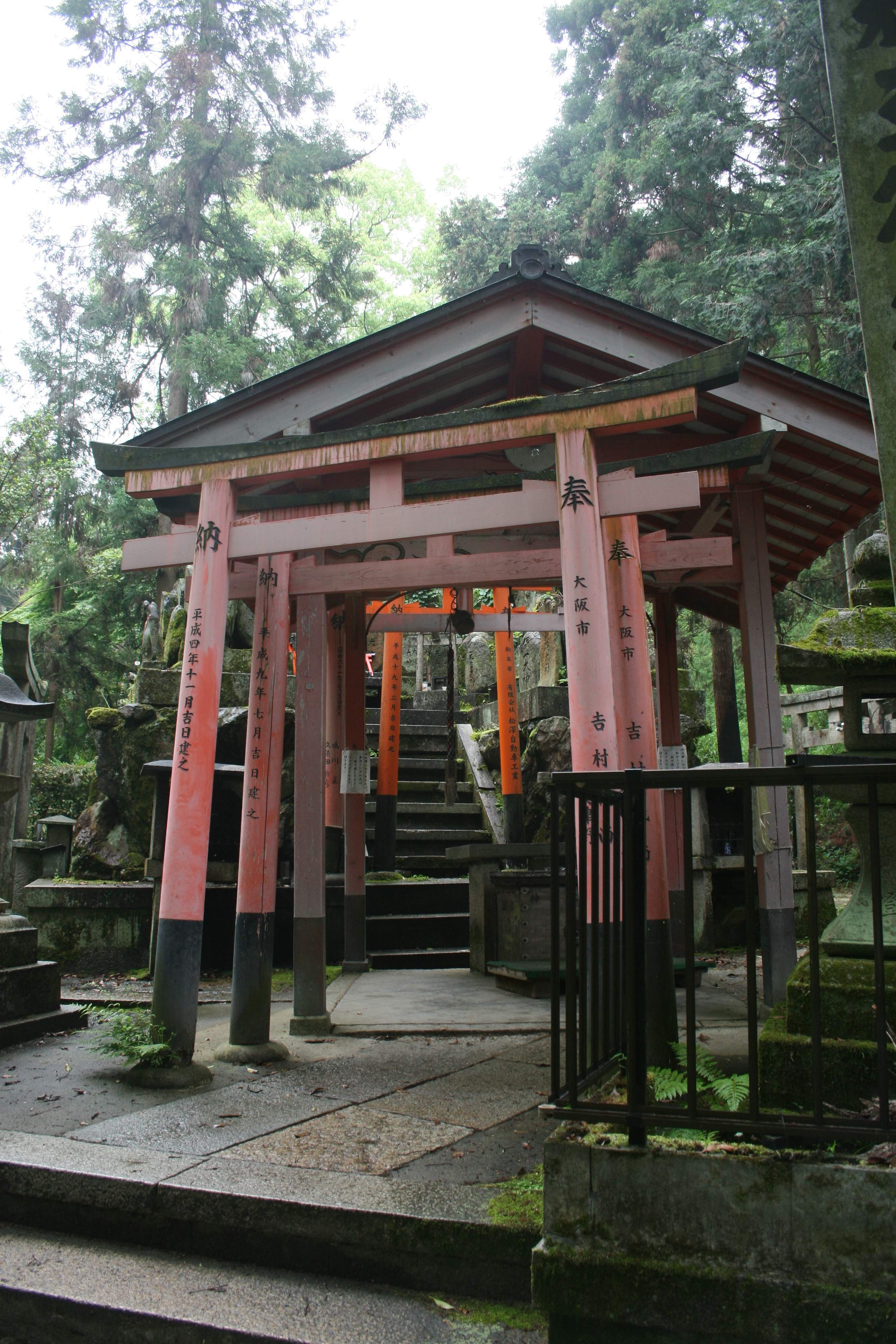
Climbing up from the Fushimi Inari temples, I was enraptured by the vermilion torii gates lining the maze-like paths. Coming over a rise I came to the first place that I had found (there might have been others lower down the mountain on other routes) where there was a break in the vermilion gates and a side path to a small area of shrines.

IMG_0897 smallHere the torii gates were still in evidence everwhere, but they were carved stone, not vermilion-painted wood.

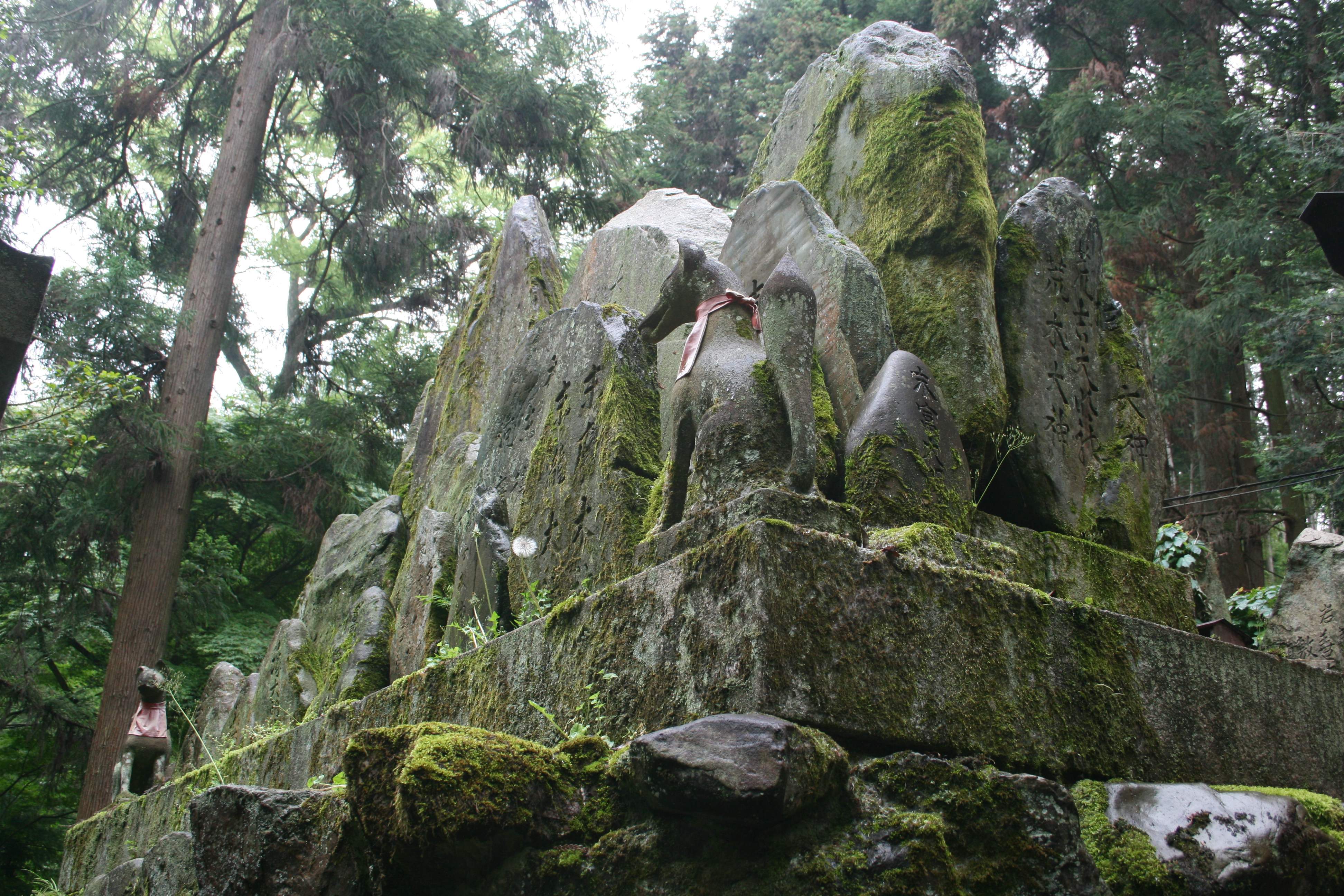
IMG_0898 smallIt’s very lush and moist here, so everything’s covered in moss. Here you can also see two more fox statues wearing their (faded) vermilion yodarekake (votive bibs).

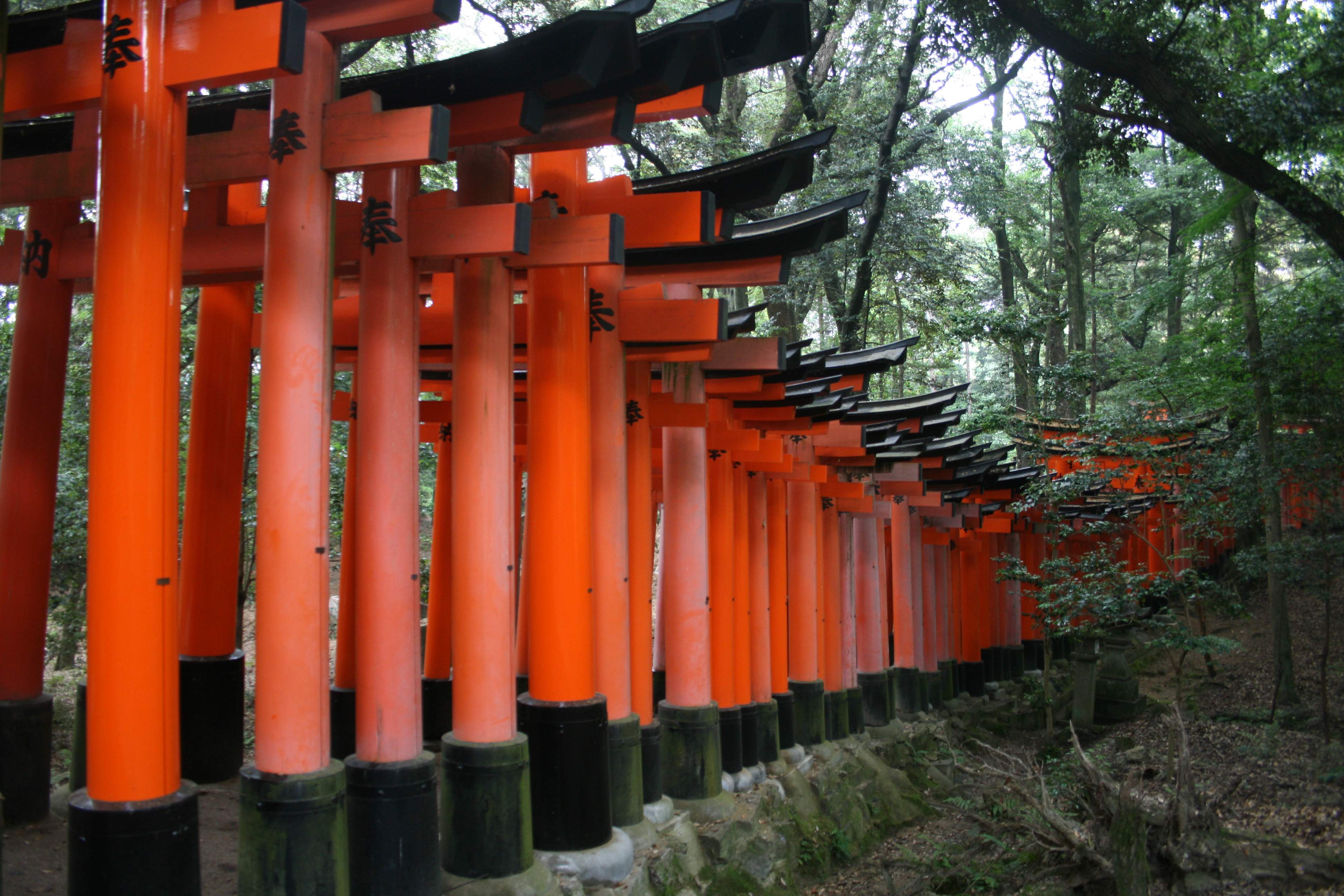
IMG_0900 smallThe path of vermilion torii gates is behind us here. You can also see new symbols in use, the white cloth or paper “lightning bolt” shapes hanging from the gate.

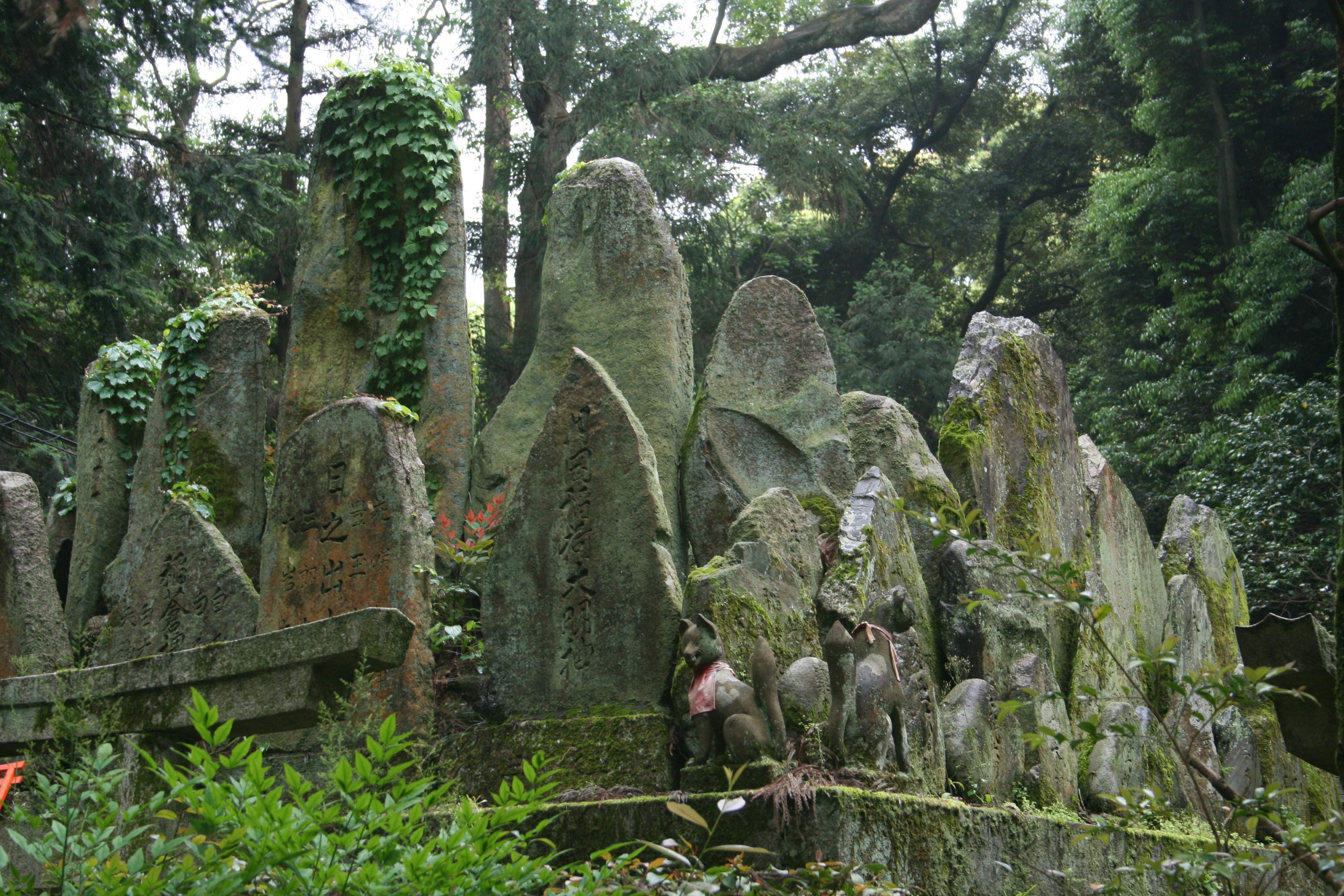
IMG_0901 smallThe “lightning bolt” symbols are clearly seen here. (I don’t know what they are or what they represent. If anyone knows, please let me know in the comments.) Also, it was interesting to see how these very weathered and ancient stones (headstones?) had been reset on very new marble bases.

My understanding is that these shrines are owned and maintained by families in the community, to honor their ancestors and families. They’re really in it for the long haul. I would love to know how old some of these shrines are. Conceivably some could be twice as old (or more!) as the gravestones I found at Rockingham Meeting House in Vermont.

IMG_0902 smallAltars. Offerings. Small braziers. (Is incense burned here?) The braided, red and white striped rope hanging down at the center of the altar. As someone raised Catholic, it’s all fascinating, both different and familiar simultaneously.

IMG_0905 smallLook at how old and weathered some of these stones are. They must be hundreds and hundreds of years old — and still maintained. It was humbling to be here.

IMG_0907 smallLooking back, through the lush forest, the path of vermilion torii gates that I came down really stands out.

IMG_0930 smallStretching back up the knoll the way I had come down…

IMG_0931 small…and the path leading onward out of this glade and further up the mountain.

We climb again.

Leave a comment

Filed under Photography, Religion, Travel

Panoramic Photography (#3)

Sunday I described how you can take digital photographs and stitch them together using software to make a panoramic picture. Yesterday I started to show just how freakin’ huge those panoramas can get. Now that you’ve given life to the monster, what do you do with it?

Unless you’re using some very expensive, custom displays, you’re not going to show a huge, wide panorama in its full aspect ratio. There might be ways to line up three or four monitors side by side and get your display software to split the image across them, but there are easier solutions. Although it does occur to me that a properly sized panorama (3840 x 1080 in my case) could be displayed as a background image across two monitors fairly easily. And if you had multiple correctly sized panoramic images, you should be able to set up a background slideshow to change them out every hour or day or week or whatever. Something to look into…

There are a limited number of software packages which show up in a Google search that say that they’ll let you easily scroll through a panoramic image. It also seems that they can be used as screensavers, to scan back and forth through a panorama (or library of them) when your computer is idle or when you just want to watch the panoramas go by. I thought that there would be quite a few such programs, but the number seems more limited than that. I don’t use one (I’ll show you how I do it) but one free program that I see is WPanorama. (The WPanorama site also has many panoramic images from around the world that you can download.) If anyone has any experience with this or any other programs like it, please let me know in the comments below.

I don’t necessarily need a program that will act as a screensaver or scroll through an image automatically. I much prefer to go looking through the image myself. It turns out that the free image handling program that I’ve used for year (IrfanView, highly recommended!) will work just fine.

Remember yesterday’s 75 megapixel panoramic image from Colorado’s Garden of the Gods?

2008_08_12_6919_to_6943_GOTGVisitorCenter (compressed)(Click me!)

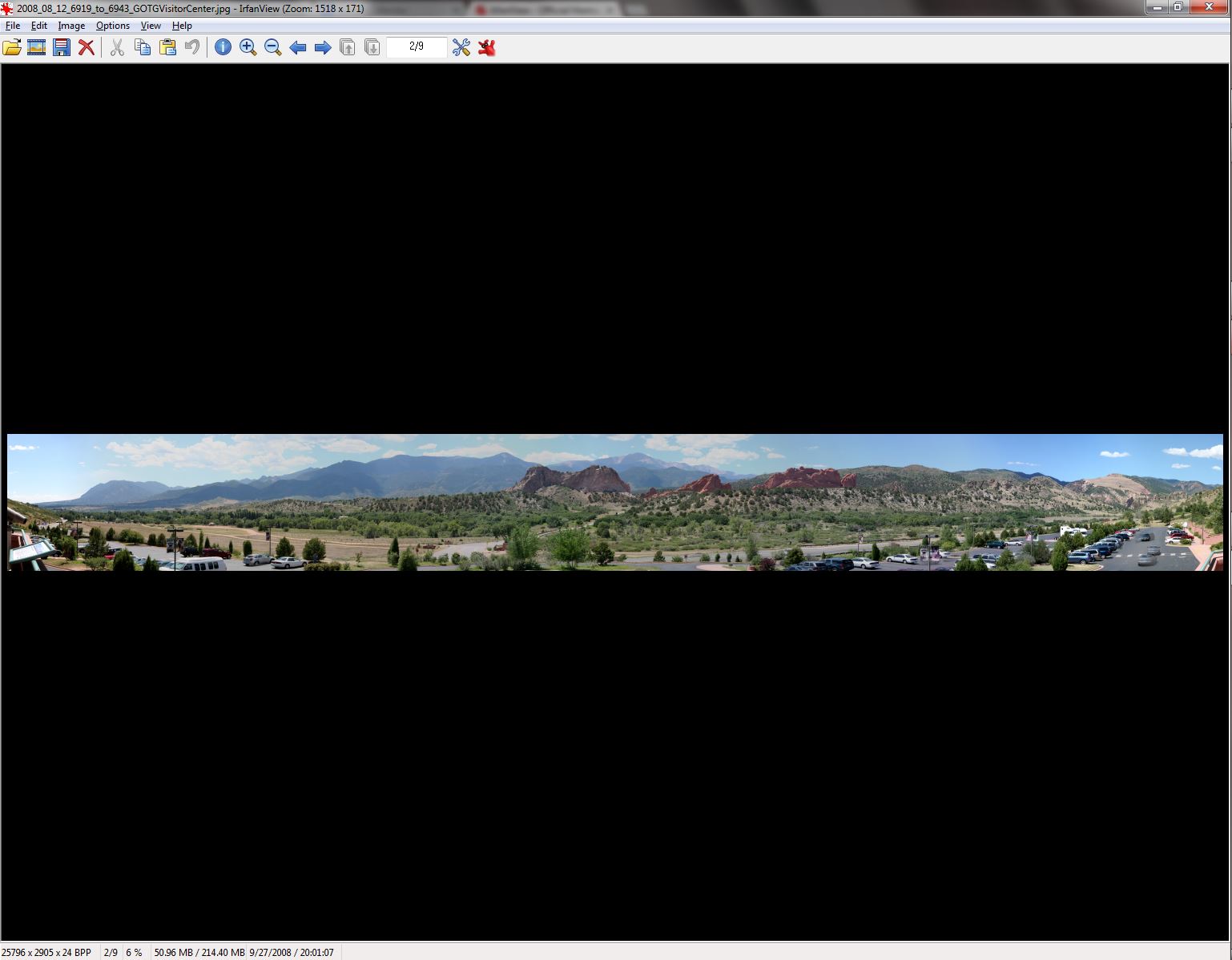
If I pull it up with IrfanView, in full screen mode, I have lots of simple display options. I can make the entire image size to fit on the screen:

Capture 006 Percent

…but to do so it shows at 6% of the normal resolution.

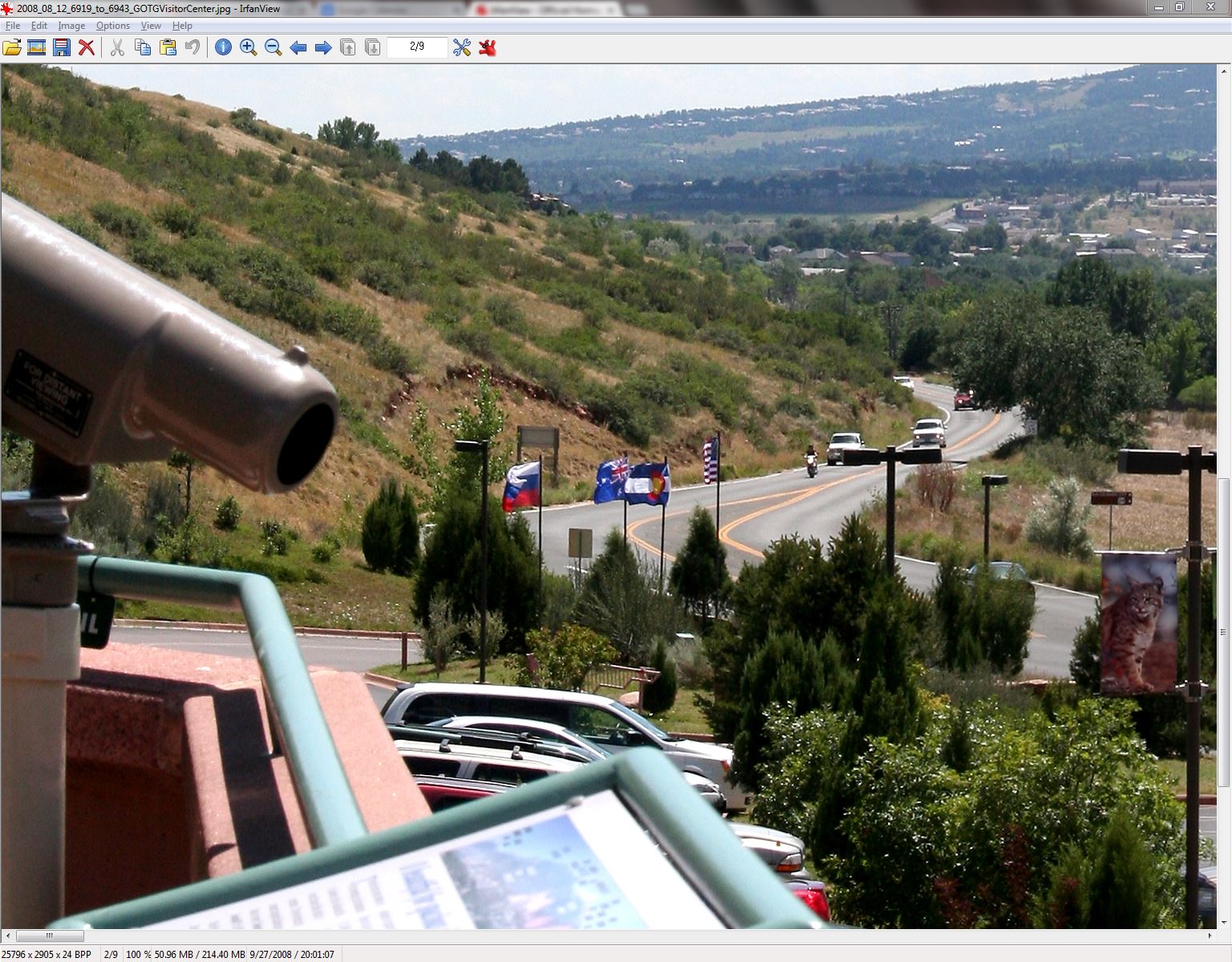
I can make the image show at full size, 100% resolution:

Capture 100 Percent

…but then I see just a tiny window (which I can move around at will, use the scroll bars!) out of the full image.

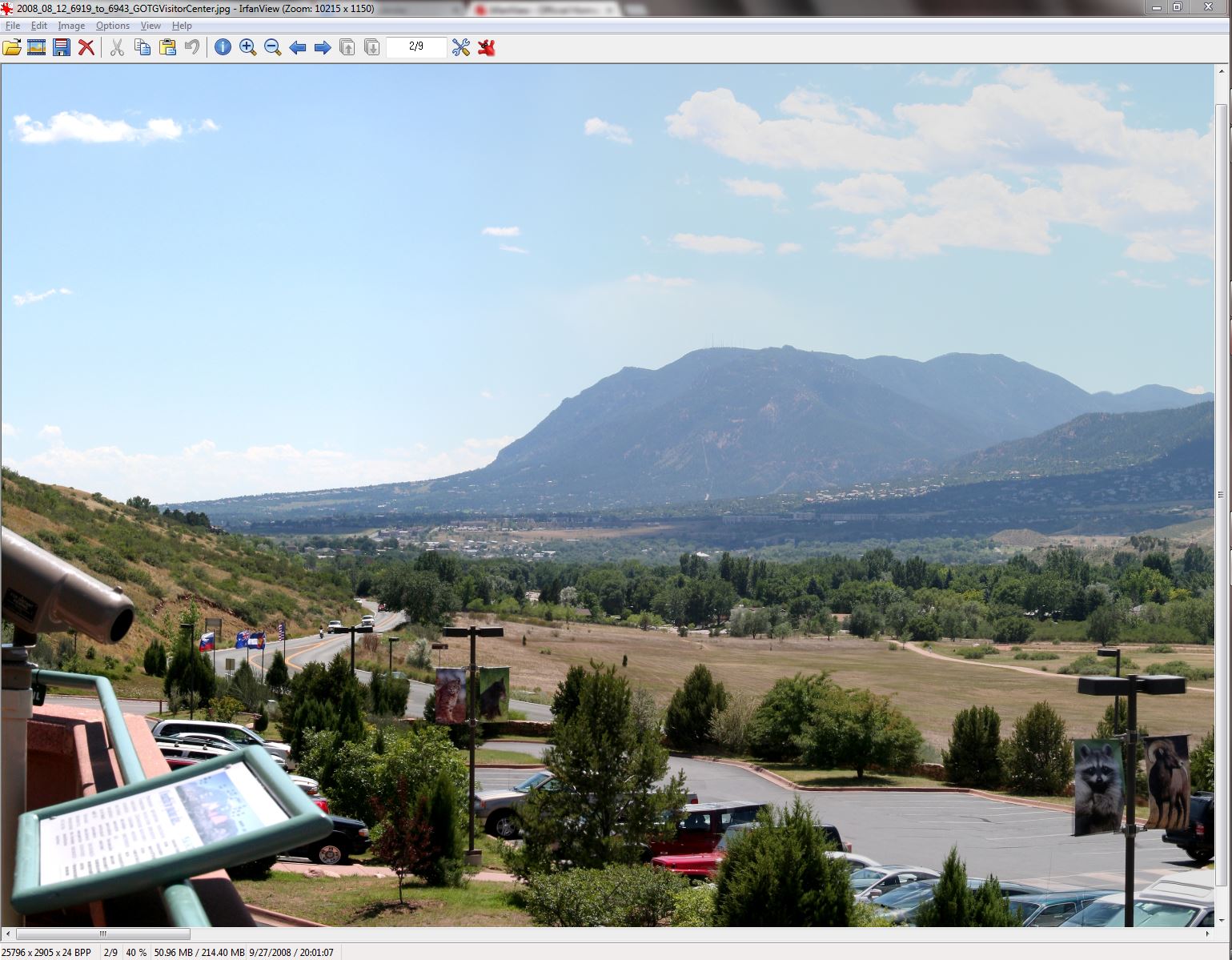
What works best for me is to size it so that the vertical dimension just fits the screen, so the portion of the image we’re seeing is complete from top to bottom, but much wider than the display left to right:

Capture 040 Percent

…which in this case is about a 40% zoom factor. Then I just have to use the scroll bar at the bottom (or the left and right arrows) to move around. If I see a detail that I want to examine more closely, I can always zoom in to 100% any time, then zoom back out to move around some more.

Now that we have the ability to quickly and easily move around the image and look at it, what do we see? Are these panoramas “perfect” after they’ve been stitched together from 15 or 20 or 25 (or more) individual images?

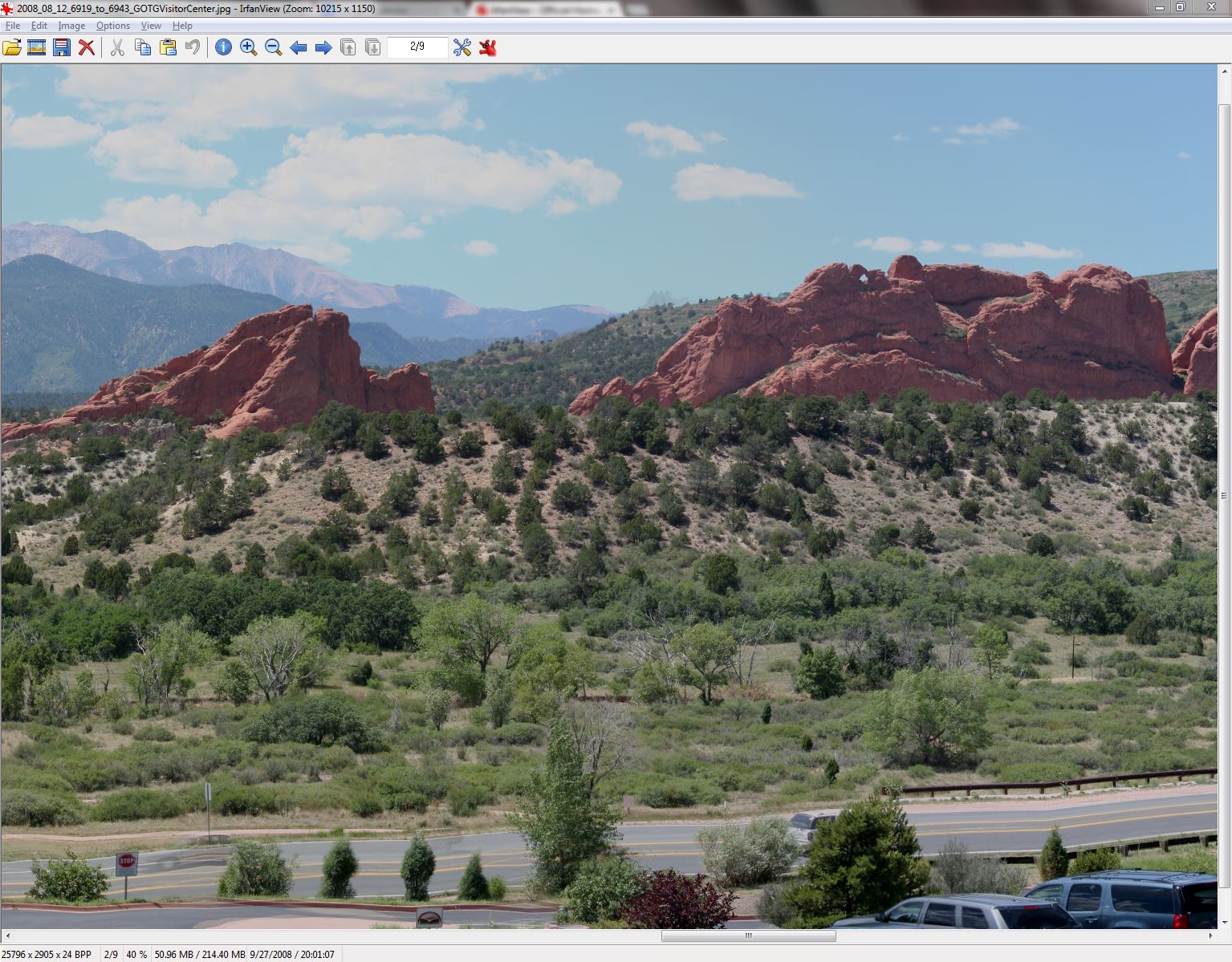
Not quite. One “artifact” that you see a lot, particularly on objects closer to you (typically at the bottom edge of the picture), is a result of parallax.

Capture Parallax

The road and lane lines at the bottom of this portion of our panorama are straight in the real world, but when a series of images with slightly different viewpoints are merged, the best fit can make it look wavy and blurry. At the same time, the rocks in the middle distance and the mountains on the horizon look just fine due to the parallax angles for them being extremely small.

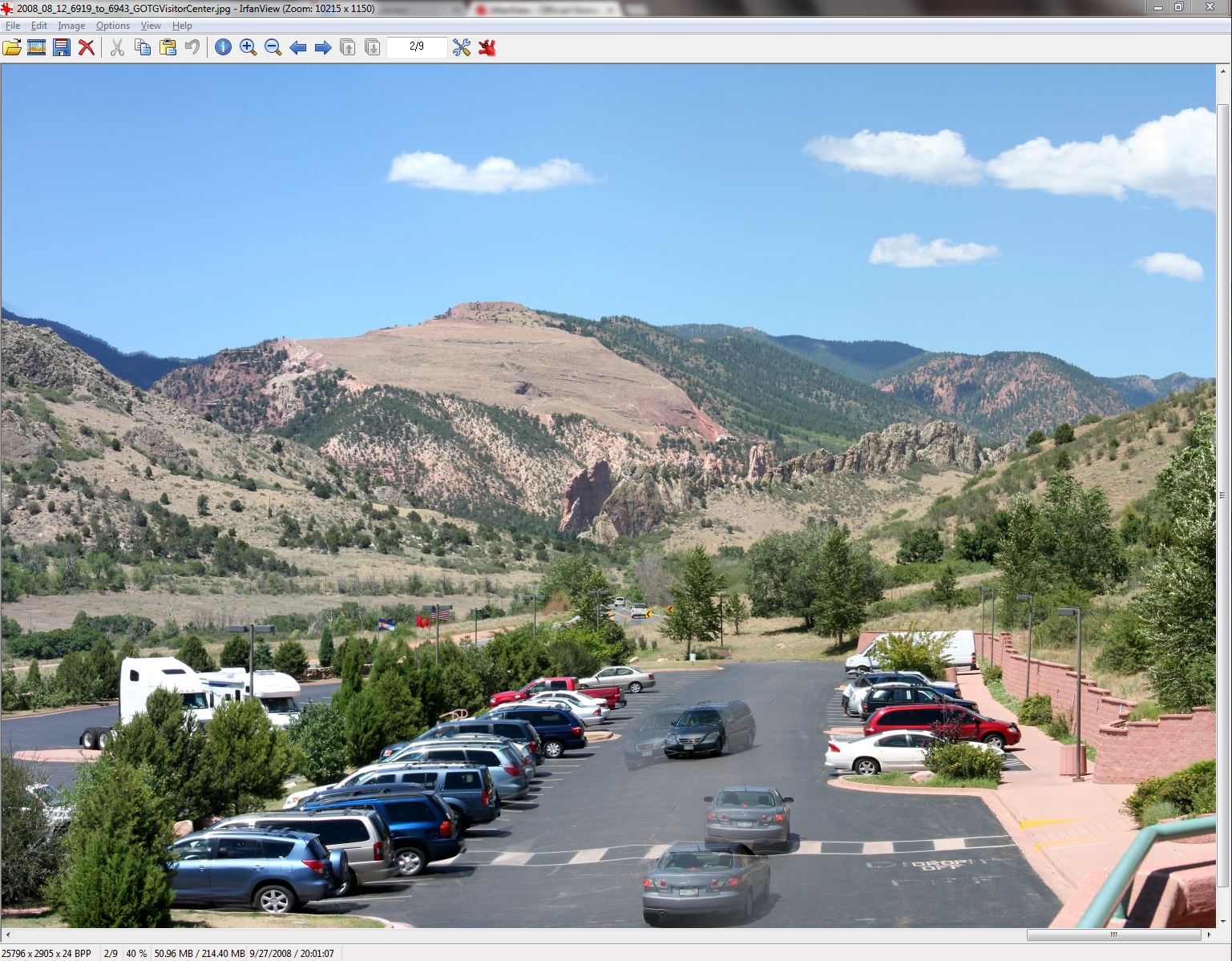
The other most common “artifact” that you’ll see are “ghost” images, where something (again, usually in the foreground) is moving in the brief time between frames being taken.

Capture Ghosts

At the far right of this panorama you see two cars moving in the parking lot, which is quite close to our point of view. As the cars move in the two seconds between frames, the stitching software can’t match them up, so it often just matches up all of the stationary objects (parked cars, trees, crosswalk) and shows both images for the objects that it can’t make sense of.

I think that hits all of the high points for now. The basics of how panoramas are made, how they can be made really big and really detailed, how to view them, and what’s great about them along with what’s a bit funky with them.

If you see someone out someplace scenic (natural or manmade) and they’re taking one picture after another (bang! bang! bang!) about two seconds apart, spinning slowly through 180 degrees or 270 degrees or 360 degrees, they’re not (necessarily) insane, they’re just taking images to stitch together into a panorama. If the person in question is short, middle aged, and dressed like a dweeb, it’s probably me!

Needless to say, you can expect to see plenty of panoramas from my travels in the weeks and months to come. (It remains to be seen if that’s a tease or a warning.)

Leave a comment

Filed under Photography, Travel

Panoramic Photography (#2)

Yesterday I described how you can take digital photographs and stitch them together using software to make a panoramic picture. I started with pictures from an old point & shoot camera, first combining two portrait layout photos into one panorama, then combining five portrait layout photos into one big, wider panorama.

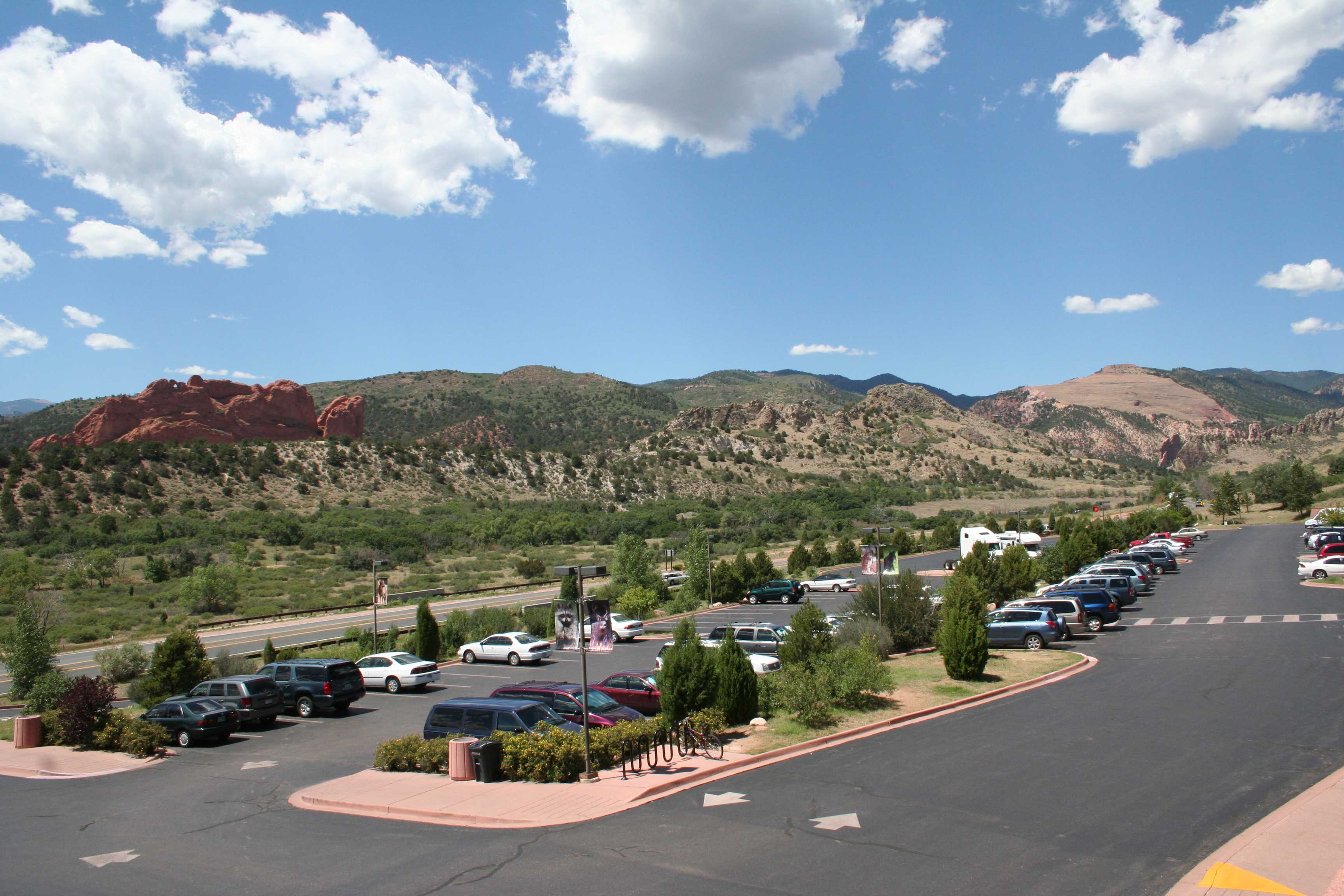
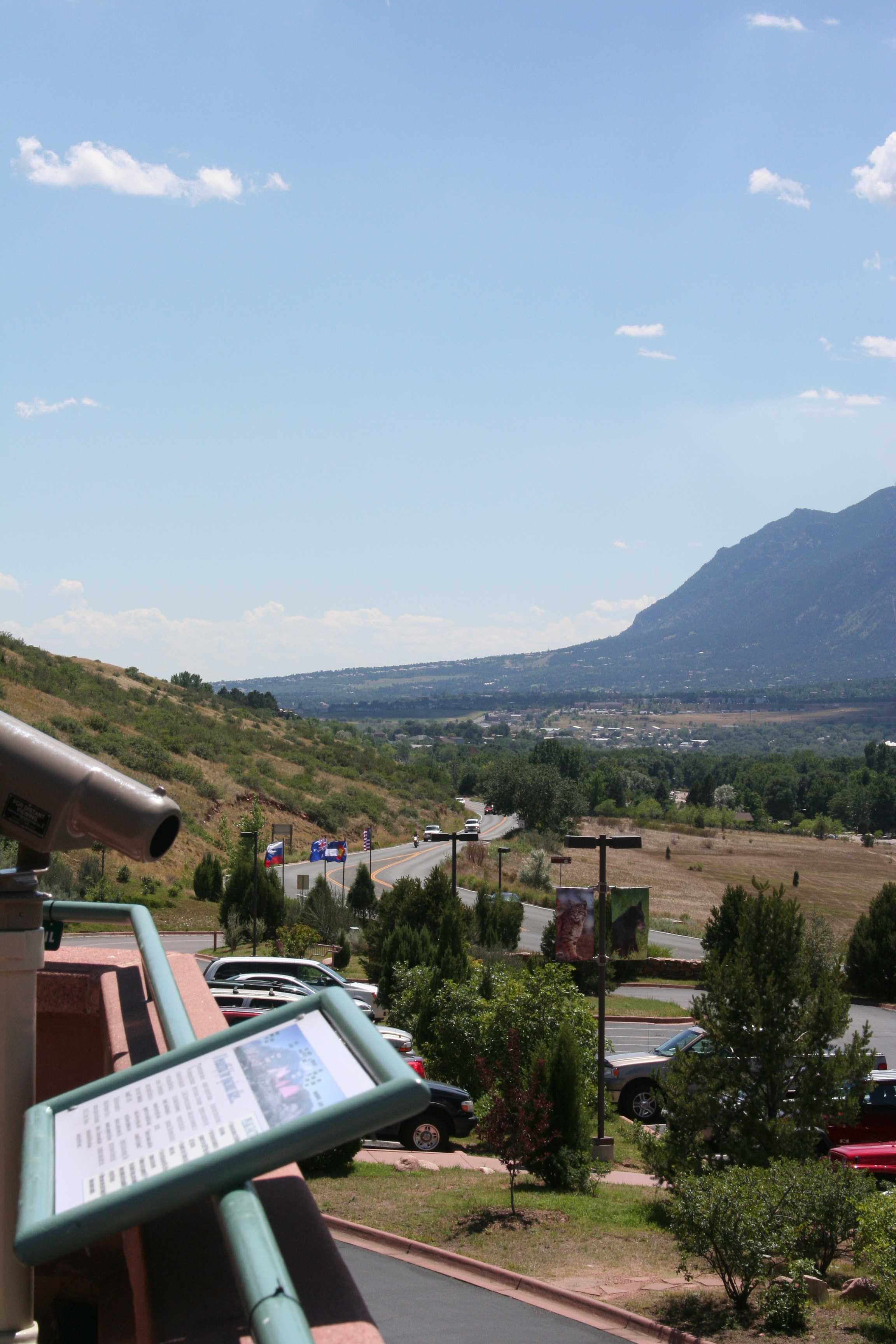
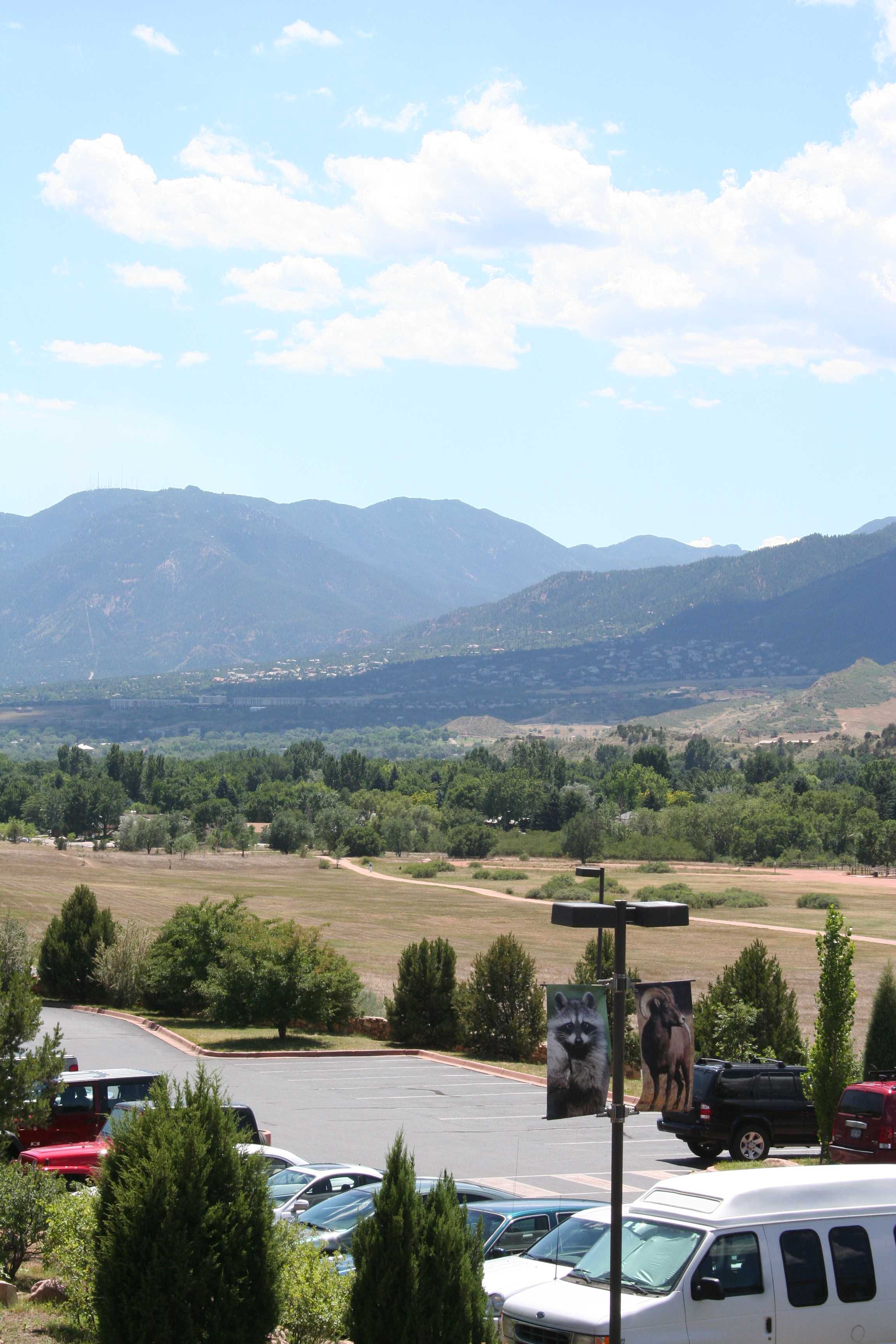
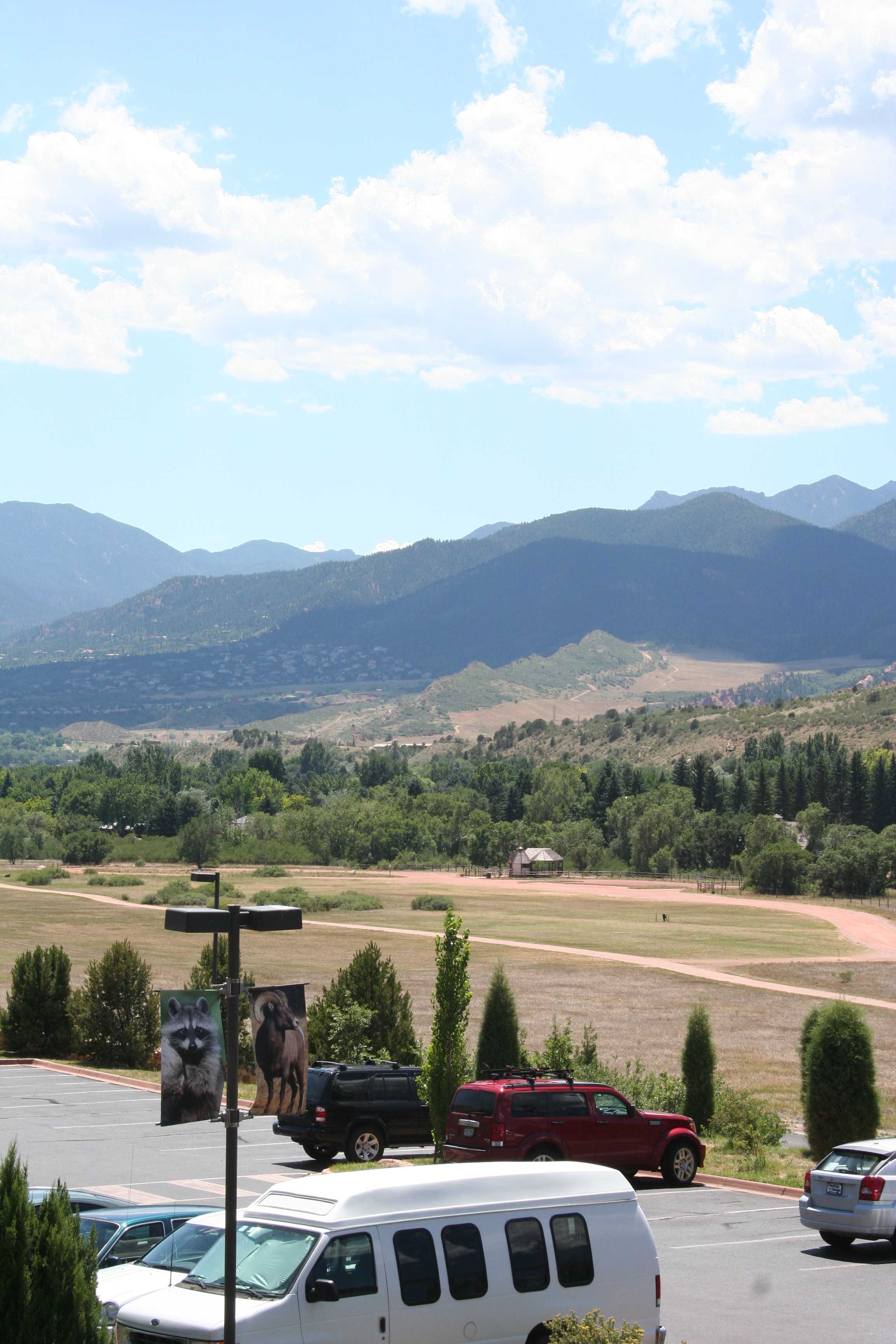
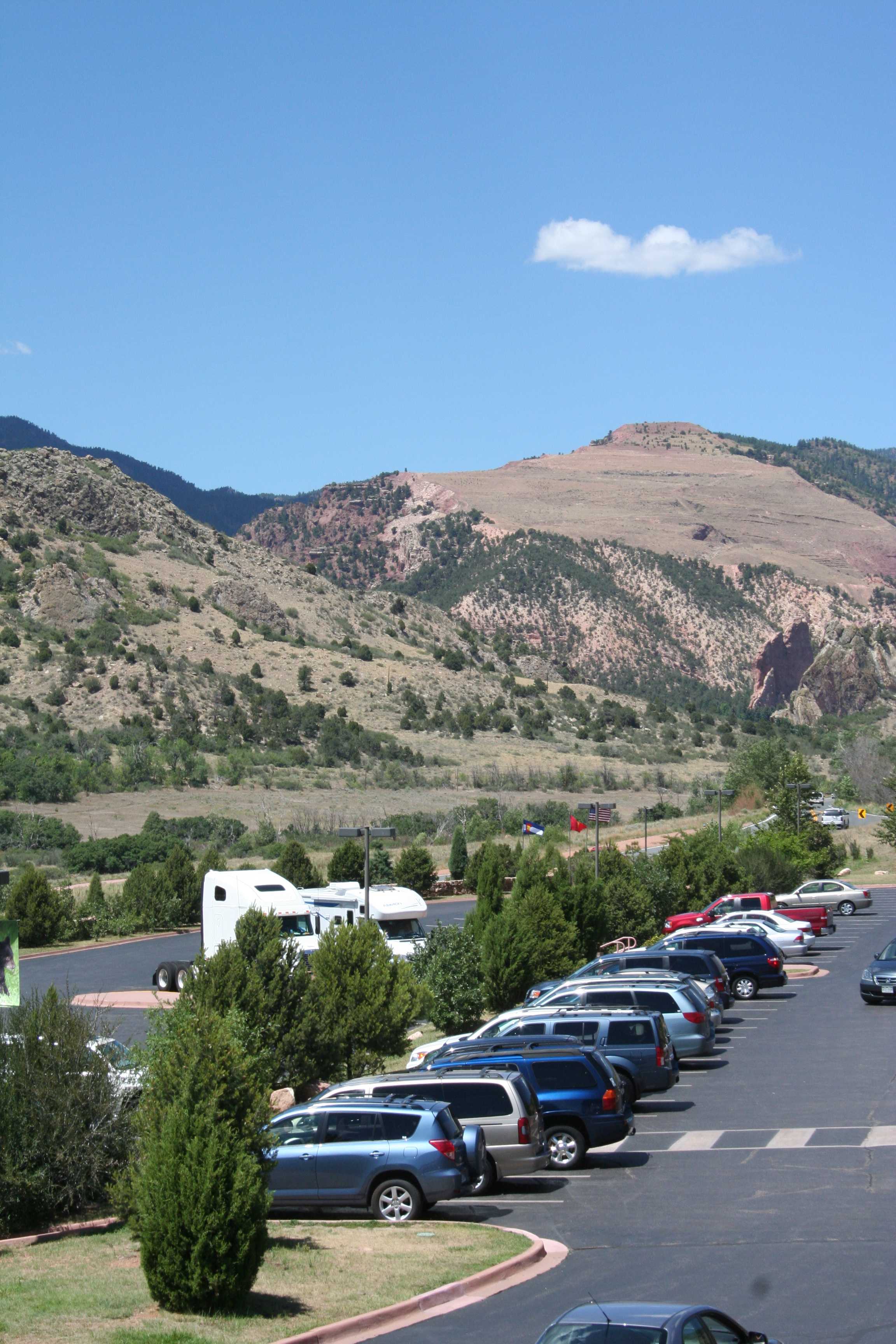
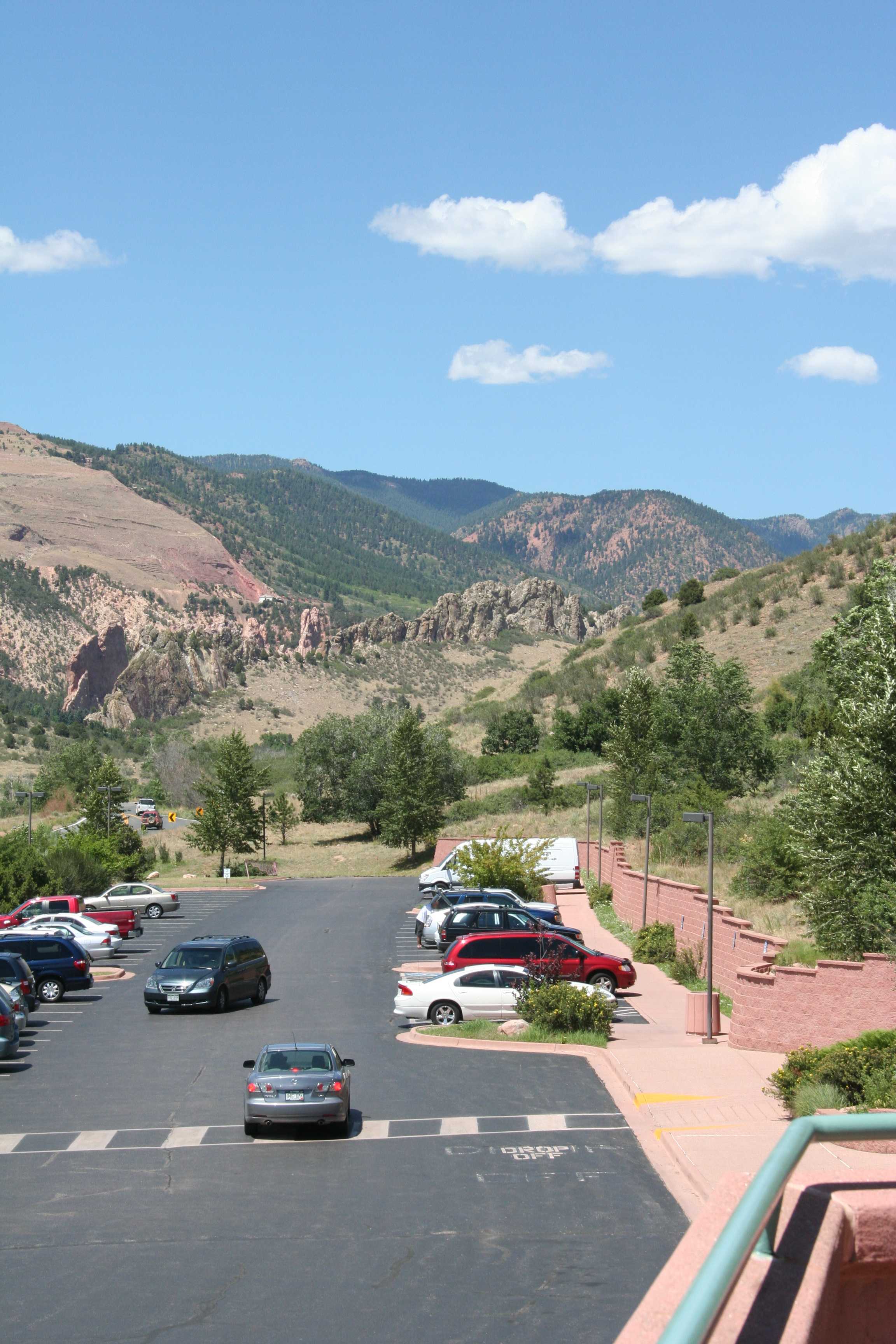
Let’s jump forward about five years to see how you can get some really great results. (It shouldn’t take you five years — you’re reading this!) I now have a much better camera (Canon Digital Rebel XT) and some experience. We were visiting the Garden of the Gods in Colorado. Specifically in this case, the visitor’s center there, which has a second story balcony which gives a good, wide overview of the area. Perfect for panoramic assembly. Remember, you don’t want to move, you just want to spin as you take your pictures.

Big, wide view! Tall skies! Towering mountains! Magnificent rock formations! We’ll start with landscape layout photos covering an arc of about 200 to 220 degrees. With the 18mm-55mm telephoto lens zoomed back to its widest view at 18mm, leaving the overlap between frames that we need, this takes seven frames.

IMG_6912 (compressed) IMG_6913 (compressed) IMG_6914 (compressed) IMG_6915 (compressed) IMG_6916 (compressed) IMG_6917 (compressed) IMG_6918 (compressed)

The seven frames combine into (click to enlarge):

2008_08_12_6912_to_6918_GOTGVisitorCenter (compressed)

This is nice. These seven photos of 3456 x 2304 pixels (7.9 megapixels) each combine into a panoramic image of 9922 x 1886 pixels (18.7 megapixels). The reason the panorama isn’t seven times the size of an individual frame is because of the overlap.

That’s great — we can do even better. Without zooming in, we can take a series of pictures in portrait layout that cover the same 200 to 220 degrees. Since the pictures are narrower in the horizontal direction, it’s going to take twenty-five of them.

IMG_6919 (compressed) IMG_6920 (compressed) IMG_6921 (compressed) IMG_6922 (compressed) IMG_6923 (compressed) IMG_6924 (compressed) IMG_6925 (compressed) IMG_6926 (compressed) IMG_6927 (compressed) IMG_6928 (compressed) IMG_6929 (compressed) IMG_6930 (compressed) IMG_6931 (compressed) IMG_6932 (compressed) IMG_6933 (compressed) IMG_6934 (compressed) IMG_6935 (compressed) IMG_6936 (compressed) IMG_6937 (compressed) IMG_6938 (compressed) IMG_6939 (compressed) IMG_6940 (compressed) IMG_6941 (compressed) IMG_6942 (compressed) IMG_6943 (compressed)

Um, yeah, right. (But wait, there’s more! Just not today, at least on that train of thought.)

2008_08_12_6919_to_6943_GOTGVisitorCenter (compressed)(Click me!)

So you combine your twenty five images of  3456 x 2304 pixels (7.9 megapixels) each to get a panoramic image of 25,796 x 2905 pixels (74.9 megapixels).

Needless to say, file sizes for these finished images are huge. The original, uncompressed version of this one is 53.4 Mb. Fortunately, disk storage is dirt cheap, so in these heady days of 4 Tb hard drives for under $200, the file size pretty much means nothing.

What is a bit more limiting is the number of calculations that the software is doing to merge those twenty-five frames into that 75 megapixel image. You’ll need to make sure you have a modern, fast computer, with as much RAM as you can cram in. Even with that, the stitching process can take ten, fifteen, twenty minutes or more. It’s kind of a “set-up-and-go-get-ice-cream-while-it-crunches-numbers” deal.

This method might not be quite as simple or quick as simply having a 75 megapixel camera, and the fine details of the picture quality might not be as perfect as they would be if you have a 75 megapixel camera, but I’ll guarantee that it’s a lot cheaper than trying to build and/or buy a 75 megapixel camera. Currently the best DSLR on the market is the Nikon D800 which has a 36.3 megapixel sensor — and a $3,000 price tag for just the camera body, all lenses and accessories extra.

Congratulations, you’ve created a monster! It’s a very pretty picture, to be sure, but what can you do with it? How can you even look at it?

I’ll let you play around with those questions for a bit. (Homework!) Tomorrow (or later this week) I’ll tell you how I do it.

Leave a comment

Filed under Photography, Travel

Panoramic Photography (#1)

I might have mentioned here (a few thousand times) that I take a lot of pictures. One of the reasons I do this is because I take many pictures that are intended to be part of a panorama, many pictures stitched together by software to make one huge, wide picture. The individual pictures may not be anything to write home about, but put them all together and you’ve got something great.

I first started playing around with this in 2003 on a trip to Toronto (Worldcon!) and Niagra Falls. This is how I got some clues as to what works and what doesn’t, so I’ll share.

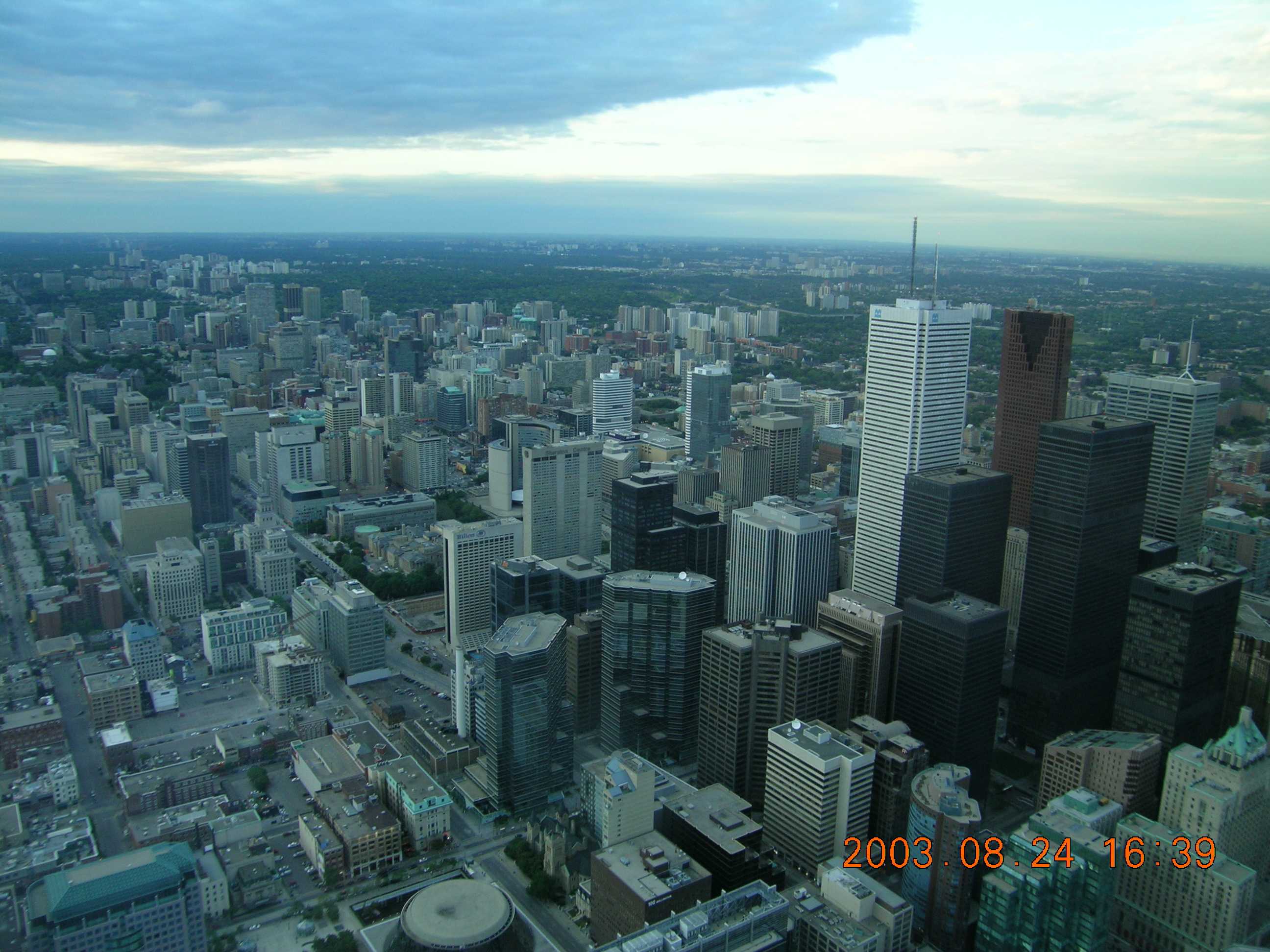
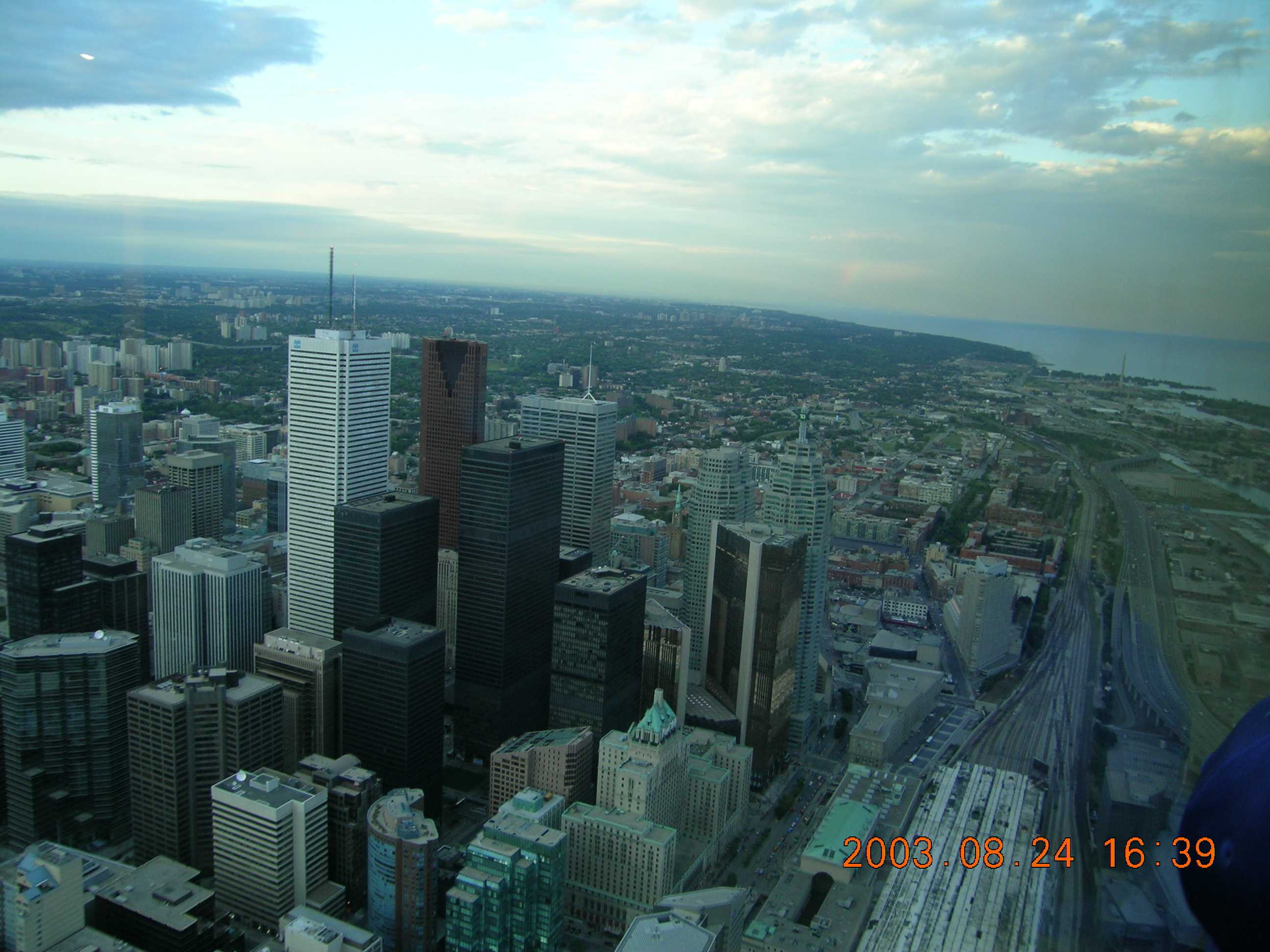
First, take two pictures, left and right, with some overlap between the right edge of the left picture and the left edge of the right picture. These are pictures of downtown Toronto, taken from the CN Tower observation deck.

DSCN0358 (compressed) DSCN0357 (compressed)

See how the pictures overlap? Do your best to keep the pictures as level horizontally as you can. If you’ve got a tripod, that’s even better, but it’s not necessary. (About 99% of what you’ll see from me was shot without a tripod.)

Now let your software go at it. I don’t have a clue what I was using in 2003 (probably a much earlier version of what I’m using now) but these days I use The Panorama Factory from Smoky City Design. I’m sure there are other great programs for stitching images together into a panorama, but I’ve gotten really good results so far from Panorama Factory.

Running the program, you import the images you want to use. Line them up in order from left to right, flip them over, flip them from landscape to portrait orientation, whatever you need to do. When you’re ready, start the stitching process.

The program will find points on the right side of the first picture and start matching them to similar/identical points on the left side of the second picture. For example, above I’ve got about a 50% overlap, so it’s easy to see where each of the skyscrapers on the left side of the second picture can be matched up with their image on the right side of the first. Got it?

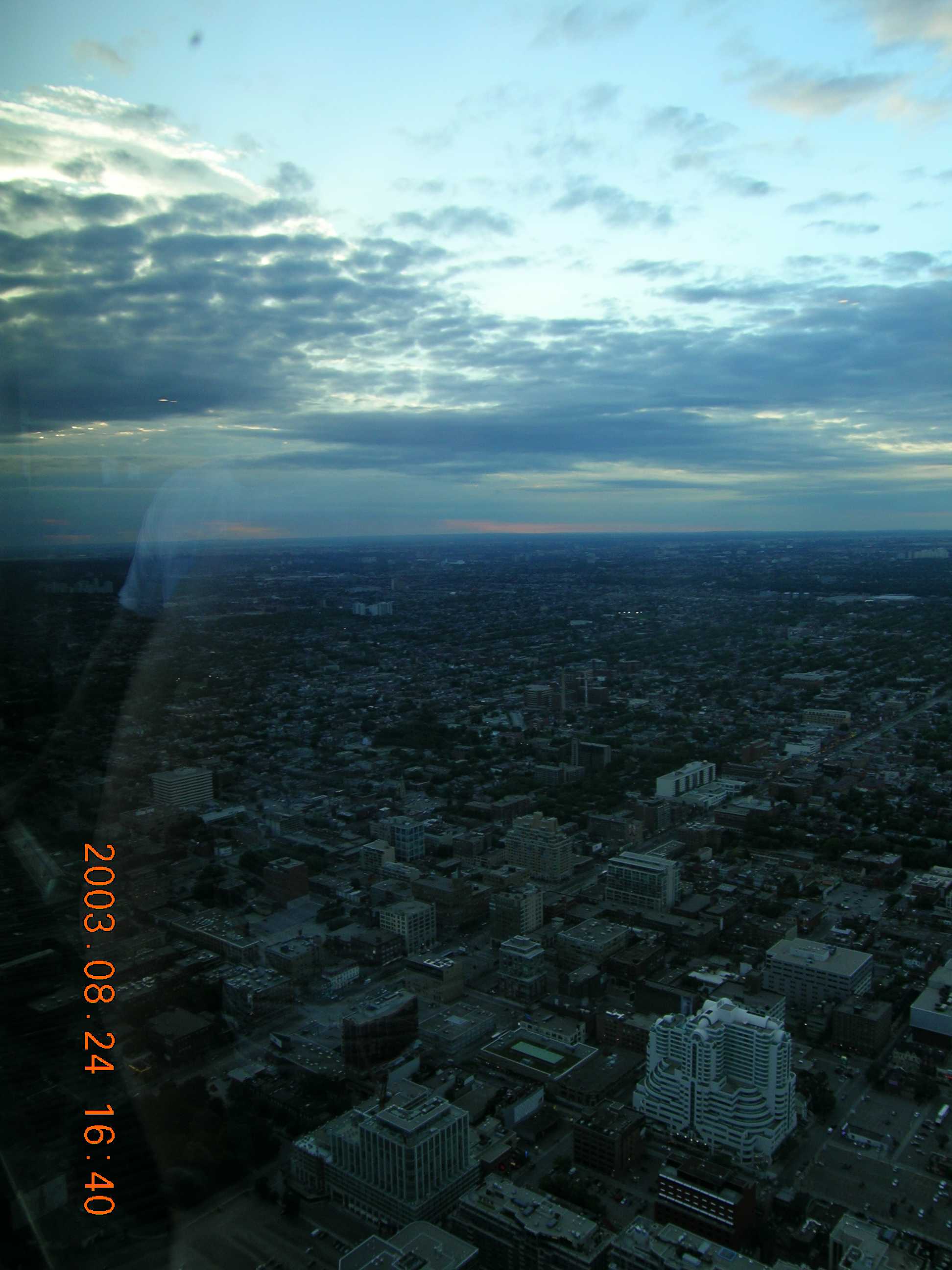
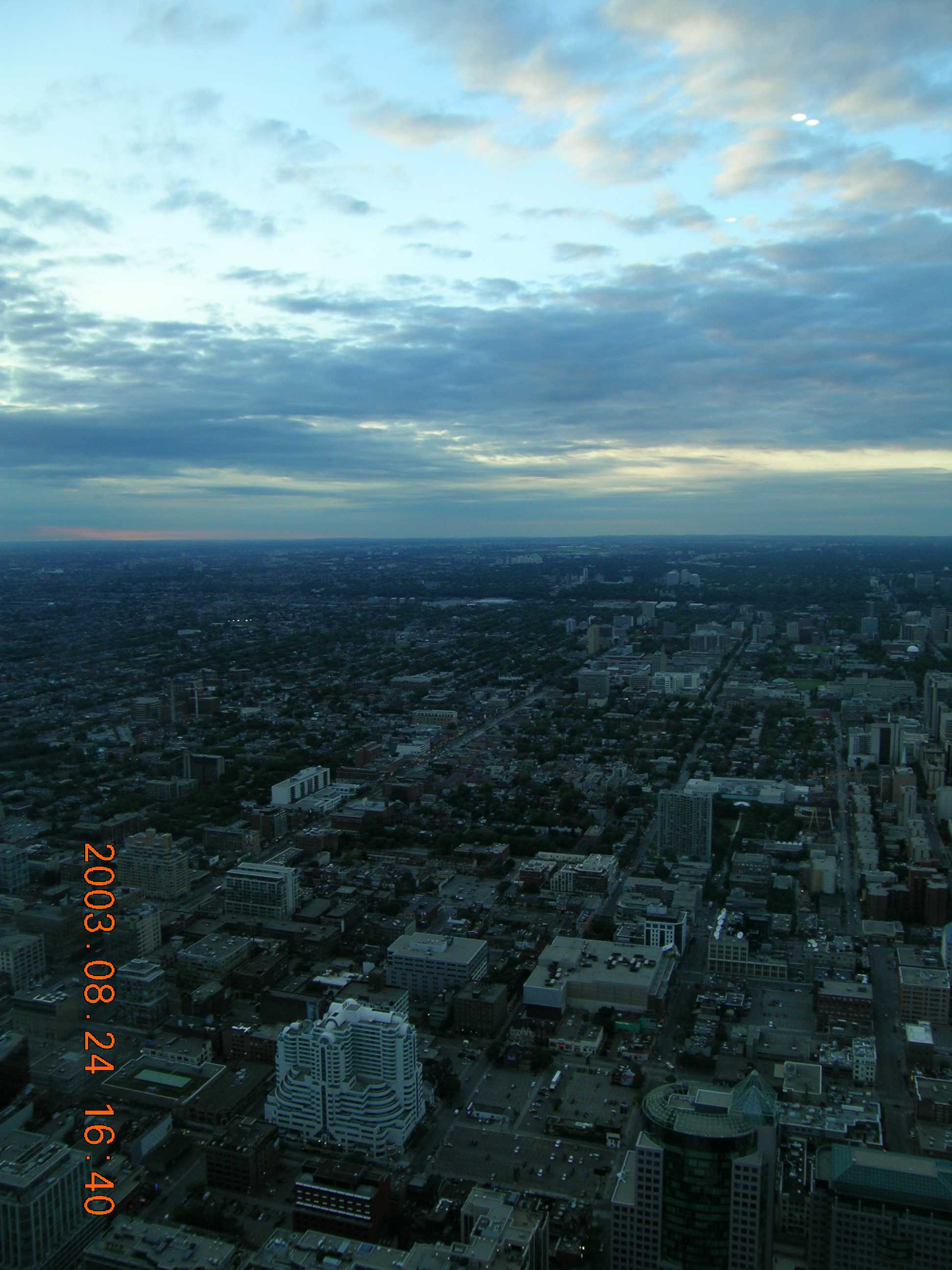
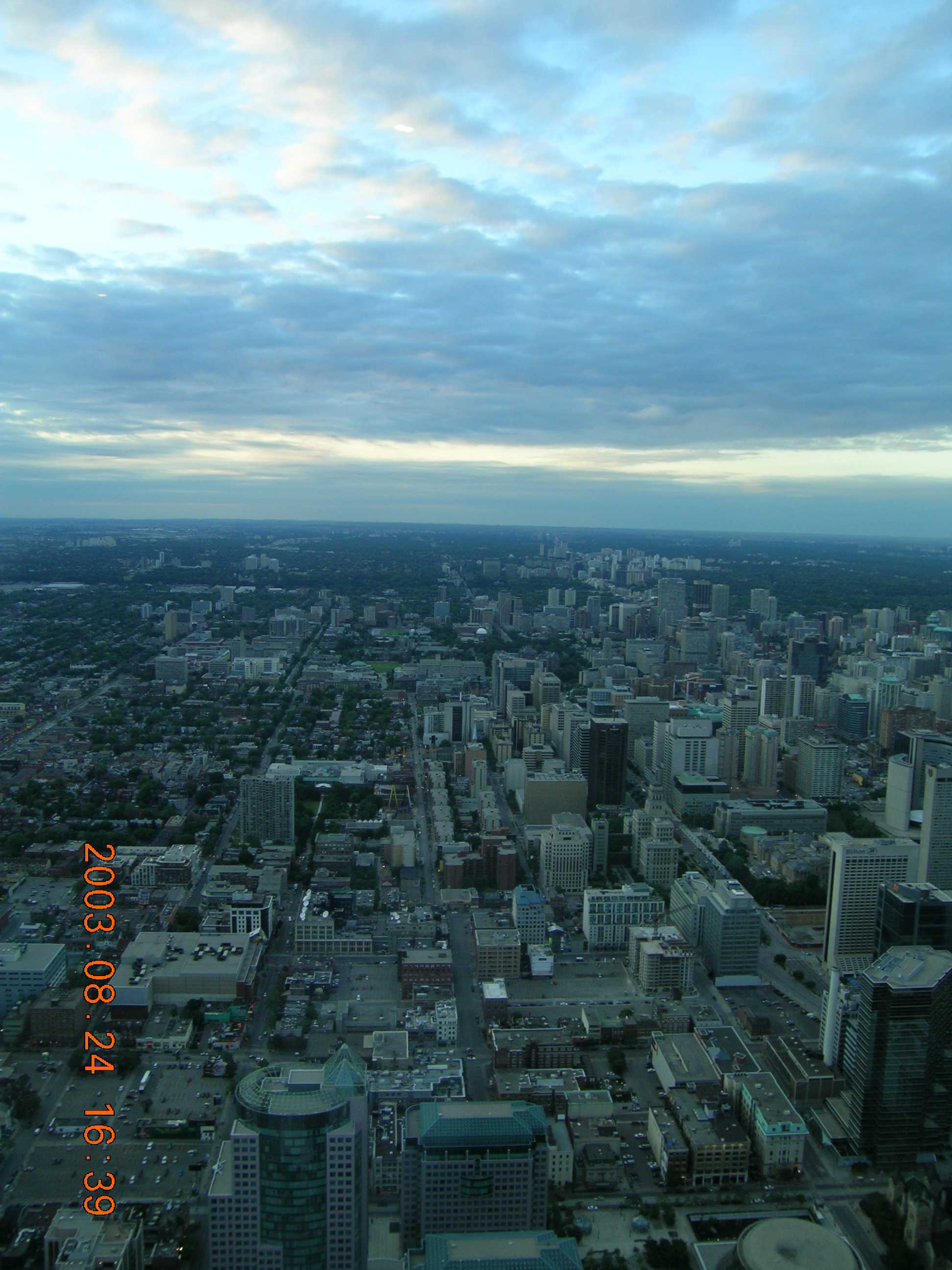
2003_08_24_0358_to_0357_Toronto_From_CNTower (2011 software) (compressed)

The first lesson is obvious. Turn off the date & time stamp on the camera! (For the record, in 2003 I was still using a 5 megapixel point & shoot camera. I didn’t get my first DSLR until late 2005.) The two original pictures were each 2592 x 1944 pixels (5.0 megapixels). The combined picture is 3553 x 1728 pixels (6.1 megapixels).

You can see how the two images have been combined. In this case, in some instances where they’re matching (in particular, look at one or two of the buildings at the bottom, right in the center) the software won’t make an exact match, so you’ll see ghost images from both frames. This comes from the 3D geometry of what’s being manipulated digitally. Especially if you’re not using a tripod, there will be tiny, subtle differences in the relationships between points in your pictures. These are caused by the camera being tilted slightly differently, being rotated slightly differently, and any distortions in your lens or imaging system being in a different place on the picture.

The software will do its best to match up points, and then warp the two images so they fit together better. The 2003 version of the software did an OK job — the 2011 (current) version does a fantastic job.

What if we use more than two pictures?

Obviously, if we take more pictures using the landscape orientation, we’ll get an image that’s about the same height but much wider, up to a full 360 degrees. The problem with doing that is that you really need to take all of the pictures from the exact same spot. (Tripod, anyone?) In an instance like this one where we were in the CN Tower observation deck, the only way to see all 360 degrees was to walk around the deck. But you’ll never get a usable panorama since there’s so much variation between frame edges every time you take a couple of steps around the deck. I do 360 degree panoramas all the time (trust me, you’ll be stuck seeing them here sooner or later) but they’re always from a spot, such as in a valley or in a fire tower, where you can literally stand in one spot, rotate without moving laterally, and still get images of the full 360 degrees. (If this is all gobbledygook, don’t worry, I’ll show examples later.) (And why is “gobbledygook” not flagged as a misspelled word? You mean it’s in the dictionary?!)

The other option for taking more than one picture is to rotate the camera and take a series of pictures using a portrait orientation. This means that you’ll need to take more pictures to cover a similar swath of the horizon (the individual pictures are narrower) but the finished panorama will be taller. The ultimate end result will be a panorama that is bigger, with a lot more pixels and detail.

DSCN0363 (compressed) DSCN0362 (compressed) DSCN0361 (compressed) DSCN0360 (compressed) DSCN0359 (compressed)


Presto chango!

2003_08_24_0363_to_0359_Toronto_From_CNTower (2011 software) (compressed)

The five original pictures were each 1944 x 2592 pixels (5.0 megapixels). The combined picture is 6106 x 2285 pixels (13.9 megapixels). (Remember to click on the picture to see it full screen.) Now we’re talking!

There’s still a bit of mismatch at the bottom where each of the “seams” is, and I still have to turn off those stupid date stamps. But as happy as I was with this, I’m just warming up.

More tomorrow. (Or the next day…)


1 Comment

Filed under Photography, Travel

Some Days

Some days you’ve got tough choices to make, especially when it’s time to share your feelings with the world using a forum such as this. Today, I choose to keep my own counsel on many things, and instead share a very pretty picture of a place I like a great deal. (Otherwise known as the “If-You-Can’t-Say-Anything-Nice” strategy.)

DSCN1559 small

You’re welcome.

Leave a comment

Filed under Photography, Travel

Kyoto (Part Four)

To Recap: In May, 2012 I went to Asia on the “Three-Countries-Three-Weeks-Three-Kids” tour. The first stop on this once-in-a-lifetime trip was Shanghai, followed by several days in Seoul. Now I was footloose and fancy-free (i.e., lost a lot) in Kyoto, Japan. I found one of the most beautiful and interesting places I’ve ever seen and I’m going to continue to bombard you with share dozens of pictures from there with you for the next few weeks.

Now we’re getting to the really good stuff. Remember, you can click on any photos to get larger versions.

IMG_0855 small

Leaving behind the Fushimi Inari temples at the base of the mountain, we start to climb the mountain. I didn’t ever find it to be a particularly strenuous or steep climb, nor is it miles and miles to the top. But there will be places where you’re huffing and puffing a bit, especially if you’re toting a backpack full of cameras. (Ahem…)

IMG_0859 small

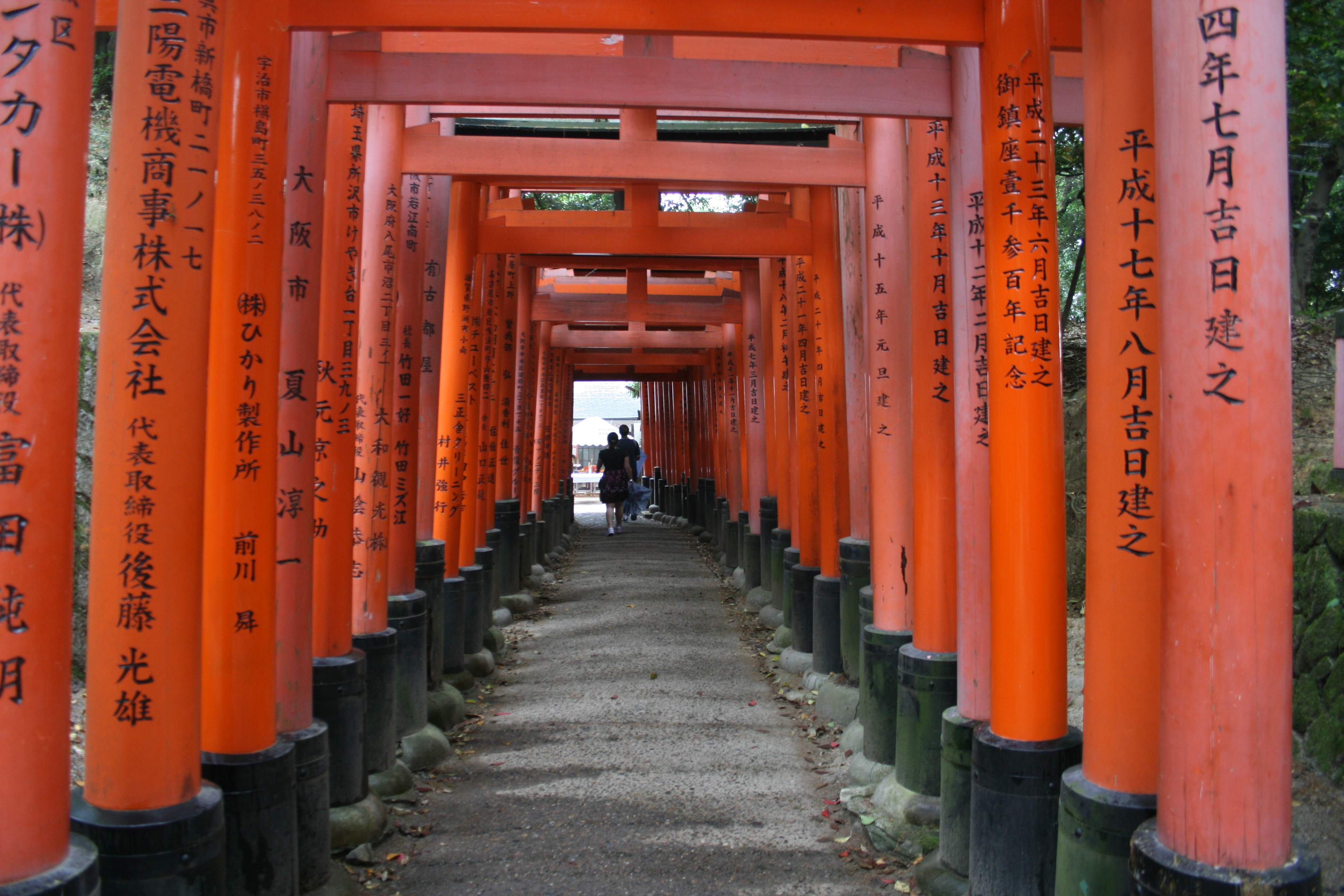
Here for the first time you can see the rows upon rows of vermilion torii gates that line the paths up the mountain.

IMG_0860 small

While they’re all initially painted the bright vermilion color that’s associated with Inari Okami, they fade in the weather and are repainted at different times, leaving an endless variety of colors from near-white, to pink, to red, to bright orange.

IMG_0864 small

The paths split and wind around the hill, only to re-split, re-connect, and split yet again. It’s not so much a maze as it is a chance to tour the mountain using dozens, if not hundreds, of different routes.

IMG_0865 small

Yet another junction, a chance for you to choose your path forward. (Very zen! Probably the wrong religion.) I didn’t see any signs or markers indicating which path was which, at least not in English, so if you’re going to be obsessive about going on every route or something, you may have a problem.

IMG_0887 small

There are many, many interesting perspectives. As you can see, many of the posts on the torii gates have Japanese inscriptions on them. I believe they’re prayers or the names of ancestors or sponsors, but I could be wrong.

IMG_0889 small

Looking back at the same torii gates, I noticed there aren’t any inscriptions on the other side. I’m sure there’s a reason or significance, but I don’t know what it is.

IMG_0890 small

Then I found a side path that looked quite different, heading off into a glade. The torii gate here is not painted (but is still beautiful) and at least at first there’s just the one large on at the entrance.

IMG_0893 small

Inside the shrine in the glade, there are a few vermilion gates. For the first time I saw small family shrines. I was told that the shrines are built and maintained by families for their ancestors, but it’s not clear if they actually contain ashes as a Western graveyard would, or if the shrines are just ceremonial memorial sites.

Next time we’ll look more at the small family shrines here (they seem to be different in many ways from the shrines higher up the mountain) and get some fantastic views of the torii gates from outside.

Leave a comment

Filed under Photography, Religion, Travel

On The Riverbank

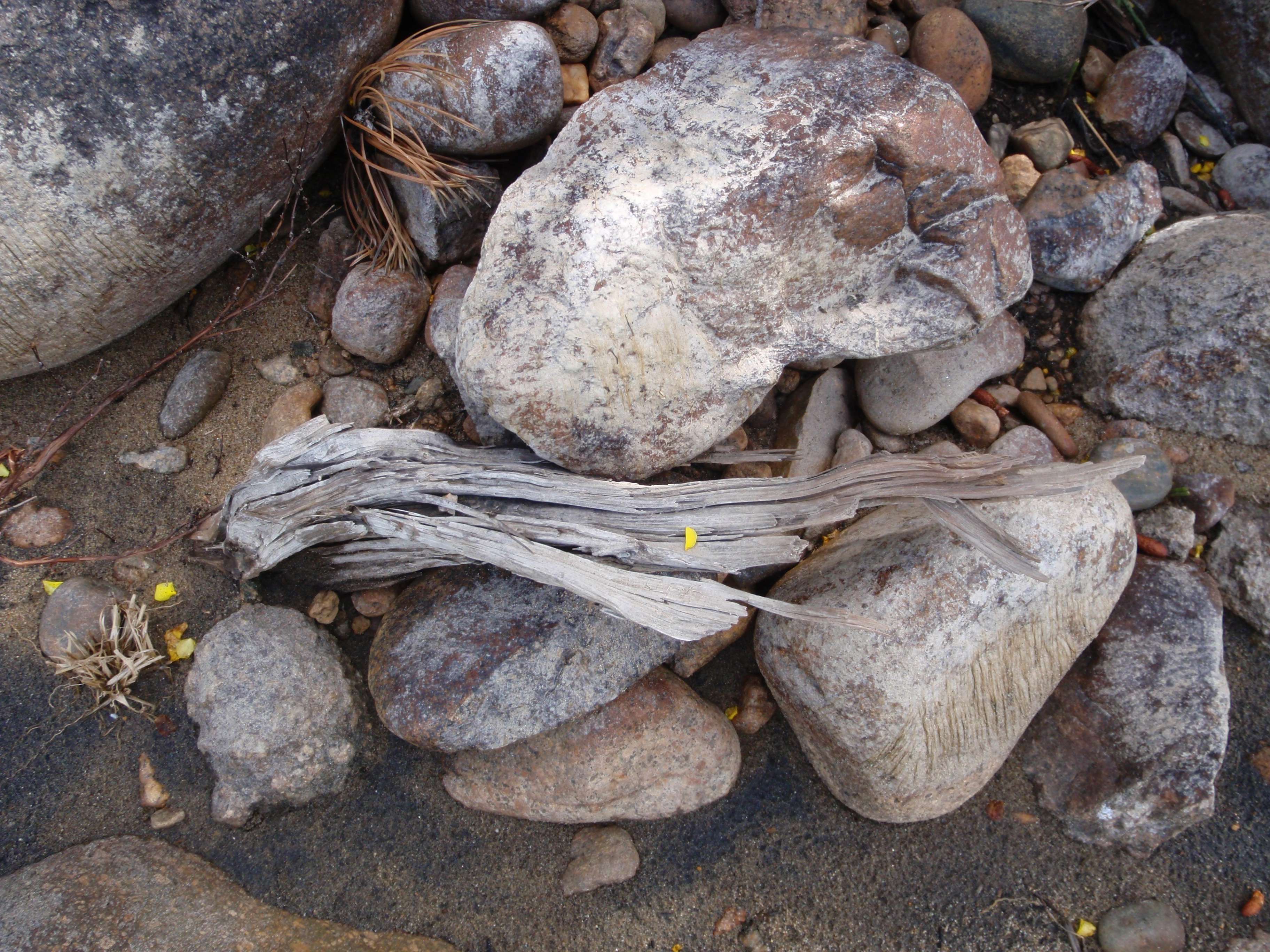
Don’t know if they’re “art”, but they were interesting and pretty pictures when I took them and I still like them when I stumbled back across them today. That’s as good of a definition of “art” as any other I’ve seen.

Taken during a rest stop on a 2008 white-water rafting trip in Colorado.

OLYMPUS DIGITAL CAMERA

OLYMPUS DIGITAL CAMERA

OLYMPUS DIGITAL CAMERA

Especially this one. I like the textures and the way the few bits of bright yellow stand out with all of the dull grays, off whites, and muddy browns. (Adjectives for the win!!)

Leave a comment

Filed under Photography, Travel

Kyoto (Part Three)

To Recap: In May, 2012 I went to Asia on the “Three-Countries-Three-Weeks-Three-Kids” tour. The first stop on this once-in-a-lifetime trip was Shanghai, followed by several days in Seoul. Now I was footloose and fancy-free (i.e., lost a lot) in Kyoto, Japan. I found one of the most beautiful and interesting places I’ve ever seen and I’m going to bombard you with share dozens of pictures with you for the next few weeks.

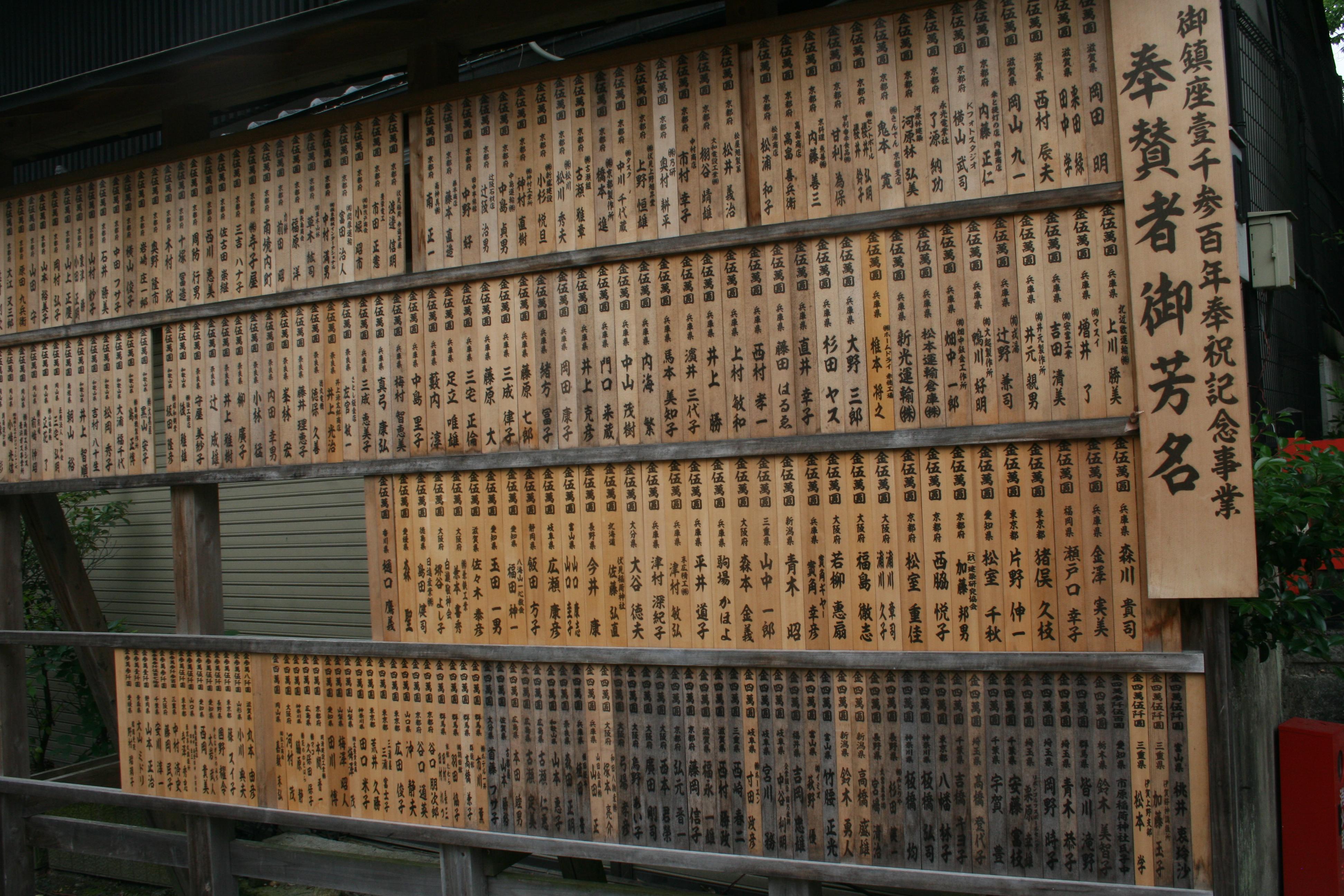
IMG_0815 smallJust outside of the side entrance of Fushimi Inari-taisha where I came in was this board, which appears to be a way for posting prayers of some kind.

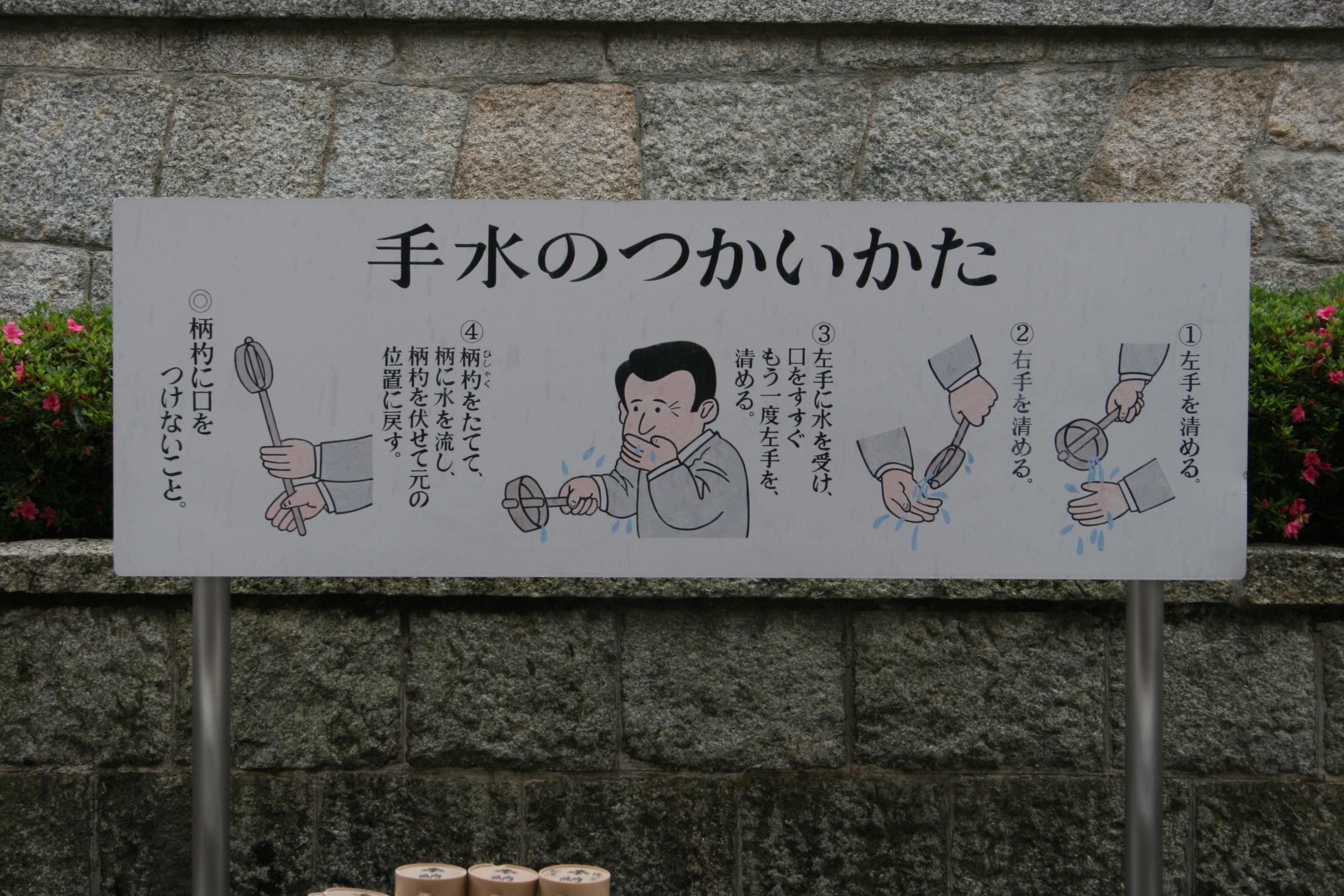
IMG_0832 smallInside the gate, I found this, a fountain with bamboo ladles. I also saw them at other places throughout Fushimi Inari, but this was the largest, and the only one with instructions.

IMG_0833 smallThe instructions, however, didn’t do me much good. Even if you’re going by the pictures, which I was, knowing 0.000% of Japanese kanji, the pictures weren’t obvious. Were they supposed to be read left to right (as most Western cultures do) or right to left (as Japanese does). If I had to guess I would have said the steps were to pick up a ladle; either wash your face, drink some water, or whatever you do, don’t do either of those things; wash your right hand; and wash your left hand. The second image is the one that I had considerable ambiguity about.

While not a religious person myself, I am quite aware of the importance of religion in the lives of many others. I wouldn’t ever knowingly mock or belittle someone else’s religion or their beliefs. (Well, okay, there is Scientology, but I really don’t consider it to be a religion. Sorry.) I also try to be aware when travelling, there may be religious practices or rituals that are open to causing a misunderstanding or a problem, either because I’m not supposed to participate or because I am. It’s a conundrum.

In this case, I couldn’t tell if this was like crossing yourself with holy water before entering a Catholic church (and I should do it) or if it was the equivalent of a Catholic sacrament and therefore something for only the devout to do. Since the instructions were ambiguous, I passed. Perhaps someone who knows can clarify in the comments so I’m better informed for the next visit.

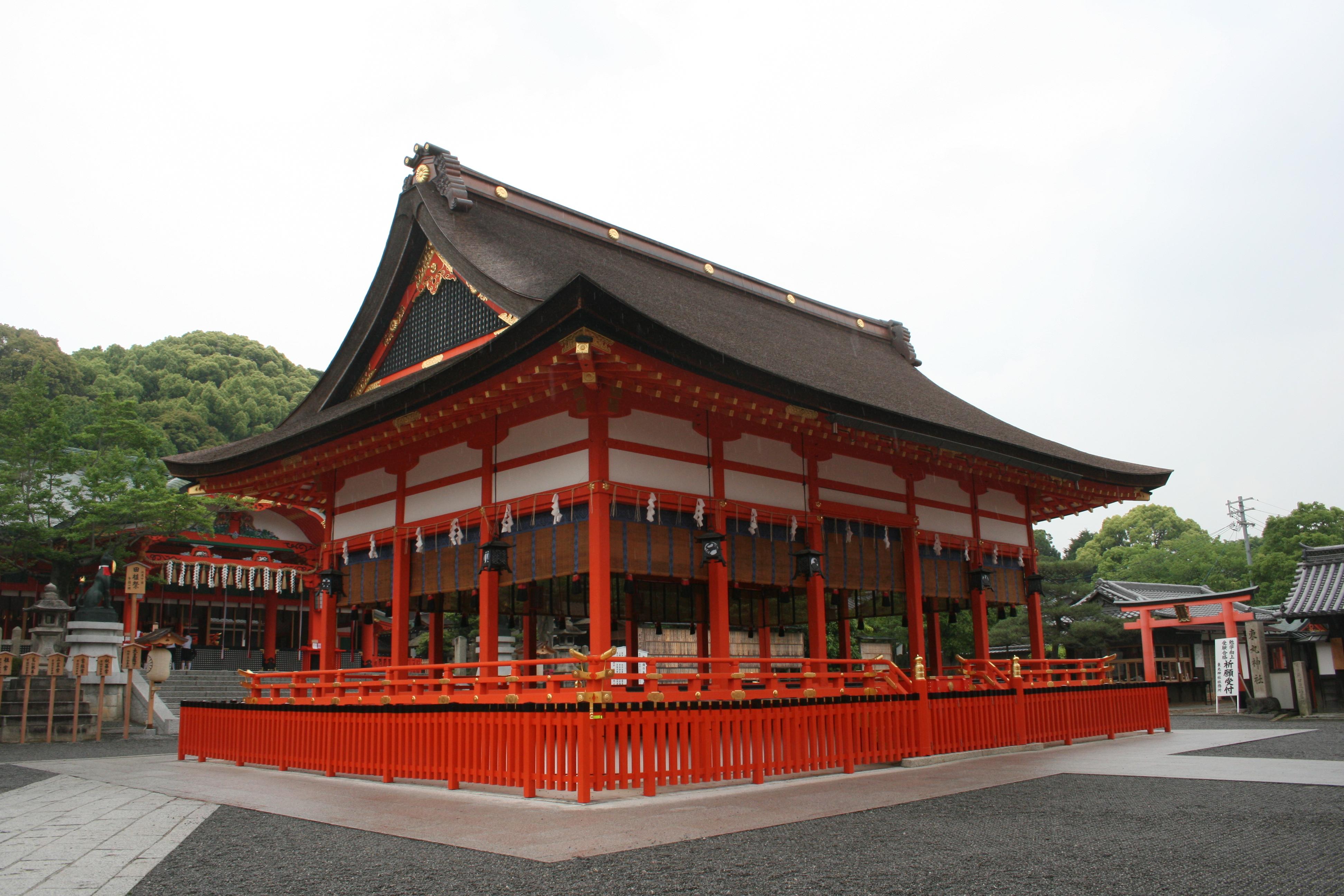
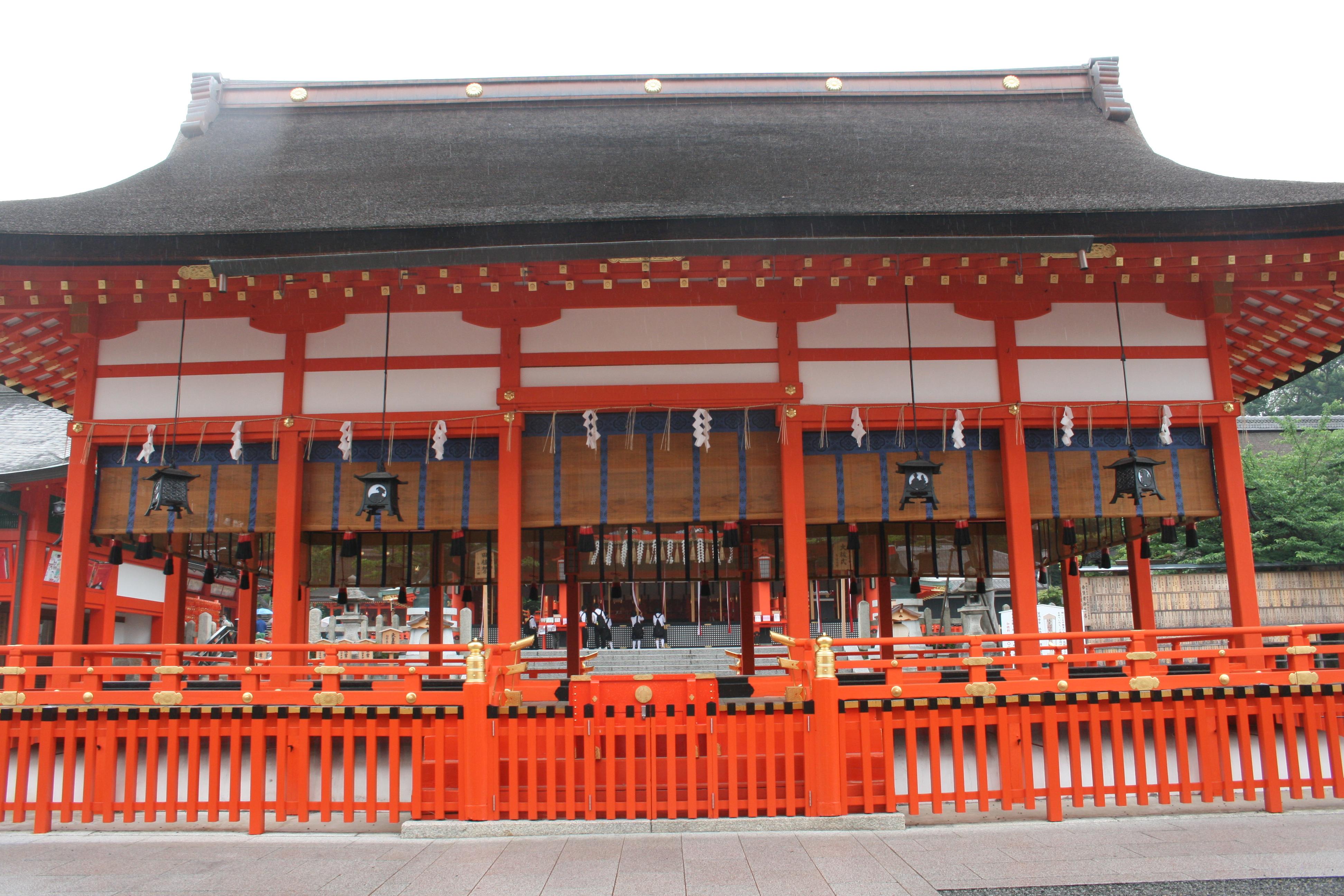
IMG_0834 smallAt the base of the mountain there are a couple of large temples and several smaller temples. Unlike the buildings in Seoul at the Imperial Palace that I toured, which were living quarters and government buildings, all of the buildings here are temples. There are similarities in the designs, but also significant differences.

IMG_0836 smallOne very noticeable difference to me was the paint schemes used. The ceilings and areas underneath the awnings in Korea were intricately carved with a whole rainbow of bright colors and shades. Here the carvings and decorations typically were simpler and more symmetrical, all painted in patterns using the same bright orange-red color as much of the rest of the temple buildings.

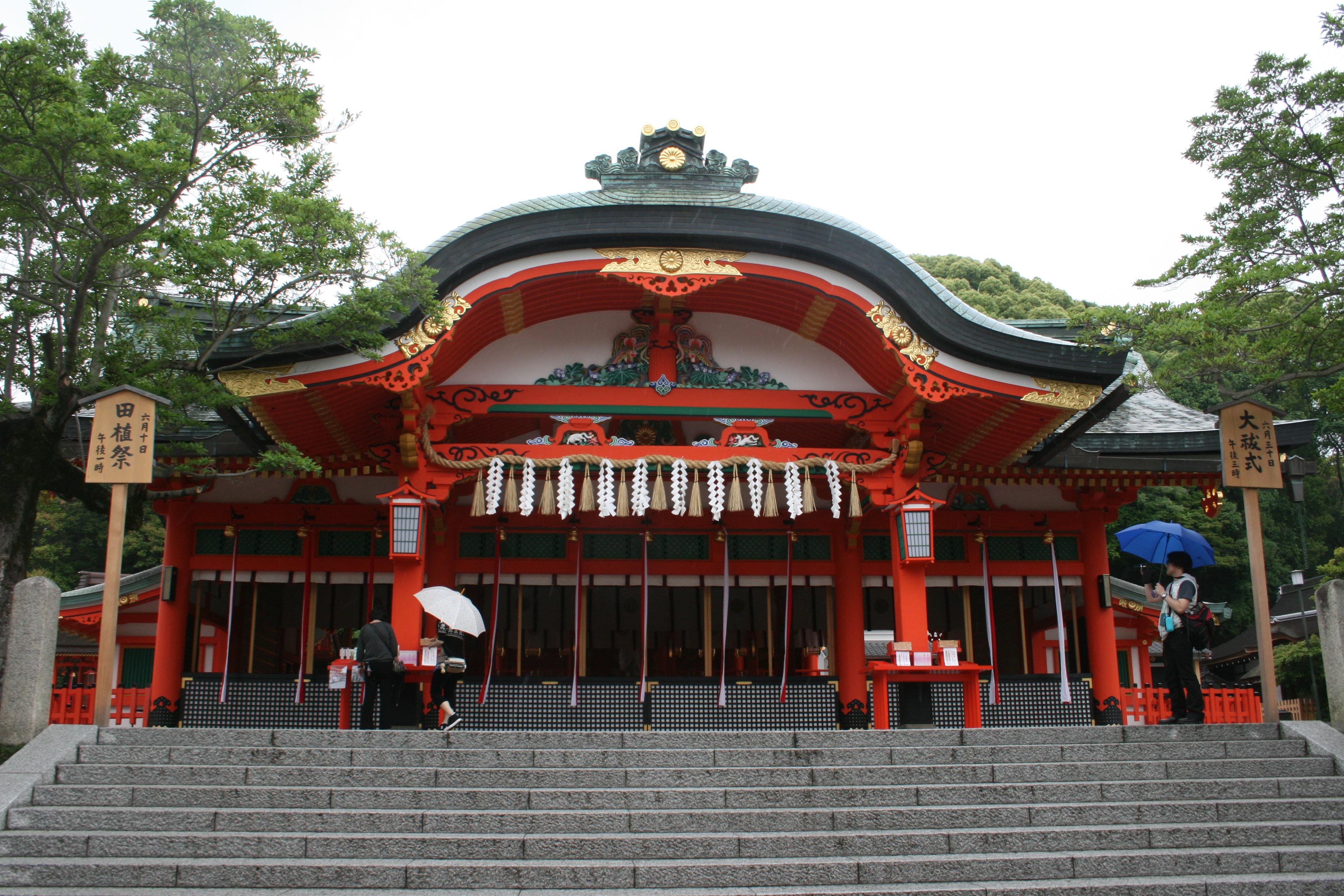
IMG_0838 smallThis is the shrine’s haiden, a Shinto oratory. In the Shinto religious architecture, the haiden is where the kami (sacred Shinto spirits) are worshiped and ceremonies are held.

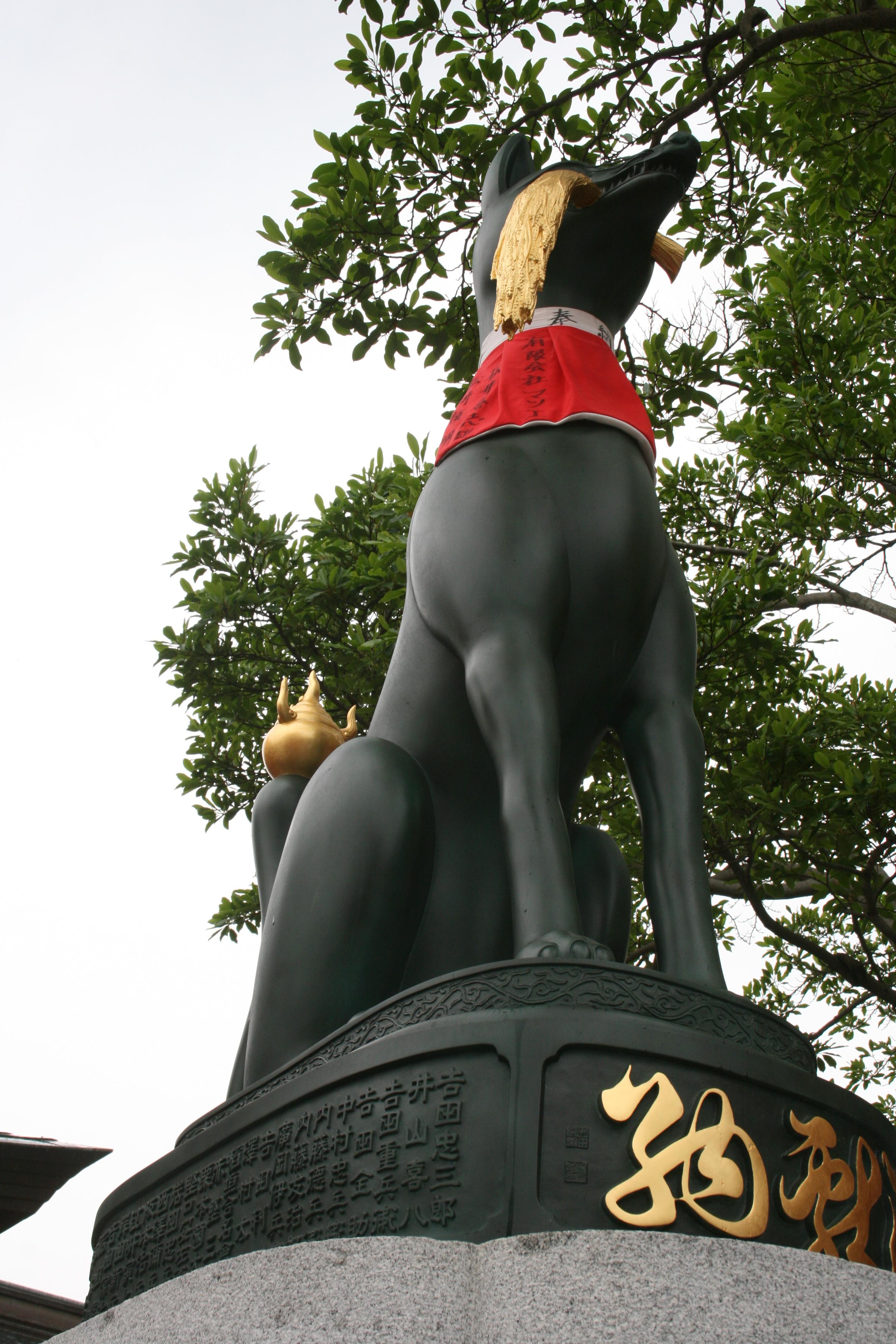
IMG_0840 smallThis is one of thousands of fox statues to be found throughout the site. The fox is a common depiction of the kami Inari Okami, with Fushimi Inari being the primary temple dedicated to Inari. The fox statues usually come in pairs to represent the both/either male and/or female nature of Inari. Since Inari is the symbol of fertility, agriculture, rice, and saki, the foxes are often shown holding wheat in their mouth. The foxes are also generally shown wearing red yodarekake (votive bibs or neck scarves), although I never learned the symbolism or meaning to them.

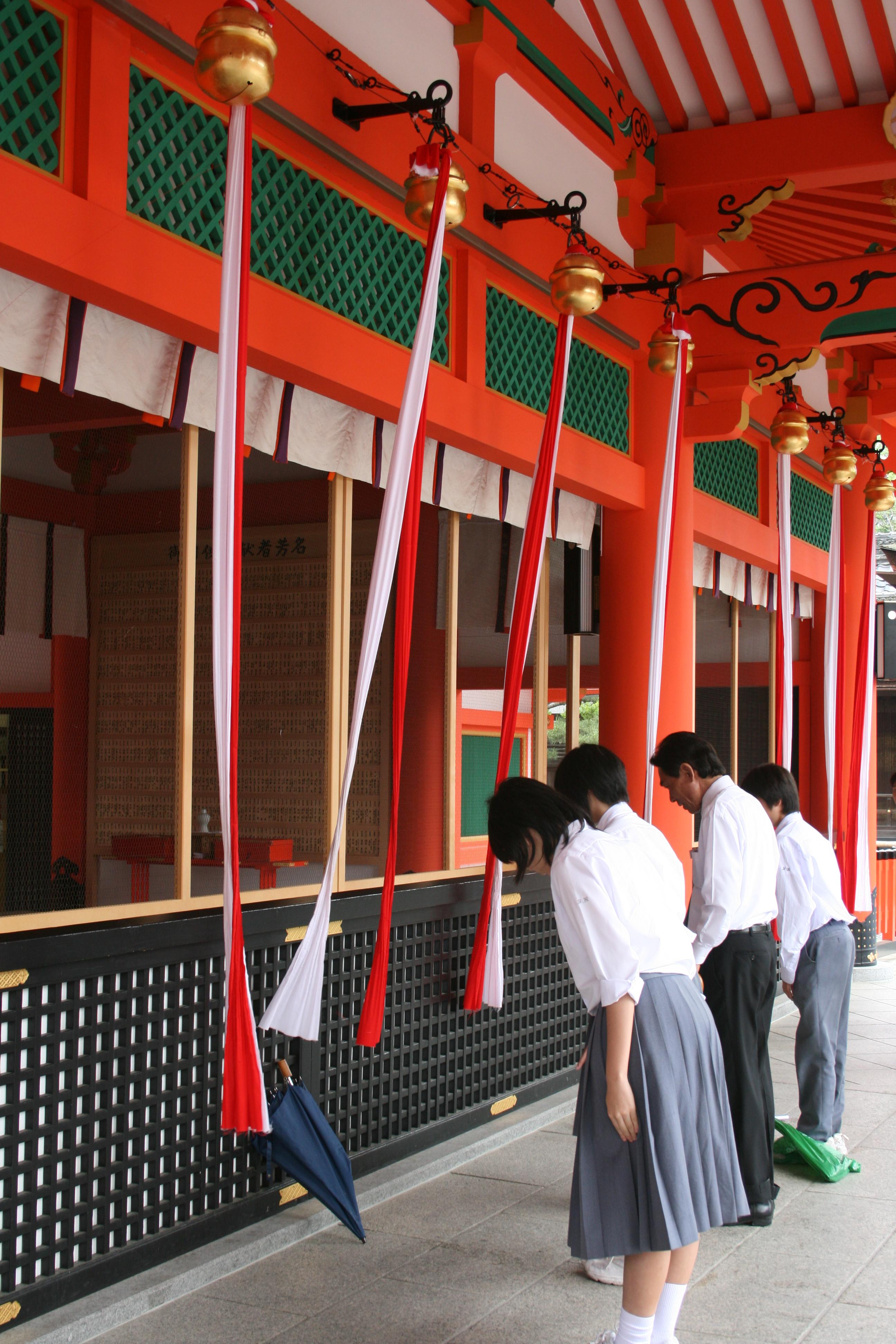
IMG_0845 smallInside the haiden there were candles and lanterns, as well as what appeared to me to be tables or altars of various kinds holding things I didn’t recognize. A priest or priestess (facing away from me, so I couldn’t tell which) was kneeling at one of the largest altars, dressed all in white robes, and reading (prayers, I assume) from a scroll or parchment. As the prayers were read, worshipers would come and go, standing outside, and occasionally pulling on these red and white ribbons to ring the bells above them.

Again, while not a participant, I’m still intrigued by the various ceremonies, rituals, and most of all, by the beautiful architecture. Cathedrals in Europe or haiden in Asia, it’s all interesting.

Now that we’ve seen the temples at the main shrine at the base of the mountain, it’s time to start climbing.

Leave a comment

Filed under Photography, Religion, Travel

Flash Fiction: Center Seat, Coach Class

This week’s Flash Fiction Challenge is to write 1,000 words or so about “bad parents”. After pondering for a while, I decided that parents who use their kids as pawns and weapons in a contentious divorce are really, really bad parents.

As always, comments and constructive criticisms are appreciated.

CENTER SEAT, COACH CLASS

I had already gotten comfortable, my tablet in the seat back pocket along with two candy bars and my point-and-shoot camera. I had a blanket ready to go when they turned the air conditioning down to “subarctic”. I had cleaned the window so when I took picture the camera wouldn’t be trying to focus through multiple layers of forehead sweat residue. My headphones were in, my favorite songs playlist queued up on my phone. Hawaii, here I come!

The aisle seat had been filled with a Hispanic woman who seemed terribly out of place. Some combination of kids and in-laws and grandkids were filling two full rows back near the galley, but Grand Maw-maw had been deposited and strapped in up here ahead of the wing exits. She showed no sign she was going to do anything other than glower and whimper for the next ten hours.

I was just daring to hope the center seat would stay empty when a flight attendant escorted a small girl down the aisle. I would have guessed the girl was nine or ten. As she was buckled in, I noticed the absence of the usual ID lanyard which unaccompanied children usually wore. Odd.

As the final passengers were trying to find room in the overhead bins for their excess baggage I looked at the little girl and said, “Excuse me, would you want to switch seats with me so you can look out the window?”

She looked up at me with a quizzical look. For an instant I thought she might not speak English but she said, “No, thank you, sir. I fly a lot and I don’t care about looking out the window anymore.”

I swallowed my comments about how one should never get tired of looking out of the window when flying. Instead I nodded and said, “All right. Let me know if you change your mind later. It’s a long flight.”

“Ten hours and ten minutes, just like always.”

How did a ten-year-old get so world-weary and blasé?

Once in the air we settled in with our distractions and waited for the beverage service. As the carts started to roam the aisles I noticed the girl had put away her game and was holding her stomach, looking pale. I was going to mention something to one of the flight crew, but when they got to our aisle, the girl spoke up herself.

“Mommy, I’m not feeling very good.”

Mommy? The flight attendant in question was the same one who had brought her onto the plane and buckled her in. Leaning over the old woman in the aisle seat, she gave a brief, cursory exam and started asking questions.

“What’s wrong, what do you mean you don’t feel good?”

“My stomach hurts.”

“Is it a sharp pain, like when your appendix was sore, or are you nauseous?”

“Like I’m going to throw up.”

“When did this start? Did you play with any kids who were sick last week?”

“No. It just started feeling bad a little while ago, after we took off.”

“What did you –“

Before she could finish, the girl convulsed and vomited all over herself, the seats, me, and the Hispanic woman.

Chaos was the order of the day for the next ten minutes. I tried to not use too many inappropriate words in front of the girl and her mother. The Hispanic woman wasn’t so restrained but it was all in Spanish and neither the flight attendant nor her daughter seemed to understand a word.

Towels and napkins were distributed and air freshener was sprayed. The Hispanic woman was the least affected of us, so after a brief cleanup she was led to near seat even further away from the rest of her family, but away from the toxic waste zone. The young girl and I took a bit more work to clean. It took an effort to hold down my own gag reflex, but finally both the girl and I were wiped down. I took over one of the bathrooms to get minimally presentable.

I rinsed my shirt and pants thoroughly before trying to dry them as much as possible before going back out. I figuring that wet was better than chunder covered. When I went back out into the galley, the young girl was in the final stages of cleaning, her mother having found a change of clothes for her.

“You ate breakfast? Why did you eat if you were feeling bad?” her mother asked harshly.

“I didn’t feel bad then. I felt good. Daddy said I needed to eat hearty for the long trip, so we went to that deli I like.”

“What did you have for breakfast that might have made you sick?”

“Nothing, it all was good. I had pancakes and eggs and sausages and bagels with cream cheese and a pastrami sandwich. Then, because I ate all gone, Daddy said I should have one of the giant banana splits. Daddy bet me five dollars I couldn’t finish it. I won! Do you want to see the five dollars?”

The flight attendant was turning red. The other crewmembers helping her were suddenly finding something else to do or somewhere else to be.

“So, Daddy fed you all of that food and all of that ice cream just before you got on the plane?”

“Yes, but I feel much better now. Can I get my video game back?”

Her mother wasn’t listening. As she finished dressing her daughter, small chunks of her internal dialogue kept slipping quietly out. “That lousy son of a bitch! I’m going to take his ass… To use our daughter to embarrass me like this…”

She finally noticed I had come out of the bathroom. Flustered, she did her best to transition to professional flight attendant instead of furious mother. “I’m so sorry about this, sir; I’ve found you a different seat for the rest of the flight. I’ll help move your belongings.”

The voice was level and polite and the smile was firmly attached, but the eyes betrayed her. Mr. Sonofabitch Daddy might have made a tactical error in this child custody case.

I and my collateral damage clothes were on her side. I hoped she ripped him a new one.

Leave a comment

Filed under Flying, Science Fiction, Travel, Writing