Author Archives: momdude

momdude's avatar

About momdude

Space cadet | Family dude | Photographer | Music lover | Traveler | Science fiction fan | Hugo Award nominee | Writer | 5x NASA Social participant | KC Chiefs fan | LA Kings fan | Senior Director of Finance & Administration for ALS Network | Member & former staff Finance Officer at the Commemorative Air Force SoCal Wing | Hard core left-wing liberal | Looking for whatever other shenanigans I can get into

Question For The Hive Mind

The legendary “internet hive mind” who participate on this site might be somewhat smaller than that in all of Twitter or FaceBook, but hey, let’s throw this out there and see if there’s a response.

I’m looking for a program or app for keeping track of “little notes,” or maybe better described as a “yellow sticky note” organizer. (See, it’s not even like I can describe what I’m looking for.)Does anyone have anything like that, or maybe even a favorite to recommend?

The question comes up (again) because I installed new monitors on my home office desk last week (it looks like I’ll be working from home for the duration, even after COVID lets us re-open our offices, since the lease is up and we’re looking at the opportunity to downsize the office and save some big bucks – time to maximize my efficiency and comfort for the long haul) and in the process cleaned, and in that process I came up with a big stack of miscellaneous sticky notes, some of which go back years. It occurs to me that there might be (should be?) a better way to deal with them.

Some are strictly temporary (“Call dentist on Monday”) while others have been up for years (cheat notes on common ASCII codes to make the °, ü, ©, ™, and ® symbols). Some are very low priority “to do” notes that have been here for a couple of years (“35:50 mark of  01/20/2018 SNSD = Yaz ‘Move Out’ Megamix”) but I still want to get to eventually.

So is there an app/program out there where I can put all of these and then sort, store, prioritize, update, archive? Like a database of yellow sticky notes? Or better yet, also color code them or somehow tag or flag them?

It needs to be a cross-platform application, so I can have it on my Windows desktops on multiple computers, on my laptop, on my iPhone, on my iPad.

It needs to be easy – the utility in the “yellow sticky note” system is that when there’s a thought or a note or a tidbit it can be created in seconds and then I can return to whatever the primary task of the moment might be. If I have to spend 30-60 seconds to break my train of thought, load an app, call up the right spot, and then go through several steps to record and save the note, it will be useless and it will never get used.

Figuring that something like this MUST already exist, I went searching. The two “best” in several recent articles are Evernote and Microsoft Notes, with Evernote being generally much better but Notes being free. I’ve used both in the past, but generally a few years back. (It seems that I wander off on this quest every couple of years.)

Evernote already has notes in it from 2013 and 2015, but not very many. It seems I didn’t get far. Notes has a few more notes, but not that many more. It looks like we also tried Notes more extensively for at least a couple months when I was at Urbatec, several jobs back. (It didn’t stick.)

There’s also a name-brand “Post It” app (or there was, it may or may not still be available) which will let you take pictures of your literal pile of Post It notes (like I have) and then… Maybe it translates your handwriting to text? Maybe it lets you do other things with them? It’s not clear. Has anyone used it?

And ultimately, given the way I think and use the crap out of my “go to” software tool, maybe I could just start creating a big Excel sheet that I can program and customize within an inch of its life? But why reinvent the wheel if I don’t have to?

Any thoughts? Suggestions? Recommendations?

Thanks!

2 Comments

Filed under Paul

They All Sound Alike To Me

I’ve been watching a lot of the Australian Open tennis tournament in the evenings (it’s background, it’s live, it’s occasionally very entertaining) and it finally clicked tonight what’s been bothering me about one of the ads.

There’s an ad that runs about every twenty minutes for the Melbourne tourism agency, talking about “This Is Melbourne.” It has a male narrator, Australian accent, calm, low voice and every time it comes on the hair on the back of my neck stands up.

Tonight I finally realized that the narrator of the ad sounds exactly like the Australian dude on the Calm app that does the guided meditations. Before COVID sent us all to work from home, we would have a weekly 10-minute meditation session (strictly voluntary, but popular) in which we would listen to one of these meditation sessions. There are lots of variations with different narrators, male and female, all different accents, but everyone seemed to like the ones with this Australian dude the best.

I don’t know if it’s the same guy – I’m assuming that the one on the Calm app is actually some sort of “meditation person.” (I’m sure there’s a word for that, but I’m an clueless old dude who’s way too tired at the moment. Not priest. Guru? A quick Google search doesn’t give any help, but lots of articles and videos on leading your own guided meditation group, so it may well be that my assumption about training and qualifications are unjustified.) I would also think that the person doing the ads is a professional voice actor.

Maybe they’re the same person. Maybe not.

Maybe all male Aussies with that stereotypical tone and timbre (I think that just recently I referred to it as being “like some early 70’s FM college station graveyard shift DJ”) sound alike.

Maybe I’m just an American, and, well…

Maybe I should just turn the sound down during commercials and get on with my life.

2 Comments

Filed under Paul

No Context For You – February 11th

By the way, DisplayPort cables are wonderful! When I upgraded my monitors last week I at first was using the DVI cables from the old monitors, which was fine, it worked. But it was obvious that I wasn’t getting 100% of the results I wanted. Turns out that with these fancier, newer video cards and monitors the various outputs and cables (HDMI, DisplayPort, DVI, or, god forbid, VGA) all have different maximum resolutions. (I’m sure there are those of you going “DUH!” but while I may have plenty of experience with both hardware and software going back well over forty-five years, I don’t always do this on a daily basis and there are always new things to learn.) A little research resolved the issue and now everything’s WONDERFUL with my new setup. 27 inch dual monitors and 2560 x 1440 resolution might not be ideal for gaming (which is where a LOT of equipment is sold these days) but it’s wonderful for business.

Which is good, because it looks like when things open back up with COVID, I’ll continue to work from home along with a big chunk of the rest of our office staff. Why pay for all of that office when folks can work as well from home?

Brave New World. It’s here…

1 Comment

Filed under Computers, Photography

Somewhat Inauspicious

I am so much *NOT* a morning person, particularly as we approach the end of our first year in “work from home” (i.e., “live at work”) mode. If I don’t have to be “on the job” until 08:30, I’m not getting up at 06:30 or 07:00 so that I can spend 20-30 minutes commuting.

But this morning I had a dentist appointment.

I hate going to the dentist. I’ve had colonoscopies – would prefer them to the dentist. I’ve had kidney stones – okay, maybe that one’s a toss up.

So when I drag my sorry ass out of bed a full two hours early to go someplace I REALLY don’t want to be, this was the view out the back window:

Yeah, nothing threatening or inauspicious about that!

Is that a lens flare or a wisp of fog off on the left side at about the ten o’clock position? Or a massive solar flare that’s about to roast the entire inner solar system and reduce the Earth to a molten, smoking cinder?

If it’s “B,” does that mean I can go back to bed and blow off the dentist appointment? Or do I need to be incinerated with a shiny, bright smile?

Inquiring minds, don’t you know!

Leave a comment

Filed under Paul, Photography

What Could Possibly Go Wrong – February 09th

Chugging through my day, dealing with the usual…

My office desktop that I connect to in order to run our accounting software pops up with a message that there’s a Windows update it’s ready to install. Okay… I had heard that there’s one out there. The timing’s a bid odd, middle of the day and all, but sure, go for it.

Less than five minutes later, I’m back online. No problem.

About a half hour later, my office laptop, which I use to connect to that office desktop, gives me the same message about a Windows update. Sure…

Less than five minutes, no problem.

An hour or so later, my personal desktop, which I use for about 99% of everything else in this year of “work from home” (which is more like “live at work” sometimes), gives me the same message. Sure…

It goes through the usual Windows update screens with the progress reports and the spinny-balls thing and the warning about not turning of your computer…

And I get this:

Wait! What?

Ten minutes later both monitors are blank, but the computer still seems to be on. I’ll wait.

A half hour later, nothing on the screens, no beeps, no error messages, nada, zippo, zilch. Starting to sweat a bit – I’ll wait.

An hour later, having started a new book (pretty good so far, “The Second Star” by Alma Alexander), nothing, nothing, none, nada, zilch. I’ll wait. It’s time for Zoe’s Extraordinary Playlist anyway. (WHAT! You’re not watching the show yet??! Jeez louise… Your loss. Best new show since probably Game of Thrones or The Good Place.)

Another hour later, we’ve gotten through the end of Zoe’s “fall finale,” check the computer and find the status quo. It looks like it’s on, but no sounds of any disks running, no blinking lights showing any CPU activity, nothing showing up on the screens. I know it said, “Do not power down your system,” and I’m a big proponent of following computer instructions in bold, red text, but c’mon. It’s been almost three hours.

So I hold the power button until it shuts down, give it a minute for the capacitors to discharge, then power it back up. Only to be met by about twenty seconds of disk activity, a click, and a shutdown.

Shit.

I blame myself. I’ve got a dentist appointment first thing tomorrow and I hate going to the dentist about as much as I hate getting a colonoscopy, and I had been whining about needing and excuse to not go. It’s that whole “Monkey Paw” thing – be careful how you word those wishes. Having to do emergency computer surgery in order to be able to work from home without doing EVERYTHING on that laptops isn’t quite what I had in mind as an excuse. But I guess I wasn’t specific enough.

Try the reboot again. Same.

Breathe. Think. I’ve been fiddling with computer since (literally!) before there were IBM PCs. I started doing hardware and programming on paper tape on a PDP-8 using 32-bit machine language, one command at a time. I can do this…

Unplug the system and let it sit. Perhaps it’s not quite in a completely powered down state yet. There’s “off” and then there’s “OFF.” To make sure we’re getting a clean reboot, let’s make sure it’s OFF. Wait another fifteen minutes. (What did the Kings do tonight? Lost 4-3 in a shootout. At least we got the one point, but still in last place. I guess now that I won’t be wearing my Chiefs gear I should get out my Kings jerseys.)

Now, once more with feeling and four part harmony…

The system comes back online normally and seems to be working.

Some days the gods are just fucking with you to make sure that you’re not getting cocky. (Those would be days that end in “y.”)

2 Comments

Filed under Computers, LA Kings, Photography

Fine Feathered Friends – February 08th

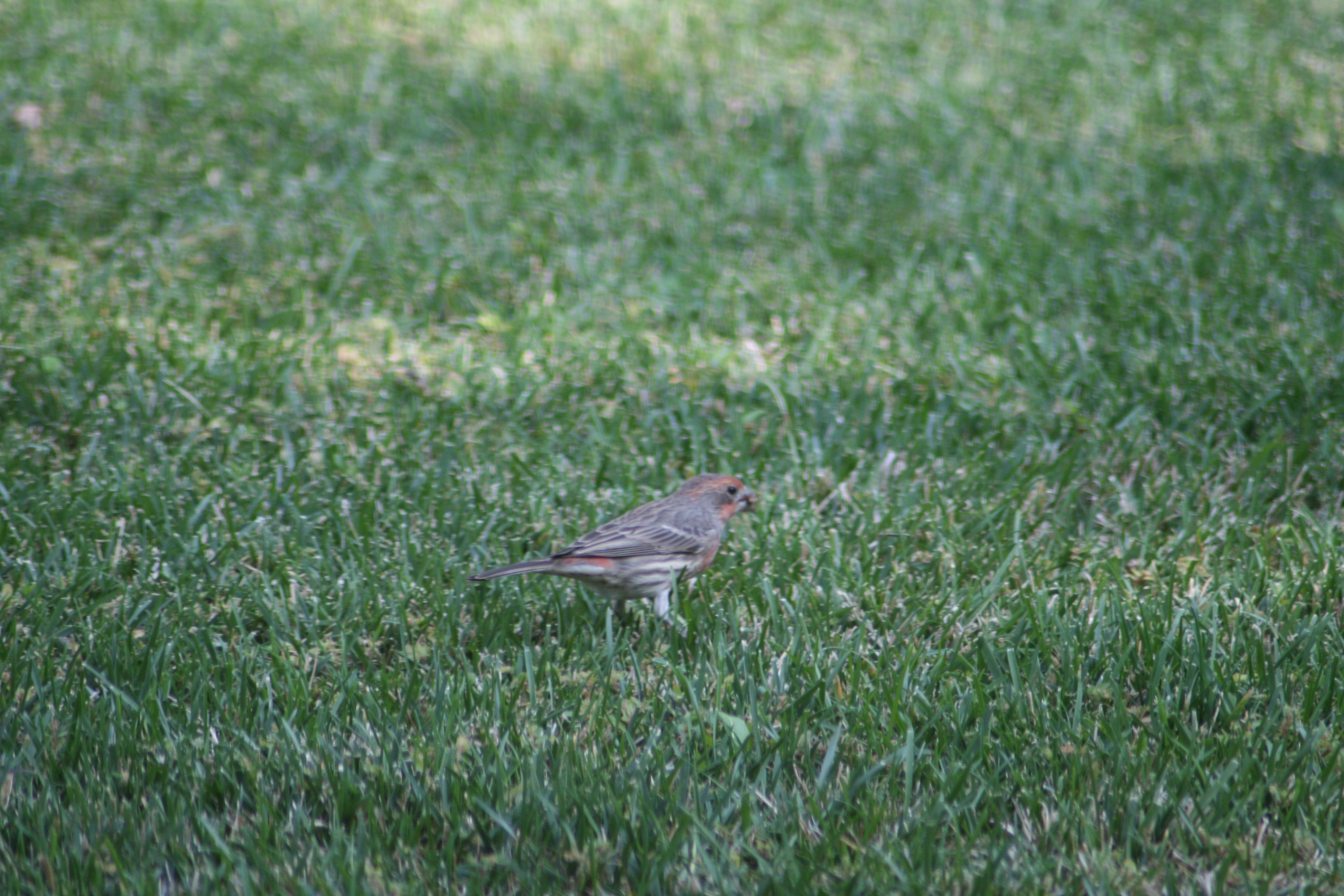
The finches are getting frisky again – spring must be near.

The males are getting their red feathers in, looking vibrant and hot for the females.

Pairs have been flitting around up under the eaves, checking out the remnants of the old nests from previous years – it’s avian Zillow!

The males are warbling up a storm and fattening themselves up on the free bird seed – if this COVID thing doesn’t get under control soon, this may be the second year in a row where watching the finches is the most entertaining option available!

Leave a comment

Filed under Critters, Photography

Fine Feathered Friends – February 07th

So, there’s no celebration or champagne tonight. You know who doesn’t care? The birds out in the yard and the trees, that’s who.

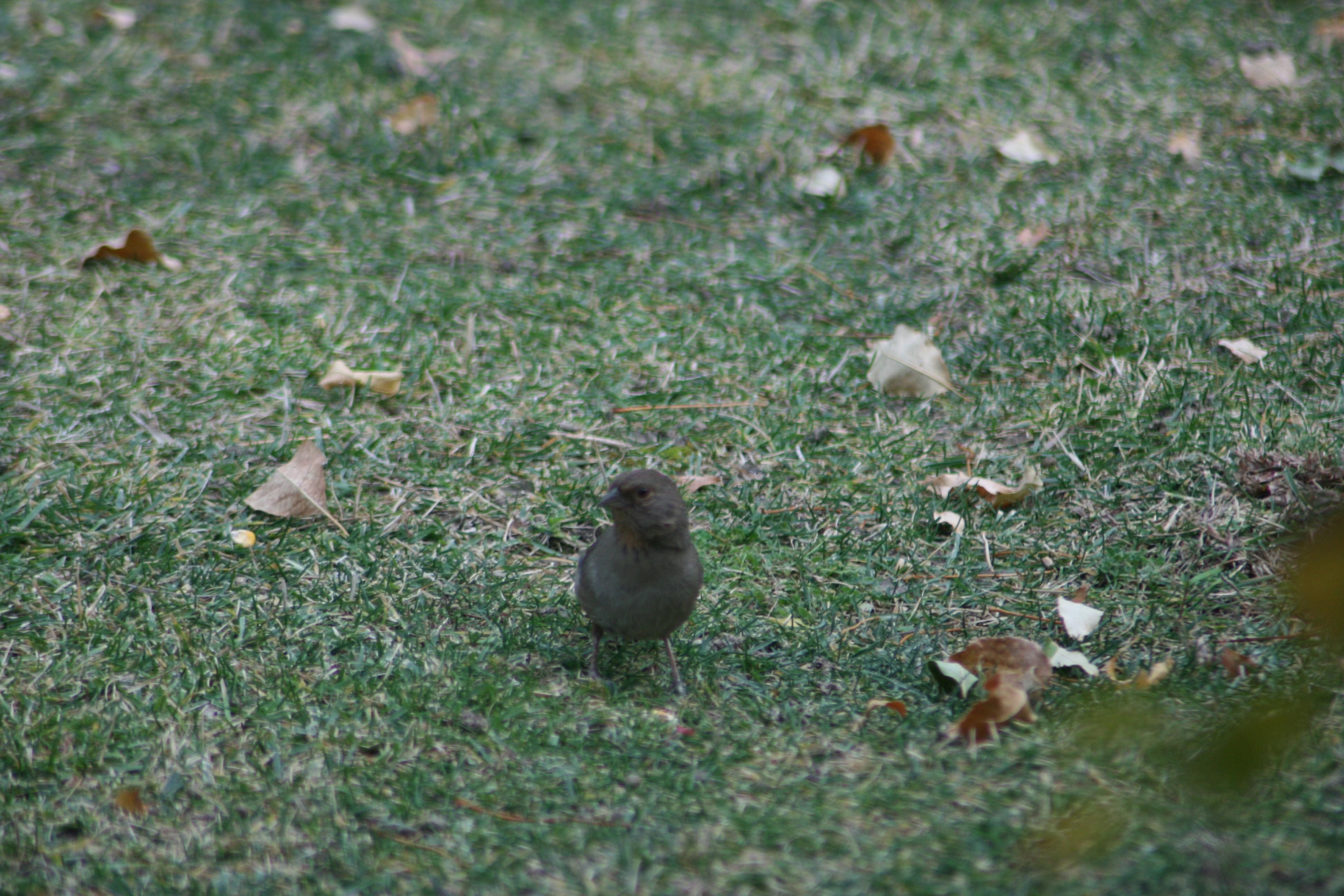
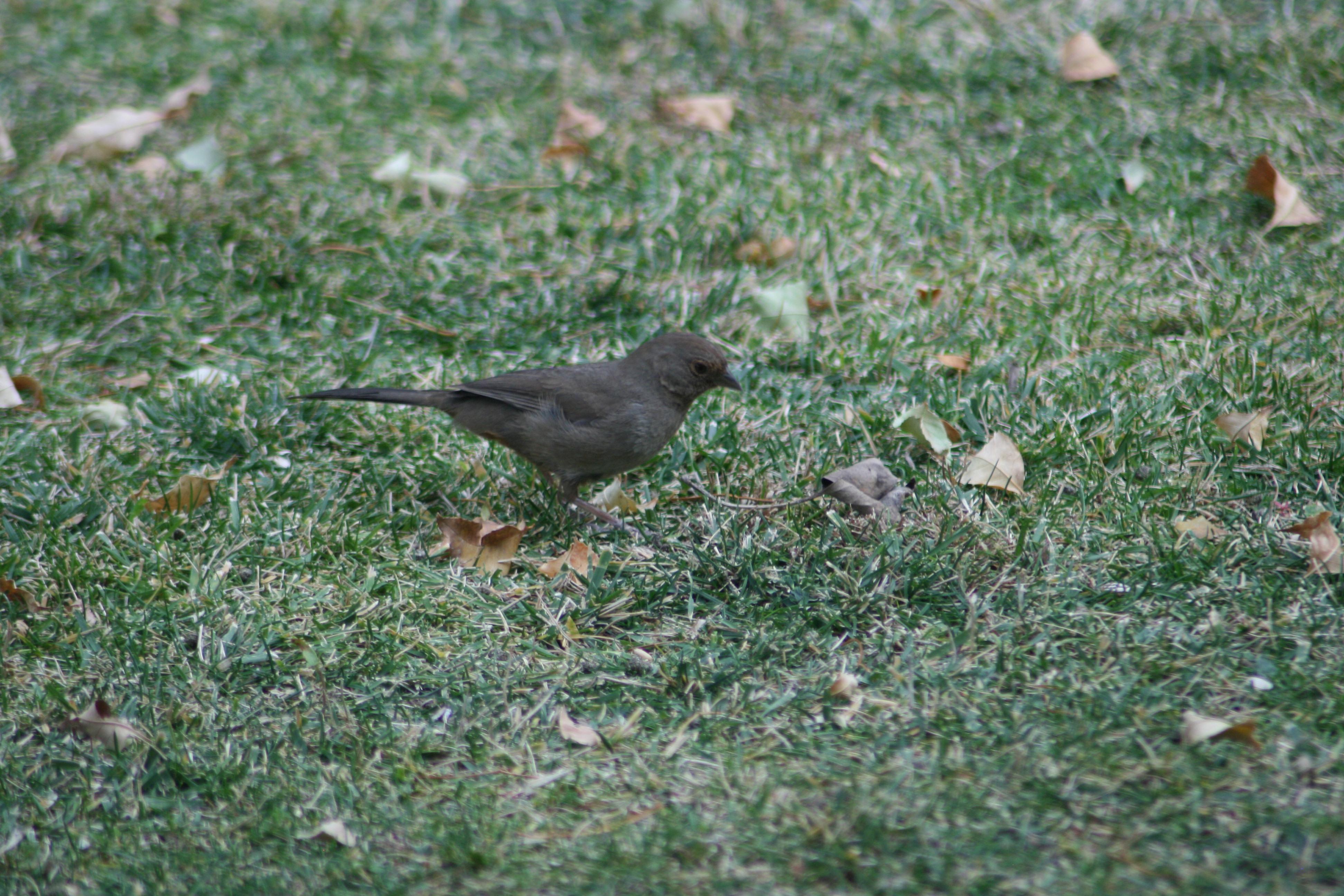
The Cornell Merlin app identifies this mid-sized bird (the size of a robin, bigger than a wren, smaller than a jay or crow) as a California Towhee.

Left profile.

Right profile. Very cooperative, almost like it’s modeled and taken direction in the past…

Not funny? Sorry.

There are not a lot of distinctive markings or coloration, although there is some cinnamon brown coloring around the face and some gray stripes on the wings.

And they play well with others, in this case the rat bastard squirrel who keeps eating the bird seed.


Leave a comment

Filed under Critters, Photography

No Context For You – February 06th

Something that’s been increasingly notable over the past week or so is not a thing, but the absence of a thing.

When I’m getting some work done in the evening, I find myself every hour or so going to check social media, FaceBook and Twitter primarily. It struck me tonight how little I’m seeing posted, particularly on Twitter.

FaceBook’s algorithm tends to give you the same number of posts no matter what, preferring things “ripped from the headlines,” but lacking that you’ll get something from a friend of a friend talking about how their cat stole a waffle off their plate. But Twitter is a firehose – for those who you’re following, you’ll see pretty much everything they’ve posted in your feed.

The difference I’m seeing manifests itself two ways, depending on how you slice the time axis. I don’t have the time to spend hours and hours and hours on Twitter, so I tend to open it up and work backwards through the current batch of tweets, with the app putting a break in after some more or less fixed amount. 100? 200? I don’t know, but after X number of tweets you get a “Show more Tweets” prompt, which is generally where I bail.

During the crazy times when the GOQ was in charge in Washington, that X number of tweets would take me back ten or fifteen minutes and give me a snapshot of what was going on. These days it takes me back almost two hours, or more.

Conversely, if after going back through a batch of X tweets I hit the “See new Tweets” prompt, after spending fifteen minutes or so going through that first batch, I would get hundreds of new tweets, sometimes (January 6th, anyone?) thousands. These days, I get maybe a dozen. Sometimes less.

It’s not that I’m following fewer people, and I was never following any bots or trolls that might have gotten booted from the platform. It’s got to be that people are posting far fewer tweets these days than they were last month and in 2020.

Why? Well, isn’t it obvious? We’re not all being drowned in lunacy and bullshit, awash in a tidal wave of outright insanity and trying to keep in touch with each other and figure out what was going on and how we could survive. We don’t seem to need to do that nearly as much these days.

I’m sure we’ll get back to picking up the pace with tweets about hobbies, families, sports, and once COVID’s behind us, travel, and get togethers with friends. But for now, we’re all just taking a breath and a break.

Meanwhile, my checking in every hour or so seems to be a symptom of PTSD or some other condition, similar to those found in soldiers returning from combat, where they’re hyper vigilant all of the time. Mentally, the threats and chaos of the last four years have left us all with a bit of a “thousand yard stare,” and it will take some time to decompress and stop checking social media repeatedly, waiting for the next existential threat to pop up.

Leave a comment

Filed under Deep Thoughts, Photography, Social Media

In Training

Just not sure what I’m in training to be! Some suggestions here – I suspect I’m more likely to be morphing into a hibernating groundhog than an Olympic swimmer.

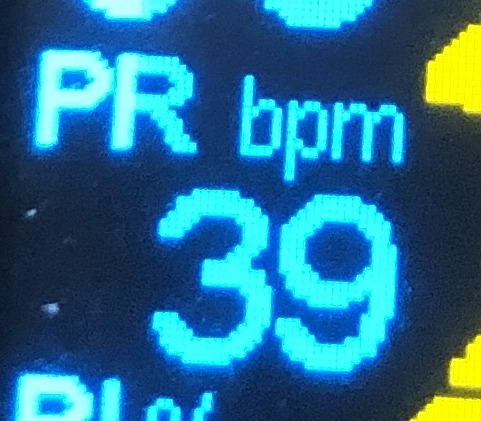
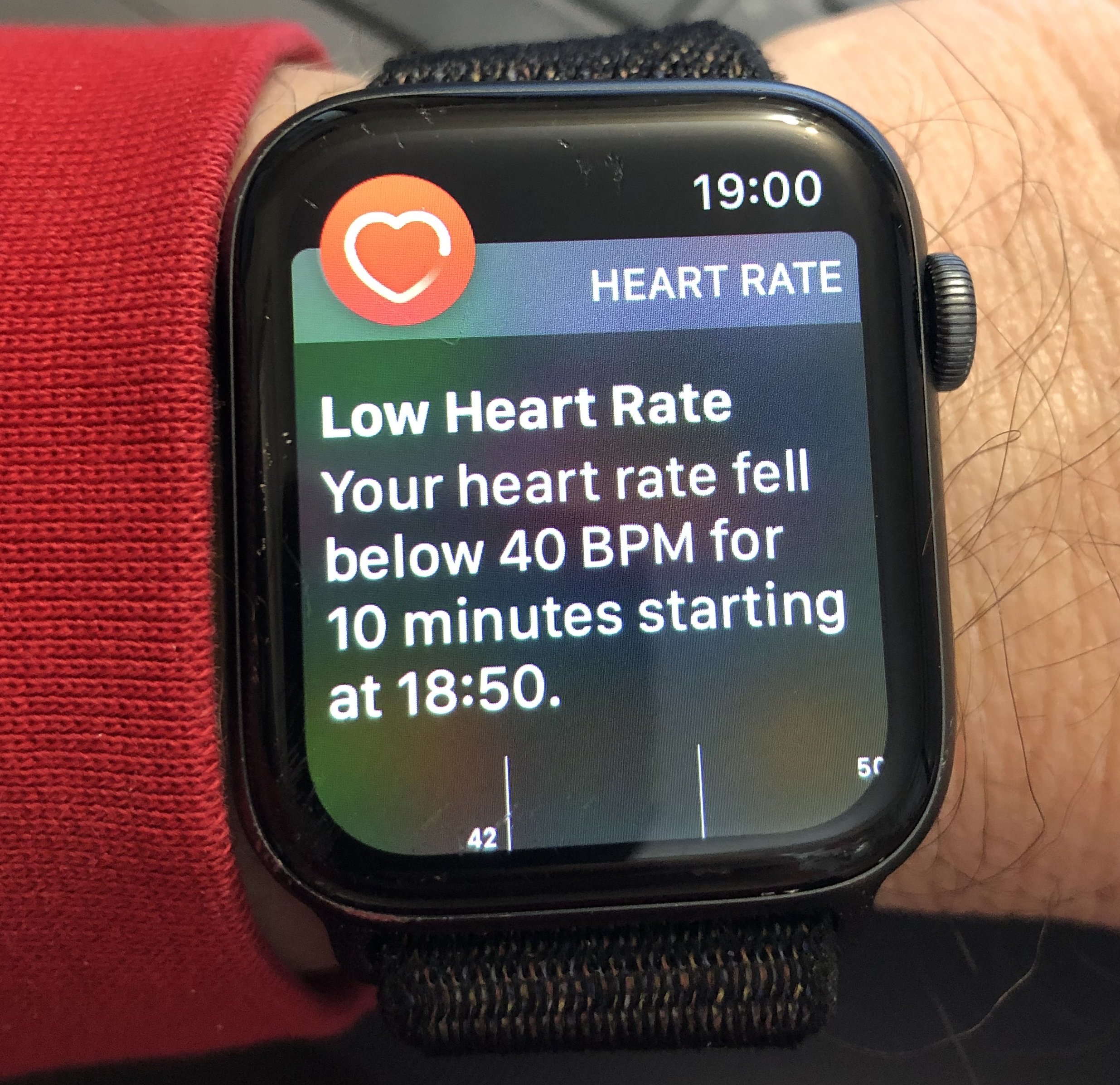
What really pisses me off is that my watch always does that “It’s time to breathe” thing, like some early 70’s FM college station graveyard shift DJ, and when I do it, I’ll occasionally get this:

Wait – why is this a problem? Isn’t this the result it wanted when it TOLD ME TO “BREATHE“??!!

Great, now I’m going to get a warning about my blood pressure…

Leave a comment

Filed under Health, Photography

Efficiency Strategy

Sometimes to get more done, and to be able to get more done in the future, even though you’re on tight deadlines NOW, you need to back off and do something else to make yourself more efficient. It might seem counterintuitive if you’re tightly focused on the goal and the methods you have to get there, but it’s a lesson to be learned about not losing sight of the bigger picture and being open to opportunities.

Case in point – it’s now been almost a year since the pandemic hit and many of us, myself included, ended up working out of a spare bedroom or odd space at home. When that crisis hit, and one crisis after another, we had to simply deal with it with the tools at hand. In my case, while I have a company laptop here for connecting to the server and accounting software there, the laptop with a single, smaller screen and fixed keyboard and trackpad isn’t the best form factor for me to get volume work done. It can work – it’s just not the easiest or fastest way to work.

However, I have my personal desktop computer here that is quite capable, has dual monitors, a full-sized keyboard, trackball, and so on. So I’ve worked out ways to get a lot of my work done on that computer, simply because it’s so much easier to work on.

But one thing I’ve noticed in the handful of times that I’ve gone back into the office is how much I miss my big 27″ monitors at work. The ones I’m using on my home desktop were picked up when my former office shut down about nine years ago, and while they were pretty cutting edge then, they’re small by today’s standards. They’re also slightly mismatched, different manufacturers, which is a little bit crazy-making in a dual monitor setup. But the price was right (they were being thrown out) and they work fine for what they are, so I’ve gotten used to it.

Earlier this week it struck me – I can do better. Those 27″ monitors today are about 1/3 the price of what those much smaller monitors were ten years ago. And I could use that extra screen space to get much more done, faster, easier…

The new monitors came in today, and while I’ve got deadlines, I took several hours this evening to NOT be working on those Excel files and deposit coding and data entry, and instead rearrange and clean my desk, move the old monitors out, and get the new ones in. It’s like a weight has been lifted, one that I didn’t even realize I was carrying.

Onward and upward! Work smarter, not harder! (Insert totally inappropriate non sequitur platitude here!)


3 Comments

Filed under Computers, Paul