Category Archives: Computers

Dummies

So, at risk of going off on a rant about a particular thing that really triggers me, let me just say that there’s this program that I think really, REALLY ***SUCKS*** but I’m being forced to use it. For reasons.

Among the many reasons I think this particular online, cloud-based product is so terrible is how limited it is, especially compared to the full, desktop version, which I use every day and think is spectacular. But this online version is the genetically mutated, stunted, warped, weird-looking, keep-it-locked-away-in-the-woodshed version. It’s buggy.

And it it slower than hell. I keep being told by those who are forcing me to use it that it must be my system or my connection – bullshit, I have new Dell top of the line systems with a high-speed connection that runs just fine on 99.99999999% of other uses. Perhaps if 999,999 programs work perfectly well and this one doesn’t, then perhaps it’s the mutant that’s the problem.

Okay, I’m stuck with it.

What can I do to maybe lessen the pain? There’s no online help with this thing. Every time I run into a brick wall trying to get it to do something trivial I go looking for help or a FAQ or something, only to be referred to a “user’s group.” The UG apparently is populated by those who somehow believe this program to be the greatest thing since sliced yogurt.

Wait… There’s an “Absolute Worst Program Ever Created for Dummies?” Overnight that sucker to me, Amazon!

I spent a big chunk of tonight looking for the secrets, the magic, the special codes that would let me be at the very least semi-functional using this useless piece of shit excuse for a program.

Q: How do I do task “A” which should be trivial?

A: You don’t. It can’t do that.

Q: WHAT? Wait, so then how do I do task “B” that’s absolutely critical?

A: You don’t. It can’t do that.

Q: YOU’VE GOT TO BE KIDDING! Well surely it can do task “C”, right? Even someone like SCROTUS would figure that out!

A: What part of “you don’t” are you not understanding. It can’t do that. Ha! Fooled you! You’re totally screwed!

As has been noted, “Who’s the more foolish, the fool, or the fool that follows him?”

Maybe I can just fake it in Excel and plug in the totals.

Leave a comment

Filed under Computers

…It’s Another

As in, “If it ain’t one thing…”

Anyone know what a “SMART event” is when your computer pops open a window to tell you you’ve had one? Neither did I until about a week ago when they started popping up once a day about 10:00 every night.

It’s not good.

Basically it’s software built into your operating system that monitors hard disk health and gives you a warning when your hard disc drive is about to fail. Once might be an anomaly. Daily isn’t an anomaly. Running a second set of diagnostics (the first was from Intel, the second from Dell) that gives an even more panicky warning will put a hitch in your getalong all day long.

The good news is that the Dell drive is under warrantee, hasn’t actually failed yet, and it looks like Dell will ship out a replacement quickly. I’m hoping that means that I can just install the new drive, do some imaging/transferring/installing/copying “computer magic” and just go on my merry way.

We’ll see.

(We’ll probably see what the NEXT thing is is what we’ll probably see, but I’m trying to go to bed on an upbeat note.)

1 Comment

Filed under Computers

Hey Apple Design Team!

For the most part I’m pretty well constantly amazed by the Apple Design Team. There are so many incredible things about the iOS and iPhone and iPad designs that I’m just gobsmacked.

But this one?

When the timer goes off, the huge yellow button that’s prominently displayed in the middle of the screen is to “STOP” the alarm. If you want to do what is presumably a secondary choice, “Repeat,” then you press the smaller, more obscure button on the bottom.

This is a good design. The alarm’s going off! You’re in the middle of a meeting or a movie or a make-out session (sidenote – do the kids these days still call them “make-out sessions”? – my money says “no”) and you forgot to silence the damn phone so now it’s going of and you want it to SHUT UP! Fast! Maybe you don’t have your glasses on and they’re lost underneath some piece of cast off clothing. Hurry up! HIT THE BIG ORANGE BUTTON!!

But then…

When a pre-set alarm goes off (not the timer), the huge yellow button that’s prominently displayed in the middle of the screen is to “Snooze” and have the alarm go off again in eight minutes. The smaller, more obscure button on the bottom of the screen is to “Stop” the alarm.

Wait, what?

You’re still in that meeting or movie or trying to keep that mood going, you still can’t find your glasses, you’re still in a HUGE hurry so you hit that big, orange button…only to get to do it again in eight minutes.

Am I missing something here? What’s the logic behind diametrically opposed design emphases in two almost identical circumstances?

Someone might have dropped the ball on this one, Apple.

See if you can get someone on that for iOS 12.2!


Leave a comment

Filed under Computers

Silly Twitter Ads

On the one hand, it’s sort of impressive (in a Big Brother’s watching, creepy sort of way, but I completely understand how it’s done and there’s potentially as much good as evil, so I’ll let it stand) how Twitter is able to track where you are and insert ads based on that.

For example, when I went to visit the Norfolk / Virginia Beach area at the beginning of June I started to immediately get ads in my Twitter feed for businesses in the northeast Virginia area. (The Twitter app saw what network I was connected to, communicated that back to the mother ship, and Mother started feeding ads for that area – simple.)

At risk of giving them ideas though, I have to wonder at the TYPE of ads I got. Almost all of them were for things like car dealerships, utilities, industrial consultants, and so on. With all of the data they have, why aren’t they about 99.9% sure that I live in Southern California? (I mean, simply based on where I’m always connected from, down to the cell tower(s) nearest my home and office.) And if that’s the case and I suddenly vanish for five hours and then show up in Virginia, how hard is it to figure out that I’m travelling? It’s probably irrelevant for a first cut analysis to know if I’m travelling for business or pleasure.

If you know I’m travelling, why would I want a utility company? Or a car dealership? Or a light industrial park real estate ad? How about restaurants? Tourist traps? Theaters?

As invasive and even more creepy as that might be, it might actually be useful.

But then, here I am back at home, well over a month later, and I’m still getting ads like this:

DelMarVa Power?!

Sure, I would love to save energy and money. But for this ad to have anything to do with my reality I would have to have be spending at least $0.01 on power or gas or water or some sort of utility in the Delaware – Maryland – Virginia area.

To repeat, I’ve been back in Los Angeles for over a month.

For an app that has functions that can be really clever, this one can be pretty freakin’ stupid at the same time!

1 Comment

Filed under Computers, Travel

Ello

“Michelle Sperupabter is now following you on Ello!” the email said.

My first reaction, of course, was astonishment. Ello is still in existence? You’re kidding!

My second reaction, of course, was bewilderment. I have an Ello account? When was I drunk enough to do that?

My third reaction, of course, was to ignore it.

Then I got another notice that someone else was following me on Ello. Then another. And another. And today, another.

I know what my first guess is, but let’s test the theory. One by one, click on the links.

“This doesn’t happen often, but it looks like something is broken…”

And again. And again. And again.

As I suspected.

So the only clue I have are the emails with those little tiny icons of my new-found followers and admirers. You can’t see much, they’re small, but…

Those young ladies are going to catch pneumonia wearing that little. That one is obviously a gymnast…

As I suspected.

Congratulations, Ello, you’re now a real social media site! You’ve been invaded by pornbots!

Leave a comment

Filed under Computers, Paul

Time To Invest In A UPS

Some days…

After I got home tonight I came into my office to do a “five minute job” (before going back to watch the ballgame while playing the most boring video game in the universe). Five hours later…

Seems there was a four or five minute long blackout this afternoon. Probably has something to do with the 108° temperatures again today.

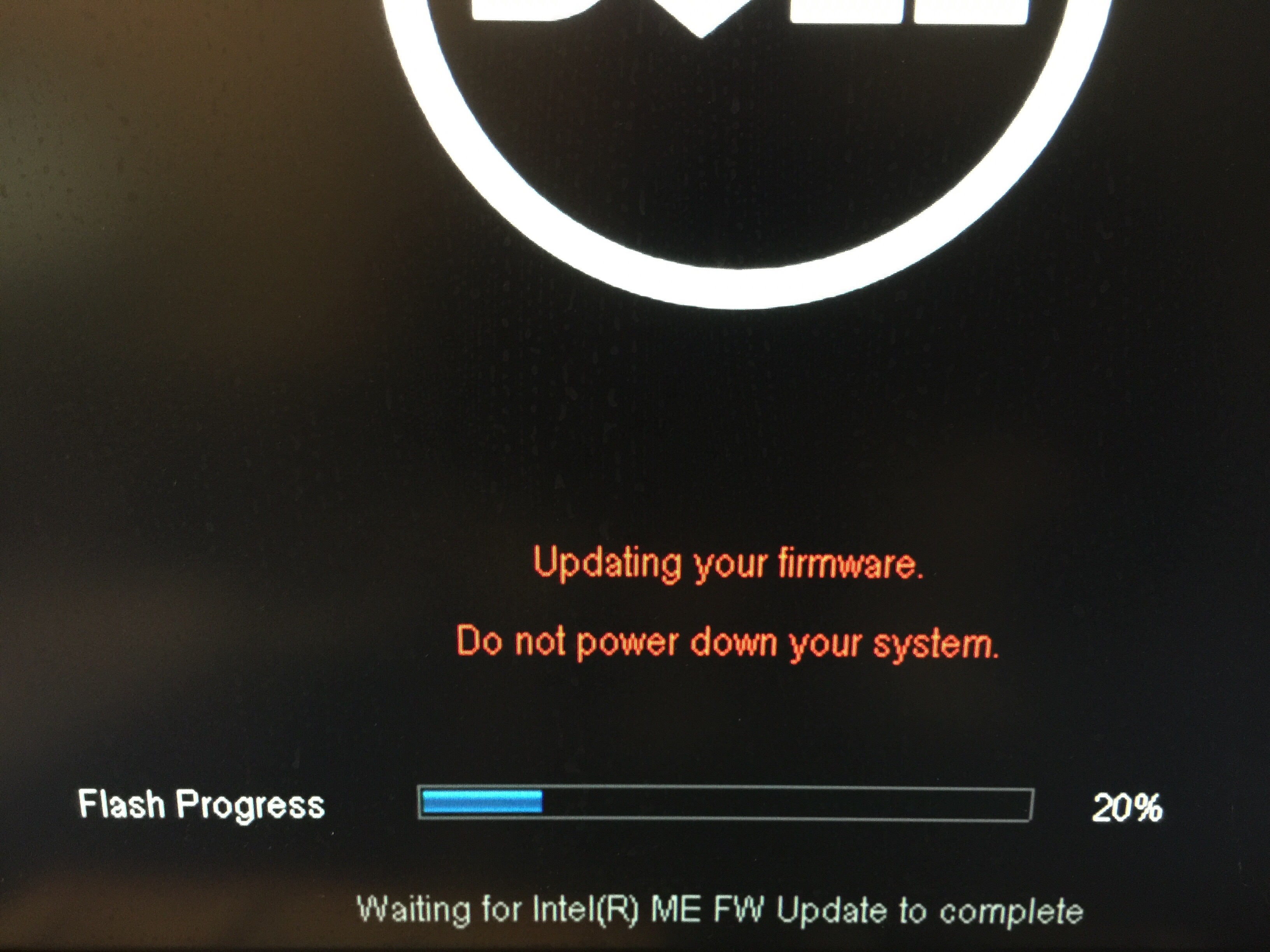
Whatever the cause, my computer system did not enjoy it. Started running repairs, scans, diagnostics. Finally got to the point where the Dell software reallly, REALLY wanted to update the BIOS and firmware.

Having a recent backup set will embolden one, I guess. However, I have to wonder if the dozen or more little fits, starts, boots, reboots, almost-there-nope-not-quite-let’s-start-over-again reboots were part of the process or just a way to make me insane.

A decent UPS (not the shipping company, an Uninterrupted Power System) can’t cost THAT much, can it?

Leave a comment

Filed under Castle Willett, Computers

The Most Boring Video Game In The Universe

There are projects and deadlines afoot. One of the larger ones involves my CAF gig as Finance Officer for the Southern California Wing and a conversion of our accounting records from Quicken to QuickBooks Online (QBO).

The nicest thing I have to say about QBO is that is probably is no longer in the top three worst programs I’ve ever used in my life. It easily was when I first looked at it about two years ago. Now, it’s probably just in the top ten worst programs I’ve ever used. When you’re stuck with the hand I’ve been handed on this one, you look for “good” wherever you can find it.

As an example of the difficulties involved, consider that  when our old file was converted to their new format and uploaded two years ago, there were thousands of “recurring transactions” created, every single one of which was wrong. Flat out wrong. Garbage. Useless.

Worse than useless in fact, since the “recurring transactions” function is one which I’ll need to rely on heavily. But I can’t use it because of all of the garbage that’s already in there. So I went in to delete the old stuff, the garbage.

3,153 useless, problem, garbage entries.

Where’s the delete button?

Well, I finally found it. On each item listed (slowly, because QBO has to refresh the screen via its Internet connection after every change, so you had damn well better have a good one) there’s a tiny icon that will let you edit, duplicate, or delete that entry. Hit “delete.” Now, of course, you’re asked to confirm that you want to delete the entry. Hit “yes.” Wait for the screen to refresh. Repeat.

Cool – so how do I delete all of them? (If you see this coming, don’t spoil it for those who haven’t been exposed to QBO yet.)

I searched and searched for something that would let me block a whole bunch of entries and once and delete them en masse. Can I do a “page” of 50 or 150 or 300 at a time? Nope. Can I go down the list and highlight or tag a whole bunch of them one at a time and then delete them, like I would spam emails? Nope.

So I went to the “help” function, which actually isn’t really any help from QBO at all, but a portal into a user community. The people who wrote the program don’t seem to be able to take the time to answer questions, but I can throw myself on the mercy of those who also have to use it and pray for guidance.

Guidance was swift and brutal. There is no way to delete those 3,153 entries other than to do it One. Entry. At. A. Time.

Click the icon, click “delete,” click “yes,” wait for the screen to refresh, repeat until the heat death of the universe.

Mind you, this needs to be done in addition to the thousands of records of data that need to be entered and reconciled and verified from the old program file. This is just one tiny little aspect of the bigger problem.

The only good news is that this particular useless task can be done on my iPad. That means that if I need to take a break and sit and watch a ballgame or just plotz for an hour or so, I can mindlessly work through another few hundred entries. At lunch time, every single day this month so far, you’ll see me sitting out on the plaza, stuffing my face with one hand and Icon-Delete-Yes-Waiting with the other.

It was while doing this today that someone saw me and came over to chat. “I see you here every day on that thing. What are you playing?”

Yes, yes, please tell me, you look so engrossed! Minecraft? Some new MMORPG? Pokemon Go? How can I get in on some of this?

“The most boring video game in the universe.”

“So…why are you playing it?”

Nothing gets past some folks.

1 Comment

Filed under CAF, Computers

Who’s The Idiot Who…

Somewhere there’s a Microsoft designer from way, WAY back in the Windows 2 days that’s getting a chuckle and a warm tingly feeling every time someone accidentally closes a web browser with fifty tabs open instead of minimizing it.

Who’s the idiot that put the “hang-on-a-second-I’ve-got-to-do-something-else” button right next to the “die!-die!-die!-go-away-and-don’t-save-any-of-these-dozens-and-dozens-of-tabs” button?

But that’s not bad enough.

I swear, when you hit that “X” icon with more than two or three tabs open, there’s a longer and longer pause before the window closes the more tabs are open and the more critical the tabs are. Not that you can stop the process, mind you! Not that your bellowed cry of “oh, shit, noooooooo!” will result in a less disastrous outcome. But the more critical the failure, the more time you have to realize what you’ve done and be completely unable to correct the problem.

That’s some nasty karma building up for someone there, let me tell you.

Pardon me, I have to go hunting for a hundred or so tabs…

3 Comments

Filed under Computers

How Steven King Novels Start

It’s just a tiny little gap in the database. Yeah, that’s it! Nothing to worry about. I’ll just go that way and see where it goes, because that’s where the GPS is telling me to go. No worries.

But if I’m never heard from again…

1 Comment

Filed under Computers, Death Of Common Sense

No Context For You – March 28th

Not fuzzy and out of focus, but I have no clue how this got taken today.


That’s my desk and my keyboard and my CAF SoCal spotter mugs full of paper clips and binder clips (if you like them, I know where you can get one), but I didn’t know I was taking any pictures.

And I need to clean my keyboard.

Okay, so I guess that was context. Sorry, my bad!

Leave a comment

Filed under Computers, Photography