You’ve been my favorite airline for a long time. It might be that “Channel Nine” audio that you’ve had for years and years, where I can (at the pilot’s discretion) listen in to the plane to ground Air Traffic Control (ATC) communications. Well before I was an actual pilot myself, and a long time before anyone could listen in to anyone on liveatc.net, I just loved listening to that when I flew United.
But now we’ve got a problem. The last two trips we’ve taken with you, there have been some serious issues. After giving it some thought (I had plenty of time yesterday, as you’ll see) I’ve got some observations and suggestions.
First, I was in Vermont on July 30th and The Long-Suffering Wife was trying to join me, traveling from Los Angeles (LAX) to Burlington (BTV) via Newark (EWR). There was some weather along the East Coast somewhere, a ground stop was issued someplace, and the schedule and connections got tossed. The EWR to BTV flight was delayed, delayed again, cancelled, rebooked, delayed, cancelled again…
I had to get her to Vermont, so either I had to drive seven hours to EWR and seven hours back, or I had to go pick her up somewhere else. After hours and hours we finally got her on a flight to Albany (ALB) and I drove for three and a half hours each way to pick her up there and get her back to Vermont.
I understand. I’ve got my private pilot’s license. I have a good understanding of how the ATC system works. I know how the system is all interconnected, so if there’s a ground stop in Florida (for example) and your plane is on a route for the day from Albuquerque to New Orleans to Miami to Raleigh-Durham to Newark to Burlington, that chain gets broken because the plane can’t get to Miami and bad things can happen to your short flight at the end of the day.
I get it. Really.
Yesterday we were in Fort Wayne (FWA), traveling to LAX via Chicago O’Hare (ORD). A major line of thunderstorms was marching eastward from Minnesota to Oklahoma and a ground stop lasting for an extended period was issued for ORD. The end result, simple in retrospect, was that our FWA to ORD flight was delayed four hours, which turned out to be okay since our connecting flight to LAX, coming in from La Guardia (LGA), was over five hours late. We got to LAX much later than we expected, but we got there without having to be rebooked or cancelled.
Again, I get it. Really, really.
Here’s the problem. Your communications with your passengers to keep them updated on what’s going on? They really and truly suck.
Let’s look at yesterday. Sitting at FWA, there was absolutely no indication that there was a problem, even though it had been some time since the ORD ground stop had been issued. We found out that there was an issue when an American Eagle jet pulled up to our gate about a half hour before I expected our flight (which was coming in from ORD, picking up folks in FWA, and going right back to ORD) to be there.
I checked your iPhone app (which is good at first glance, but…) and saw that our incoming flight had left the gate at ORD. I checked the incoming flight from LGA to ORD and saw that it had left the gate at LGA. Your app was telling me that all of these flights were on time.
There’s the first problem. I knew pretty soon that information had to be completely false. Due to the ORD ground stop, neither of those flights was even going to be close to being on time. Yet your app kept giving out that information for almost another hour.
Now, I know to only take the information your app is giving me if I’m also taking a large grain of salt.
I went to FlightAware to see where those flights were and found them both to be still at their origin airports. I also saw the radar information showing the weather front moving through Chicago. Right then I knew that we had issues. If I knew that, flipping through a couple of free or cheap apps on my iPhone, why didn’t the expensive computer system feeding data into your app?
Looking at the display screen in FWA, it was also showing the flight to be “on time.” Meanwhile, twenty or thirty minutes after the American Eagle jet had pulled up to our gate, they finally started to let people off the plane. I heard the term “diverted” from several passengers.
Now the display screen at the gate in FWA finally said “10 min delay.” I again checked your app and it now said “20 min delay.” Within five minutes, all of a sudden the display screen at FWA indicated a three-hour delay.
Several issues were problems at this point. First, at no time during the two-plus hours we had been sitting there had we ever seen anyone at the gate. No gate agents, no announcements, no flight crews, no anything. Secondly, I had not gotten any kind of text or email notice from United that there might be any sort of problem. Third, your display screen gave one outrageous piece of information (I assumed it had to be an error) while your app gave me a completely different one.
Figuring that we were in trouble to make our connection in ORD, I made a twenty-minute call to Customer Support. That turned out to be a complete waste of time. At first I was told that there wasn’t a problem, the flights were on time or would only be delayed ten or twenty minutes. I had to tell THEM there were weather issues at ORD.
Your app was now telling me that the EWR to ORD flight was in the air (this turned out to be incorrect). After a lengthy spell on hold, your Customer Support told me that there still wasn’t a problem since the EWR to ORD connecting flight was also running late. I pointed out that if the display screen at the gate in FWA was correct, we would get to ORD five minutes after the delayed ORD to LAX flight took off.
Why was I the one pointing this out to them? Isn’t it supposed to be the other way around?
I started asking about getting rebooked onto a later ORD to LAX flight. I was told there were no empty seats at all that day. I repeatedly asked simply, “How am I going to get to LAX and when?” There was no answer, no solution. Period. No suggestions, no real options. The best they could offer was to maybe later rebook us to John Wayne Santa Ana (SNA) if I went to a gate agent (good plan, if we had one) or if I called back after things developed more later in the day. I ended up hanging up, very, very frustrated, with absolutely no new information or any solution to the problem, or even a better idea what the problem was.
Since we still didn’t have any United personnel at the gate, nor any announcements of any kind, I went back out through security to go to the ticketing counter. (Nothing better than going through TSA screening twice because it’s the only way to actually talk to a live human United employee!) After a wait (everyone else was also frustrated and confused) I was told there was nothing that could be done unless I wanted to just cancel all of my flights for the day and try again the next day.
Really? That’s the “best” solution, given what I now know to be the facts?
The ONLY good advice I got was from the American Eagle pilot who was “stranded” at our gate in FWA. His plane had been diverted from ORD to Indianapolis (IND), had circled, then been re-diverted to FWA after IND filled up with other planes being diverted from ORD. Since no one at all from United was at the gate, he was trying to keep everyone in the terminal (not just the passengers from his diverted flight) updated.
I told him what I knew from FlightAware, which was showing the ORD to FWA flight and the LGA to ORD flight all still sitting on the ground. He indicated that was almost certainly true. His suggestion was to just sit tight, ride it out, get to ORD when we could, and see what options we had once there. There would most certainly be more options at ORD than there would be at FWA.
Pro tip: United needs to track down that American Eagle pilot and give him a medal. He was doing a fantastic job of keeping calm, keeping a sense of humor, and doing the job that none of the United employees were.
Other folks were far more in the dark than I was, since they didn’t have the tools (FlightAware, ForeFlight, etc) that I did. One young couple with a screaming child got into a heated discussion about what to do in the absence of any guidance from United. They had an urgent need to get to New York City – the last we saw of them they had bailed on flying and had gone to get a rental car for the 645 mile, 10:30 drive from Fort Wayne to New York.
At 15:11 I finally got a text message from United, telling me that my 14:59 flight was delayed. Thank you, Captain Obvious!
Sometime after 16:00 I noticed that aircraft were moving. Again, the information on the United app was apparently inaccurate, but FlightAware started showing both the incoming ORD to FWA flight and the connecting LGA to ORD flight to be in the air. About that time we also got our first announcement at the gate in FWA (still no live United personnel at the gate or anywhere else in sight), indicating that the incoming flight would be here soon and then we would have to wait for an ATC slot to open up so we could make the return flight to ORD.
The diverted American Eagle plane was still at our gate (Gate Six) but starting to board so they could get back into the air toward ORD. I saw United’s ORD to FWA flight land, but had to go looking for the gate it ended up at. After I found it on my own at Gate Four and came to tell The Long-Suffering Wife (who was by this time very, VERY upset with United Airlines) that we would be moving to Gate Four, we finally got an announcement about the gate change.
STILL no United gate agent anywhere to be seen at Gate Six, and there never was before we left.
From there it was pretty straightforward actually. I got a text message that the FWA to ORD flight would leave at 18:00 – it was actually much closer to 17:00. That’s better than “advertised,” but what would have been great would have been accurate information.
When we got to ORD we got a whole series of text messages about the ORD to LAX flight. Leaving at 17:45 from Gate B6. No, wait, 17:45 from Gate B21. Nope, now 17:45 from Gate B9. How about 20:56 from Gate B9? 19:55? 19:55 at Gate B22? We’re getting closer, try Gate B19. Gate B21? Gotcha, now at 19:15 at Gate B21, good thing you hadn’t just ordered dinner! Fooled you, now 19:38 at Gate B21.
We finally got out around 20:00 from Gate B21.
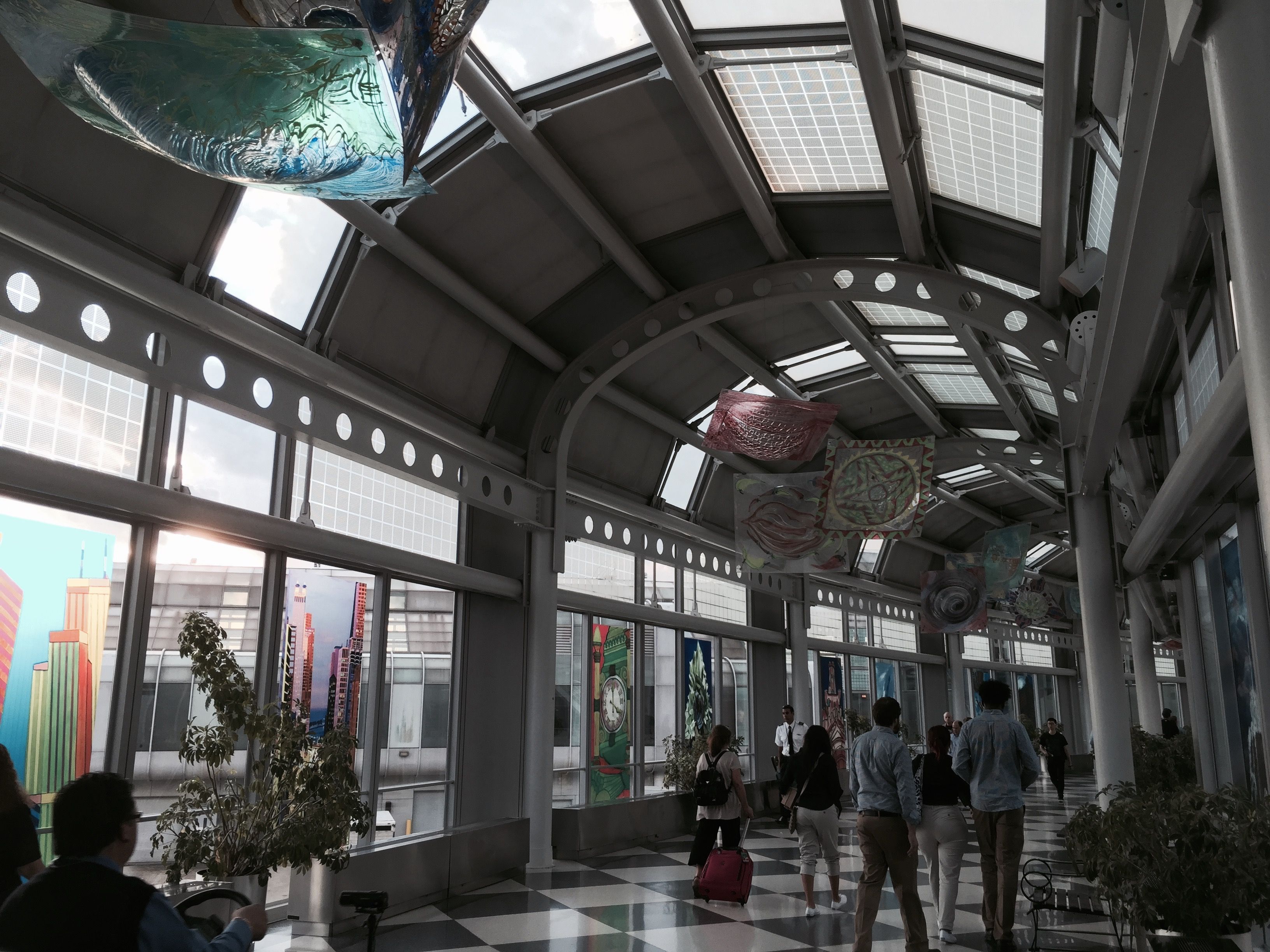
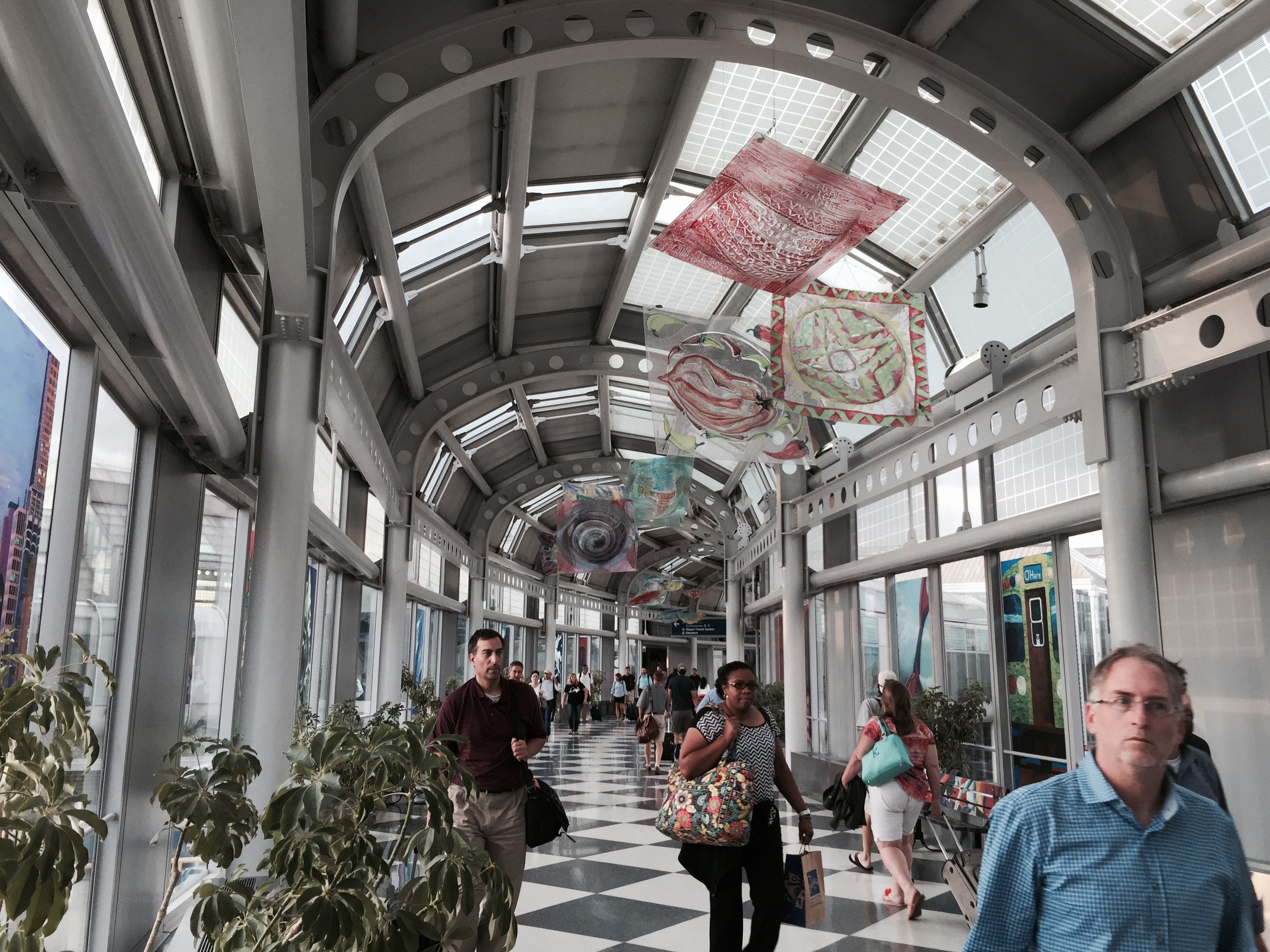
This was a non-trivial problem, and not quite as funny or slapstick as it sounds. The Long-Suffering Wife has mobility issues. While I think your terminals at ORD are stunning and beautiful and love them dearly, she looks with trepidation on the hike from one terminal and one gate to another. Getting bounced back and forth between six different, widely separated gates, is a very bad thing.
Let’s recap:
Bad weather = ground stop at ORD = delays and cancellations across the system. I understand, and no, I did not want to fly through those severe storms.
Many individual United employees were fantastic at doing what they could for us, and the ops folks did a great job of juggling and rerouting and rearranging so that we (and a lot of other passengers) got where they were supposed to be going, even if we did get there late.
The monstrously huge failure, in my opinion, is that United Airlines is doing a TERRIBLE job of getting accurate and timely information to the passengers in a situation like this.
If a passenger isn’t familiar with any outside resources for tracking flights, looking at issued ground stops, or checking the radar for weather problems, they’re totally in the dark about problems until things are seriously screwed up.
If a passenger is relying on text or email messages from United, I suggest against it. Those texts and emails have been proven to be late and not always accurate.
United needs to have more people available to deal with problems like this that come up. I saw only two or three United agents at FWA all day, which is not going to get the job done. The people who were there were doing their best in a bad situation – but they shouldn’t have ever been in that situation to begin with. United Airlines failed to support them, and the passengers got lousy service and elevated blood pressure because of it.
Customer service needs to have timely and accurate information. When I’m telling them what’s going on with weather and ground stops, there’s obviously a problem.
Above all, if something such as a ground stop occurs that’s going to affect your passengers, tell us! Even if you don’t know when it’s going to be resolved or how bad it’s going to be, as soon as possible tell us there’s a problem and what the problem is. On your app it just says there’s a cancellation or a delay of hours, but absolutely nothing about WHY there’s a delay or a cancellation. We’re not morons, we can handle it. Tell us that lightning has caused a ground stop in ORD, or there’s a runway closed at DFW, or there’s an equipment failure at LGA, or whatever.
Tell us what our options are and what your suggestions are based on your experience and company policies. You know how your airline is set up to handle disruptions to the system. You have an idea of where flights will be delayed, and where they’re going to be cancelled entirely. You have the information about which flights are packed and which are half empty. Based on all of that, you should be telling us whether we should sit tight and ride out a delay, if we need to be looking for a hotel or rental car, or if we need to be looking to be rebooked or on standby for a different flight.
Right on down the line yesterday, from the time that had weather started moving toward ORD until we finally got off the ground toward LAX over nine hours later, the United Airlines system failed miserably to keep us informed about what was going on and what our options were.
I understand that a situation like this is fluid, subject to factors (such as the weather) which are out of your control, and you don’t have all of the answers. Just remember that “I don’t know” is a perfectly legitimate answer if it’s true. If you’ve told us everything that you know (that there’s a problem, what the problem is, it’s going to cause delays) and we’re asking when it’s going to be resolved or how long the delay will be or what the best option is, it’s okay to say “I don’t know.” But do that with a commitment to get back to us with updates as new information becomes available.
Also, do a much better job of propagating information across your platforms so that they’re consistent. If your app says there’s a ten-minute delay, your Customer Service says it’s twenty minutes, your gate agent (assuming you have one) says forty minutes, and the status board says three hours, then we’ve all got a serious trust problem. One of those answers might be right, or they might all be wrong, but the inconsistency will tell me to not bother trusting any of them.
Too much it feels like United Airlines is terrified of telling anyone anything, for fear that there will be some “blame game” to be played. Did the lawyers take over at some point? Instead of that confrontational and dismissive attitude, why don’t you treat your passengers as partners (or paying customers) and keep them in the loop.
Remember I mentioned that a similar thing happened when The Long-Suffering Wife was trying to get from LAX to BTV on July 30th? That was another example of this same range of problems, with information being held back from your customers, Customer Service on the phone not having accurate or timely data, and no options other than “It happens sometimes, tough, you’re up the creek” being made available. When your customers consider a fourteen hour drive easier than trying to get any help from your Customer Service, you have a major problem.
United Airlines has a major problem.
I’m a private pilot. I understand how ATC works, particularly when severe weather hits. I also understand computer systems, communications, & social media use. (Do you want a resumé? I’m available.) What I don’t understand is why United Airlines is failing so badly to communicate with its customers at times when they most are in need of it. As stated above, your ops department may be doing a fantastic job of picking up the pieces during a crisis like this, but your customers will never know about it. They’ll be too busy panicking and trying to find alternative travel options, even when they’re not needed.
Can we work on doing this better, United? Please?
And while we’re at it, what happened to “Channel Nine?” The last eight flights I’ve been on haven’t carried it at all. On your new 737s with the DirecTV in every seatback, I couldn’t even find the free audio (no matter what I did I kept being asked for a credit card) let alone “Channel Nine.” On the A320 I was able to access the full entertainment package on my iPhone, but still couldn’t find “Channel Nine.”
Please don’t dump “Channel Nine,” United Airlines! If we don’t get anywhere on this communication issue, “Channel Nine” will be the only thing keeping us together.
Let me know if you need help on any of this. As I said, I’m available.
Love,
Paul













 We Love The Stars Too Fondly